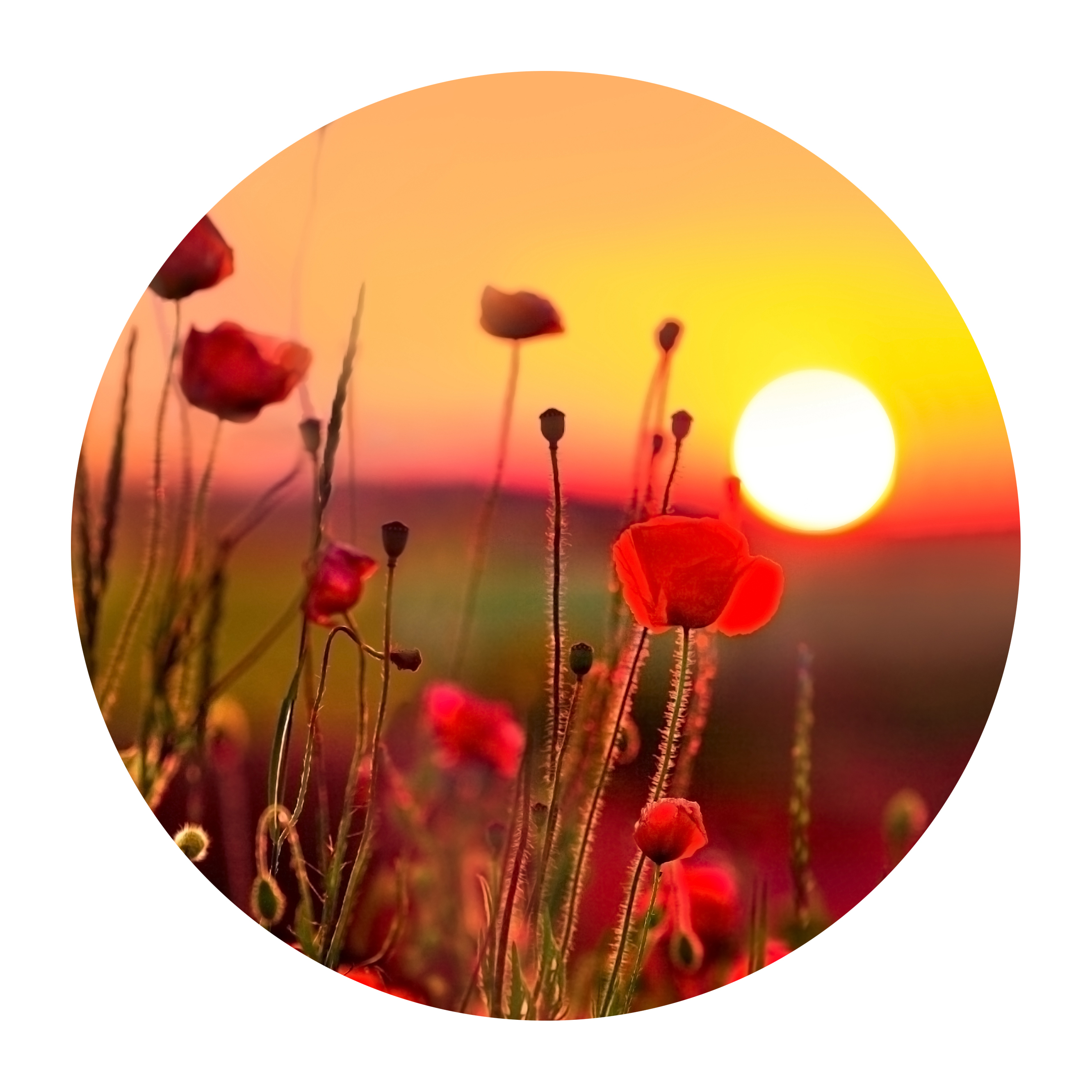
I opened Instagram last week and scrolled through fifty photos from fifty different photographers. They all looked like they were shot on the same camera, in the same location, at the same time of day. Same teal-and-orange split toning. Same lifted blacks. Same crushed shadows that somehow manage to feel both dramatic and hollow. Same exact vibe.
This isn’t a coincidence. This is what happens when powerful AI color grading tools become the default move for the majority of photographers.
The Efficiency Trap
I’m not going to pretend AI color grading tools aren’t genuinely useful. They are. Applying a one-click preset to a batch of wedding photos at midnight when you’re running on fumes and cold coffee? That’s real value. An AI tool that analyzes skin tones and pulls accurate whites in seconds? Objectively helpful. Adobe’s Auto Tone, Skylum’s Luminar masking, DxO’s correction algorithms—these are legitimate time-savers that let photographers spend more energy on shooting and less on the mechanical parts of post-production.
But here’s where it gets tricky: efficiency at scale has a way of flattening everything it touches.
When the barrier to “finished-looking” photos drops to zero friction, everyone crosses it. And when everyone crosses it using the same tool with the same default settings, you don’t get diversity. You get a monoculture.
What We’re Actually Losing
Personal style in photography used to be built through thousands of small decisions made in editing. You developed a preference for how warm or cool your shadows felt. You learned whether you liked crushed blacks or lifted ones. You discovered that your eye naturally gravitated toward a specific saturation curve, or a particular contrast structure. That accumulated knowledge—that taste—became recognizable. You could spot a Joel Meyerowitz print across a room. You knew immediately when you were looking at a Sally Mann image.
Now? I can’t tell the difference between photos edited by five different photographers using the same AI preset.
The real issue isn’t that AI can grade photos—it’s that AI grades them identically. A preset baked into Lightroom or Capture One applies the same tonal adjustments, the same color science, the same creative decisions to every single image it touches. It’s a photocopy machine mistaking itself for a creative choice.
When you hand over color grading to one-click automation, you’re not freeing yourself from tedious work—you’re outsourcing your creative voice to an algorithm that has never seen your portfolio, never met your clients, and has no stake in whether your work stands out.
The Instagram Effect
Walk through Instagram’s photography tags and you’ll see what I mean in concrete terms. Open #portraitphotography and count how many feeds use virtually identical color treatment: peachy skin tones, cool-tinted shadows, slightly desaturated backgrounds. It’s like watching a thousand photographers accidentally become the same person.
I watched this happen in real time during the VSCO filter era. Those preset packs democratized editing, which was genuinely good for photography—suddenly people who couldn’t afford Photoshop could make their images look professional. But it also meant that by 2016, half of Instagram looked like it had been filtered through the exact same five VSCO presets. Personal style didn’t scale.
AI color grading is VSCO with better algorithms.
Where the Real Work Lives
Here’s what doesn’t get automated: knowing why a particular skin tone needs to sit slightly warm against a cool background. Understanding when to lift your blacks and when to crush them. Recognizing that your particular subject matter—whether it’s street photography, architectural work, or fine art nudes—needs a fundamentally different color language than everyone else’s.
That knowledge comes from failing. From making 500 edits that look wrong before edit 501 feels right. From studying other photographers’ work and thinking, “I want that restraint” or “I want more drama than that.” From building a coherent aesthetic across 5,000 images instead of optimizing each one individually.
AI can’t do that. It can only replicate what’s already been done.
The Path Forward
I’m not suggesting you reject color grading software or automation entirely. Use the tools when they actually serve your work. Let AI handle the grunt work of correcting white balance or pulling basic exposure. But don’t let it be your only move.
Spend the time to understand your own color preferences. Edit manually, even if it’s slower. Make mistakes. Develop an editing style that couldn’t be replicated by someone else using the same preset you used.
Because the photographers who’ll still be recognizable in five years—whose work you can identify instantly—won’t be the ones who optimized for speed. They’ll be the ones who optimized for voice.
Comments (5)
Finally someone explains this in a way that actually makes sense.
Couldn't agree more. I've seen this make a huge difference in business work specifically.
I've watched a dozen tutorials on this and yours is the clearest by far.
Great breakdown. The step-by-step approach really helps.
Never thought of approaching it this way. Really creative.
Leave a Comment