Double-Click Your Way Out of Lightroom Chaos (Scott Kelby's Fastest Reset Trick)

Double-Click Your Way Out of Lightroom Chaos (Scott Kelby's Fastest Reset Trick)

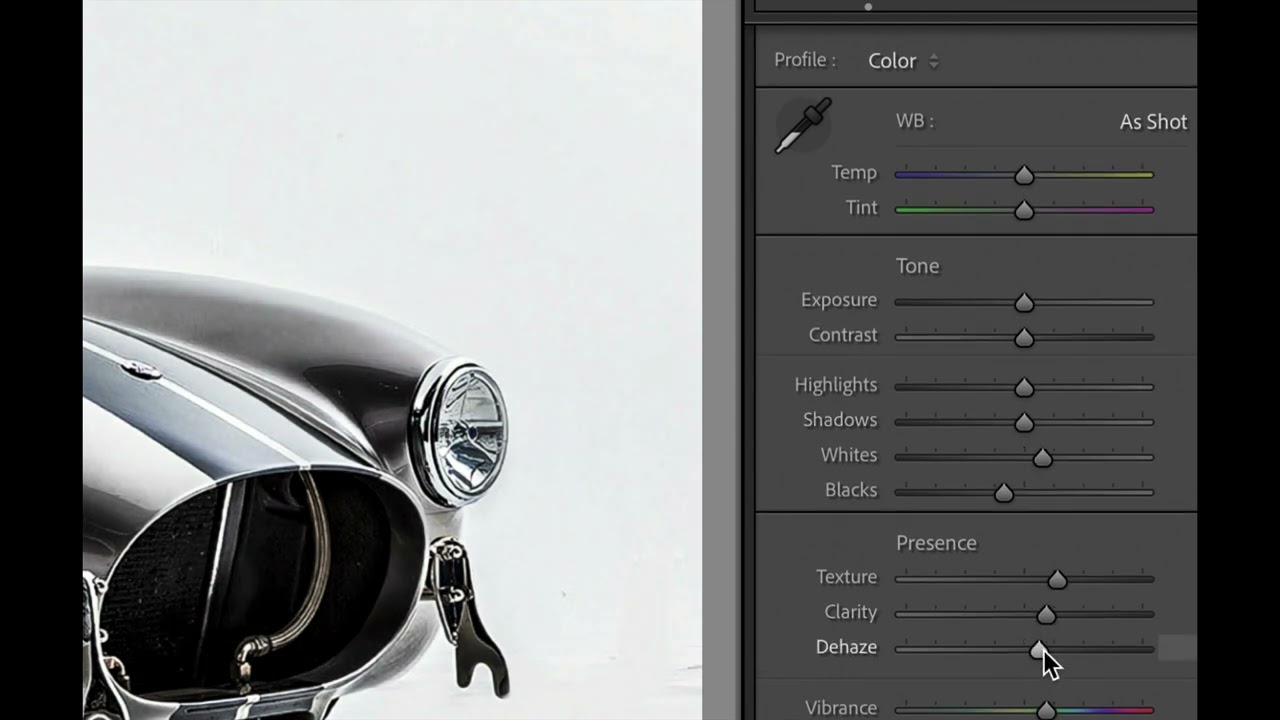
Last week I was deep into a portrait edit, chasing a warm film look I had in my head, and somewhere between pushing Dehaze too far and getting aggressive with the HSL panel, I lost the plot completely. The image looked like it had been processed by someone who had never seen a photograph before. We’ve all been there. The instinct is to hit Undo fifteen times or just reset the whole develop module and start over, but both options are slower than they need to be — and a full reset throws out the adjustments that were actually working.

The Lightroom Trap: Why Your Improvements Might Be Sabotaging Your Images

The Lightroom Trap: Why Your Improvements Might Be Sabotaging Your Images

The Lightroom Trap: Why Your “Improvements” Might Be Sabotaging Your Images I’ve been staring at Lightroom for so long that I can practically taste the RGB sliders. And after years of editing—both my own work and mentoring other photographers—I’ve noticed something fascinating: the most destructive edits are the ones that feel amazing while you’re making them. Lightroom’s greatest strength is also its Achilles heel. The software is so intuitive and forgiving that we can make dramatic changes in seconds.