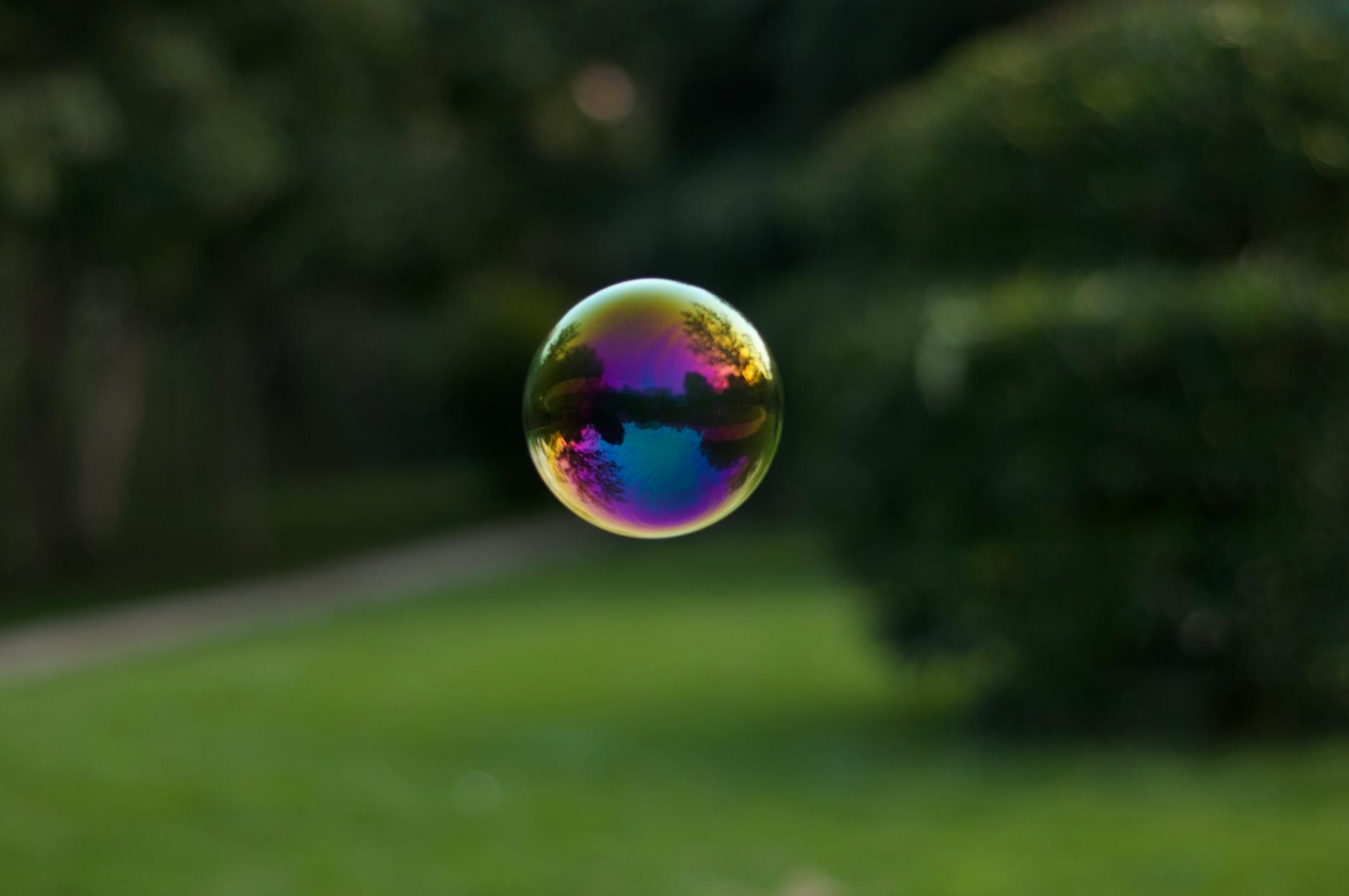
Split Toning: Adding Mood with Color Contrast

Split Toning: Adding Mood with Color Contrast

Split toning adds different color tints to the shadows and highlights of an image. It’s one of the most powerful mood-setting tools in Lightroom, and it works on both color and black and white images. The principle is simple: warm highlights and cool shadows (or vice versa) create a color contrast that adds dimension and atmosphere to any image. Understanding the Color Grading Panel Lightroom’s Color Grading panel (formerly called Split Toning) gives you three color wheels:

Creating a Cinematic Color Grade in Lightroom

The cinematic look isn’t about slapping on a preset and hoping for the best. It’s a specific set of color and tone decisions that filmmakers have used for decades. And you can replicate it in Lightroom with intention. What Makes a Photo Look “Cinematic” Cinematic images share three characteristics: Compressed dynamic range — shadows aren’t pure black, highlights aren’t pure white. The tonal range is narrower than reality, which creates that filmic, polished feel.