Chasing the Haze: How to Master That Dreamy Photography Aesthetic in Lightroom

Chasing the Haze: How to Master That Dreamy Photography Aesthetic in Lightroom

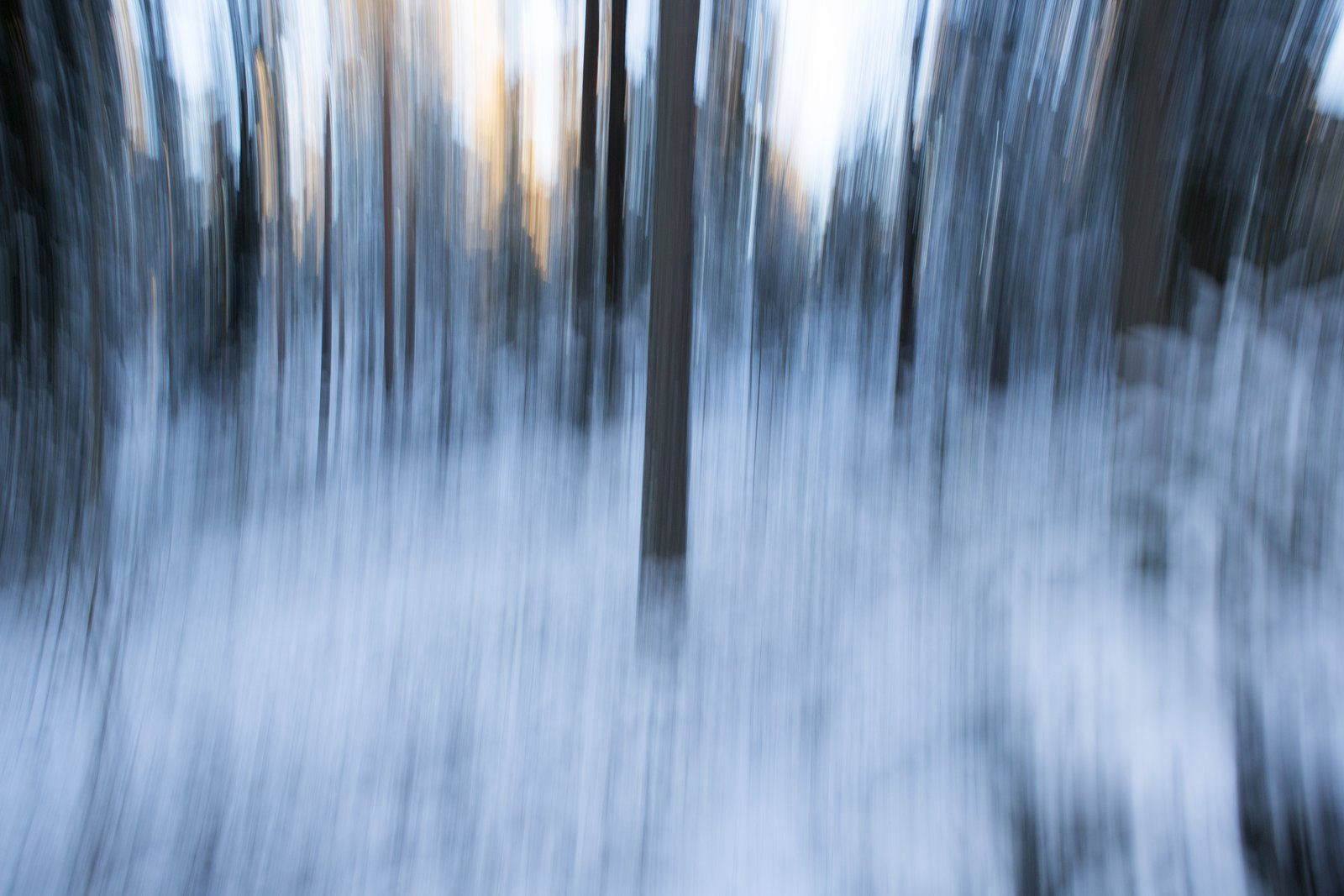
Chasing the Haze: How to Master That Dreamy Photography Aesthetic in Lightroom You know that photography style—the one where landscapes look like they’re wrapped in silk, where travel photos have this otherworldly glow, where everything feels like you’re viewing it through rose-tinted glasses. I’ve been noticing it everywhere lately, from Instagram travel accounts to high-end editorial shoots. And I had to figure out: is this look created in-camera or in post-production?

Color Grading in Lightroom: Transform Your Photos from Flat to Cinematic

Color Grading in Lightroom: Transform Your Photos from Flat to Cinematic

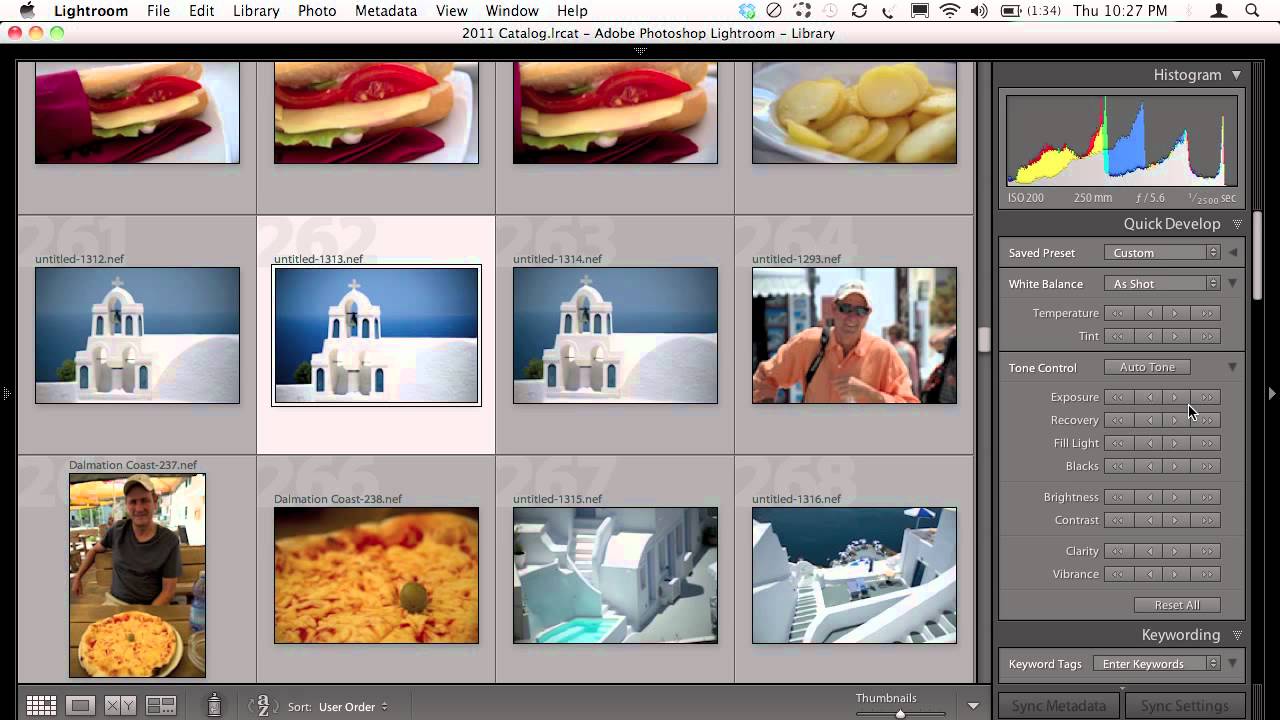
Color Grading in Lightroom: Transform Your Photos from Flat to Cinematic I used to think color grading was reserved for Hollywood colorists working in $50,000 suites. Then I realized it’s just intentional color choices, and Lightroom gives us all the tools we need to nail it. The difference between a snapshot and a shot? Often it’s color grading. A well-graded image tells a story before you even read the caption. Warm, golden tones feel nostalgic.

Mastering the Tone Curve in Lightroom: The Secret Weapon of Professional Editors

Mastering the Tone Curve in Lightroom: The Secret Weapon of Professional Editors

Mastering the Tone Curve in Lightroom: The Secret Weapon of Professional Editors I used to think the Tone Curve was for advanced editors only—you know, the kind of people who use words like “luminosity” casually at dinner parties. But after years of editing thousands of photos, I’ve realized it’s actually the most forgiving, most powerful tool in Lightroom’s arsenal. And honestly? It’s easier to master than you’d think. The tone curve changed everything for me.

Split Toning in Lightroom: The Secret Weapon for Cinematic Color

Split Toning in Lightroom: The Secret Weapon for Cinematic Color

Split Toning in Lightroom: The Secret Weapon for Cinematic Color I remember the first time I really understood split toning. I was editing a sunset portrait that felt flat despite nailing the exposure, and I thought: “This needs something.” I opened the Split Toning panel in Lightroom, threw a cool blue into the shadows while keeping the highlights warm, and suddenly the image had dimension. It looked like a film still instead of a snapshot.

How to Edit Photos Like a Professional: Lightroom Mastery in 2024

How to Edit Photos Like a Professional: Lightroom Mastery in 2024

How to Edit Photos Like a Professional: Lightroom Mastery in 2024 I’ve been editing photos for over a decade, and I can tell you with absolute certainty: the difference between amateur and professional editing isn’t about expensive gear or secret filters. It’s about understanding fundamental principles and applying them with intention. If you want to know how to edit photos like a professional, you’re in the right place. Think of professional editing like the difference between a home-cooked meal and a Michelin-star restaurant dish.

The Color Grading Blueprint: How to Match Any Mood in Lightroom

The Color Grading Blueprint: How to Match Any Mood in Lightroom

The Color Grading Blueprint: How to Match Any Mood in Lightroom I used to think color grading was magic—the kind of thing only professionals with mysterious knowledge could pull off. Then I realized it’s actually a language. Once you learn to speak it, you can make your photos whisper, shout, or sing whatever emotional note you want. Here’s what changed everything for me: understanding that color grading isn’t about making things look “better.

The Art of Color Grading in Lightroom: Moving Beyond Auto Tone

The Art of Color Grading in Lightroom: Moving Beyond Auto Tone

The Art of Color Grading in Lightroom: Moving Beyond Auto Tone I used to think color grading was something only Hollywood colorists did in million-dollar studios. Then I realized I’d been looking at it all wrong. Every time you scroll through Instagram and see a photo that just hits differently—that moody blue hour portrait, that sun-soaked travel shot with buttery golden tones—that’s color grading. And I’m here to tell you that you absolutely can master it in Lightroom.

Mastering the Tone Curve in Lightroom: Your Secret Weapon for Professional Color Grading

Mastering the Tone Curve in Lightroom: Your Secret Weapon for Professional Color Grading

Mastering the Tone Curve in Lightroom: Your Secret Weapon for Professional Color Grading When I first started editing photos seriously, I lived and died by the Exposure slider. More light? Turn it up. Too dark? Crank it higher. It worked, sure—but it felt like using a sledgehammer when I needed a scalpel. Then I discovered the tone curve, and everything changed. The tone curve is where amateurs become professionals. It’s the difference between a photo that looks “edited” and one that looks intentional.

Mastering the Tone Curve in Lightroom: Transform Your Images with Precision

Mastering the Tone Curve in Lightroom: Transform Your Images with Precision

Mastering the Tone Curve in Lightroom: Transform Your Images with Precision I’ll be honest—when I first opened Lightroom’s tone curve panel, I felt like I was staring at a financial spreadsheet. Lines. Graphs. Numbers. Not exactly inspiring. But then I realized something: the tone curve isn’t complicated at all. It’s actually the most intuitive way to control your image’s mood, contrast, and personality. Think of the tone curve as a control panel for every brightness level in your photo.