
The Glow Slider Game-Changer: How Camera Raw's Latest Update Transforms Soft Light Effects

The Glow Slider Game-Changer: How Camera Raw's Latest Update Transforms Soft Light Effects

The Soft-Focus Dream is Getting a Serious Upgrade I’ve been chasing that ethereal, Instagram-filter-meets-professional-photography aesthetic for years. You know the look—where light seems to bloom around your subject like they’re living in a perpetual golden hour. Getting there used to require juggling multiple sliders, layer masks, and enough trial-and-error to make you question your life choices. Then Camera Raw 18.6 dropped something genuinely useful: a dedicated glow slider. What Changed (And Why I’m Excited) The new glow control essentially bundles three separate techniques into one intuitive slider.
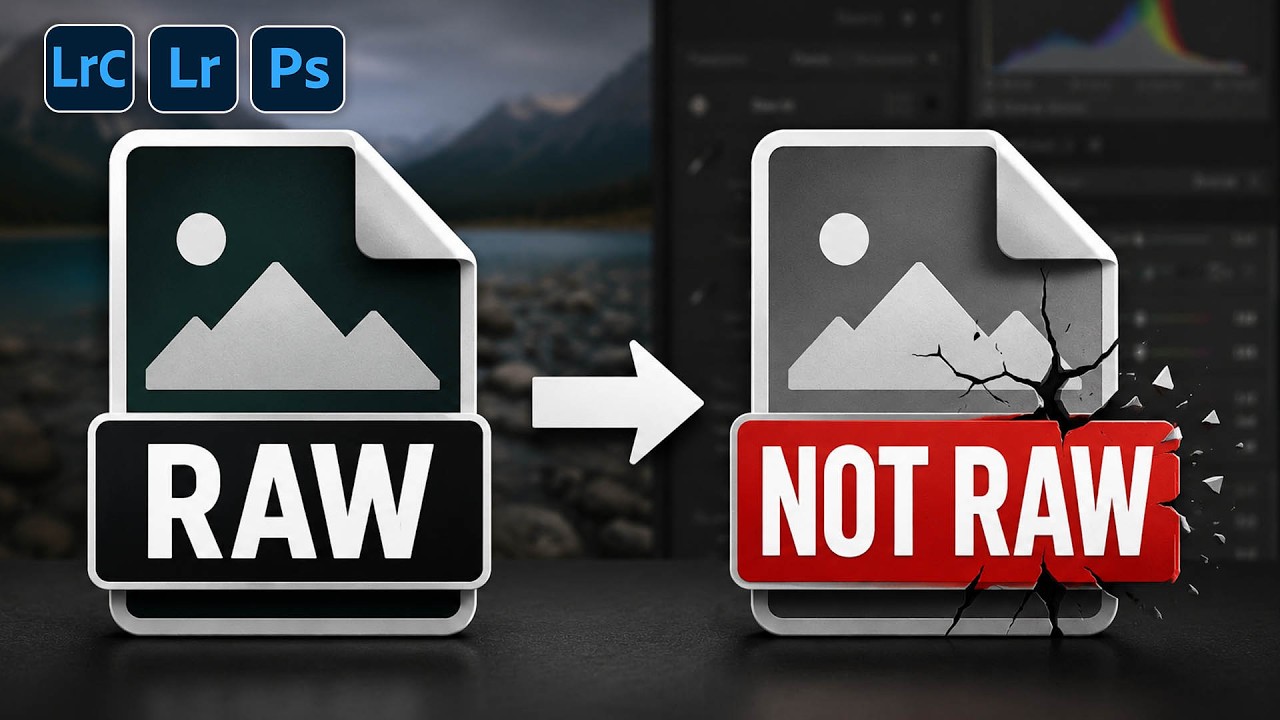
The Dirty Secret About RAW Files in Photoshop (And Why Your Camera Raw Filter Is Lying to You)

The Dirty Secret About RAW Files in Photoshop (And Why Your Camera Raw Filter Is Lying to You)

There’s a conversation I’ve had more times than I can count, usually in the comments section of a tutorial or in a DM from someone who’s genuinely frustrated. It goes something like this: “I opened my RAW file in Photoshop, used the Camera Raw filter, and the autofocus points feature was grayed out. Is my camera not supported?” The answer isn’t about the camera. It’s about a fundamental misunderstanding of what a RAW file actually is once it crosses the border from Lightroom into Photoshop.