
Google's New AI Watermark Detector: What It Means for Your Editing Workflow

Google's New AI Watermark Detector: What It Means for Your Editing Workflow

Google’s New AI Watermark Detector: What It Means for Your Editing Workflow I’ve been watching the generative AI conversation in photography heat up over the past year, and honestly? It’s been a wild ride. Google just quietly made a move that could shift how we all think about image authenticity: they’ve released SynthID Detector to the public, a free tool designed to spot invisible watermarks embedded in AI-generated or AI-edited images.

Adobe's Surprise AI Integration: Prompt to Edit is Changing How We Work in Lightroom

Adobe's Surprise AI Integration: Prompt to Edit is Changing How We Work in Lightroom

Adobe’s Surprise AI Integration: Prompt to Edit is Changing How We Work in Lightroom I’ll admit itβ€”I did a double-take when I discovered Adobe had quietly slipped a new experimental feature into Lightroom. Not only is there a fresh generative AI tool inside the platform we use daily, but it’s powered by Google’s Nano Banana technology. This isn’t just an incremental update; it’s a fundamental shift in how we might approach image editing.

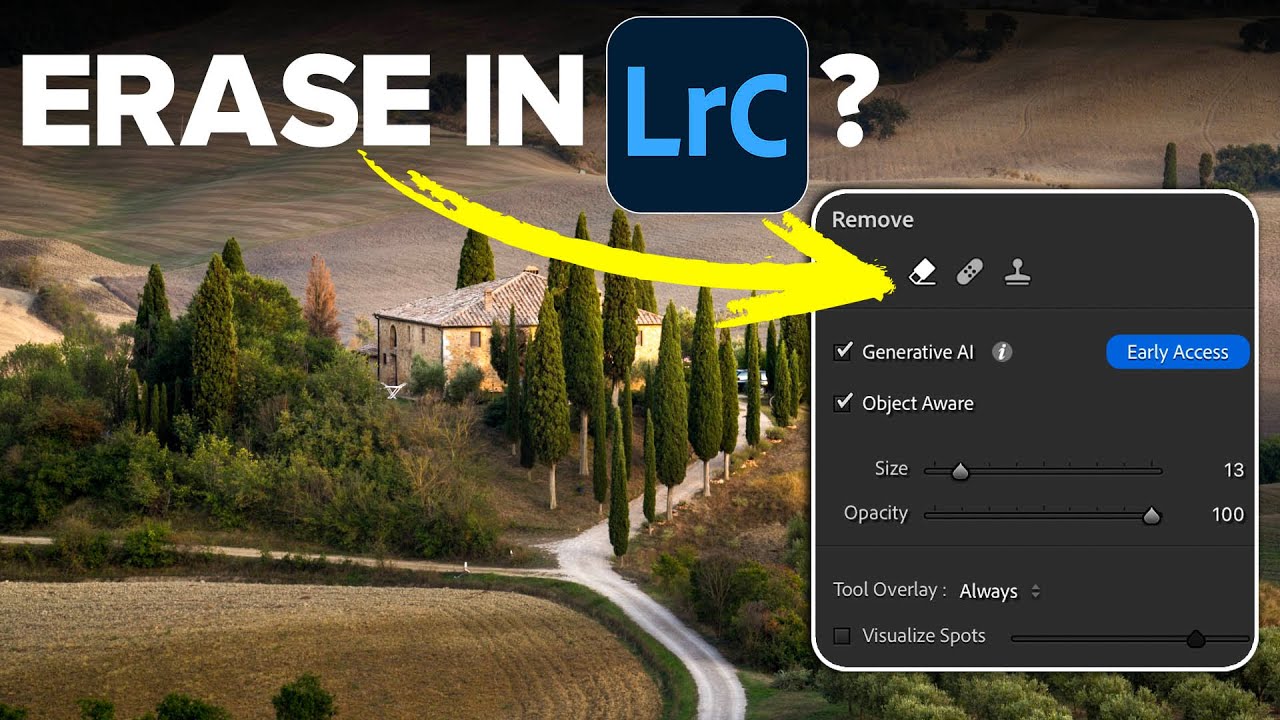
Adobe Finally Gave Lightroom an AI Eraser That's Actually Worth Using

Adobe Finally Gave Lightroom an AI Eraser That's Actually Worth Using

Every Lightroom user has a version of the same story. You spend twenty minutes getting a raw file exactly right, the tones are balanced, the colors are singing, and then you notice the power line cutting across the sky. Or the tourist walking through the background. Or the trash can that somehow ended up in the perfect composition. And just like that, you’re exporting to Photoshop, doing the thing, exporting back, and now you’ve got a TIFF sitting next to your raw file like a receipt you didn’t want.