Master HSL Adjustments in Lightroom: Transform Your Colors Like a Pro

Master HSL Adjustments in Lightroom: Transform Your Colors Like a Pro

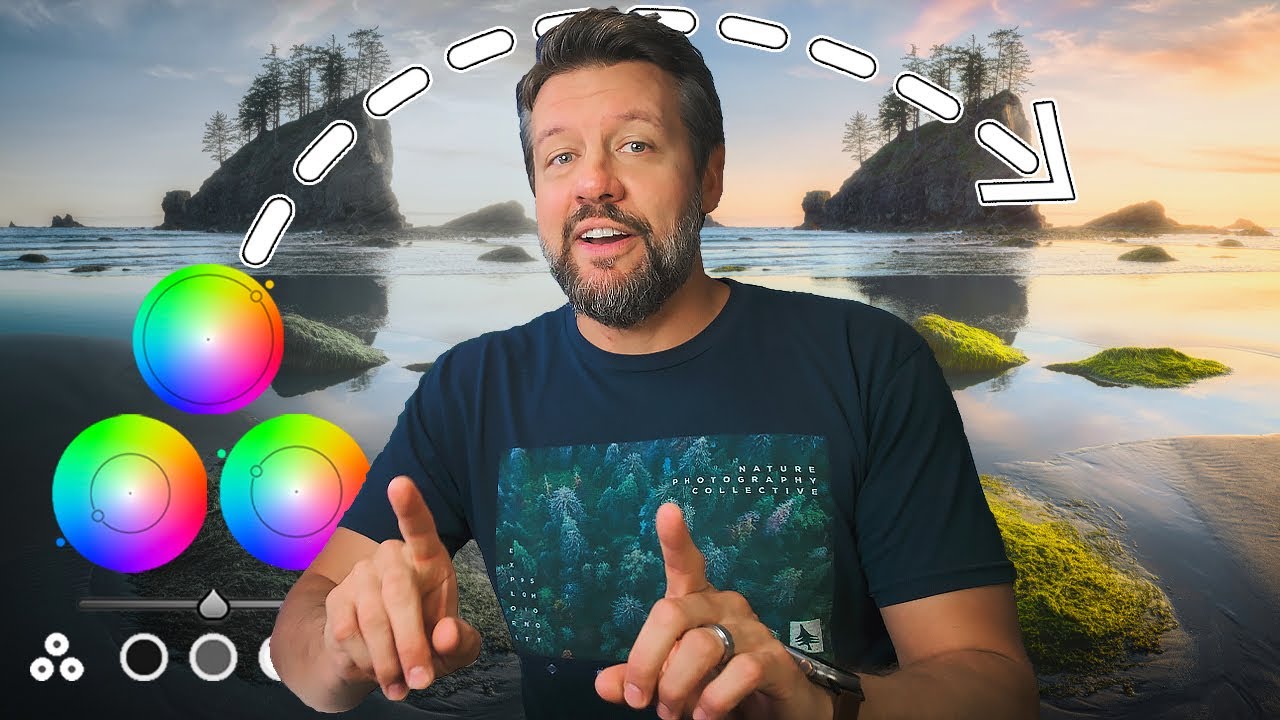
Master HSL Adjustments in Lightroom: Transform Your Colors Like a Pro I discovered HSL adjustments about three years into my Lightroom journey, and honestly, I felt robbed of those years. This tool changed everything about how I approach color grading—it’s like going from adjusting the master volume on your entire song to having individual faders for each instrument. HSL stands for Hue, Saturation, and Luminance, and it’s one of the most underrated features in Lightroom’s develop module.

Masking Tools in Lightroom: The Secret Weapon for Surgical Edits

Masking Tools in Lightroom: The Secret Weapon for Surgical Edits

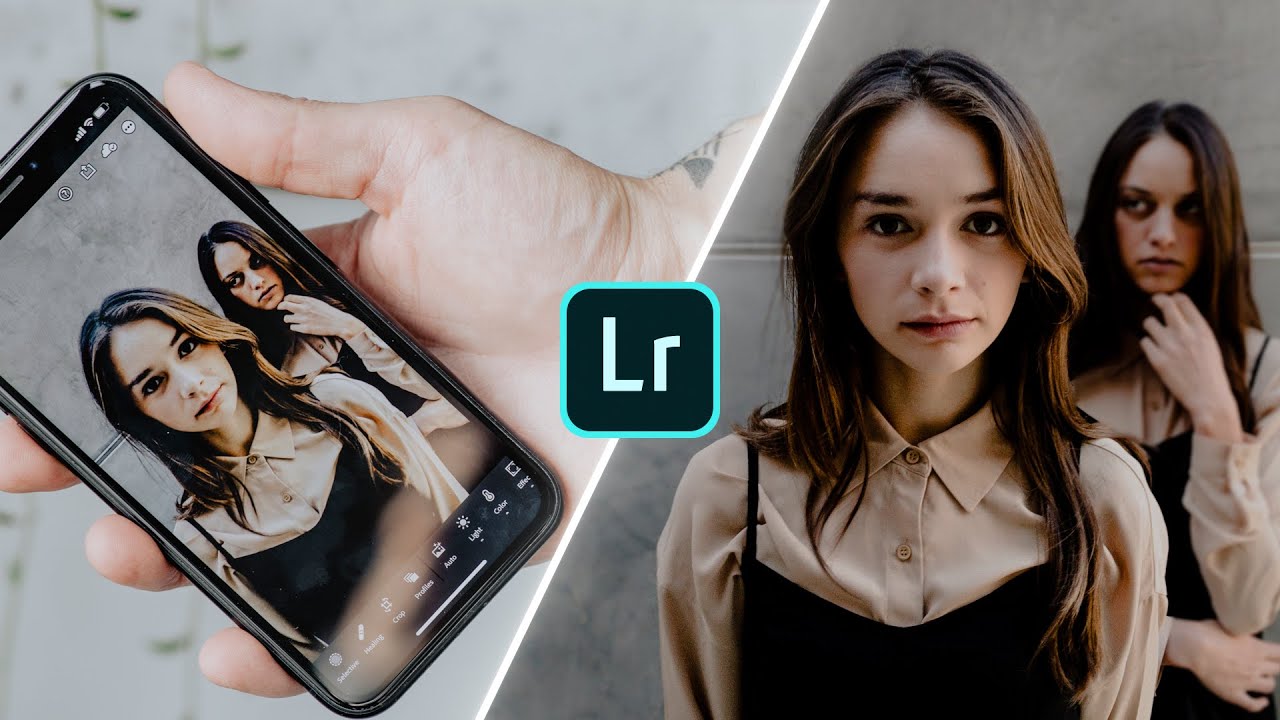
Masking Tools in Lightroom: The Secret Weapon for Surgical Edits I used to edit photos like I was applying makeup with oven mitts on—crude, imprecise, and affecting way more than I intended. Then I discovered Lightroom’s masking tools, and everything changed. Suddenly, I could brighten someone’s eyes without blowing out their entire face. I could warm up skin tones while keeping the sky perfectly cool. It’s the difference between using a sledgehammer and a scalpel.

Masking Tools in Lightroom: Precision Editing for the Modern Photographer

Masking Tools in Lightroom: Precision Editing for the Modern Photographer

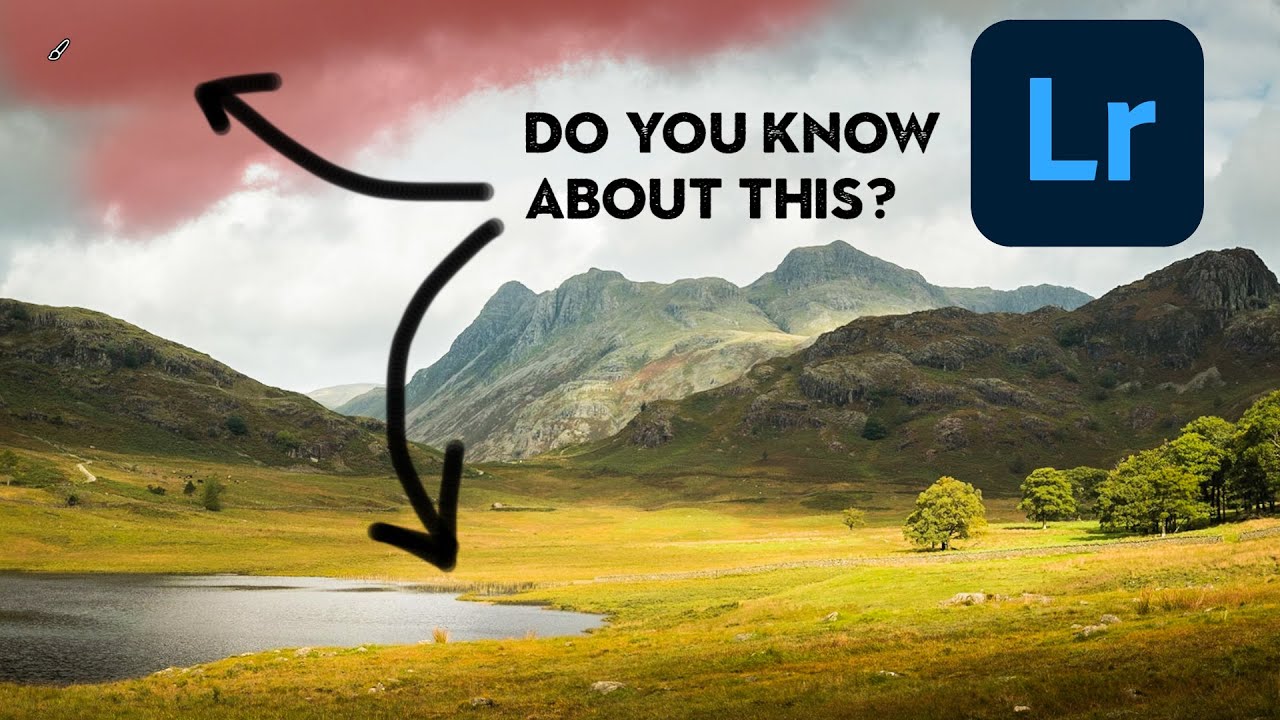
Masking Tools in Lightroom: Precision Editing for the Modern Photographer I used to spend hours trying to brighten a subject’s face without blowing out the background. Then I discovered Lightroom’s masking tools, and honestly? It changed everything. What used to feel like color grading with oven mitts suddenly became precise, intentional, and—dare I say—fun. If you’ve ever wanted to edit only the sky without affecting the landscape below it, or enhance skin tones while keeping everything else untouched, masking is your answer.

Lightroom Presets: Your Secret Weapon for Consistent, Professional Color Grading

Lightroom Presets: Your Secret Weapon for Consistent, Professional Color Grading

Lightroom Presets: Your Secret Weapon for Consistent, Professional Color Grading I used to spend 20 minutes on every single photo. White balance here, shadows there, a bit of vibrance, maybe some split-toning if I was feeling fancy. My workflow was messier than my desk, and my editing style was all over the place—like I was a different photographer with each shot. Then I discovered the real power of Lightroom presets, and honestly?

Lightroom Presets: The Shortcut to Consistent, Professional Color Grading

Lightroom Presets: The Shortcut to Consistent, Professional Color Grading

Lightroom Presets: The Shortcut to Consistent, Professional Color Grading I used to spend 20 minutes editing each photo. Twenty minutes! Adjusting whites, shadows, vibrance, HSL sliders—the whole tedious dance. Then I discovered the real power of Lightroom presets, and my entire workflow changed. I’m not talking about one-click Instagram filters that make your photos look flat and over-processed. I’m talking about smart, customizable starting points that cut my editing time in half while actually improving consistency across my library.

Lightroom Presets: The Shortcut to Consistent Color Grading (That Actually Works)

Lightroom Presets: The Shortcut to Consistent Color Grading (That Actually Works)

Lightroom Presets: The Shortcut to Consistent Color Grading (That Actually Works) I used to spend three hours editing a single photo. Not because I’m a perfectionist (okay, maybe a little), but because I had no system. Every image got the full Frankenstein treatment—sliding panels around like I was piloting a spacecraft. Then I discovered presets, and suddenly my Sunday editing sessions didn’t bleed into Monday. Here’s the thing: presets aren’t cheating.

Lightroom Presets: The Creative Shortcut That Actually Works

Lightroom Presets: The Creative Shortcut That Actually Works

Lightroom Presets: The Creative Shortcut That Actually Works I used to think Lightroom presets were for people who didn’t know how to edit. Then I realized I was being a snob about the wrong thing. Presets aren’t about laziness—they’re about efficiency. They’re the difference between spending three hours editing a wedding shoot and spending three hours actually creating something distinctive. Think of them as your signature font, not a copy-paste button.

Color Grading in Lightroom: Transform Your Photos from Flat to Cinematic

Color Grading in Lightroom: Transform Your Photos from Flat to Cinematic

Color Grading in Lightroom: Transform Your Photos from Flat to Cinematic I used to think color grading was reserved for Hollywood colorists working in $50,000 suites. Then I realized it’s just intentional color choices, and Lightroom gives us all the tools we need to nail it. The difference between a snapshot and a shot? Often it’s color grading. A well-graded image tells a story before you even read the caption. Warm, golden tones feel nostalgic.