Blown Highlights Aren't Dead — How I Learned to Stop Deleting and Start Recovering

Blown Highlights Aren't Dead — How I Learned to Stop Deleting and Start Recovering

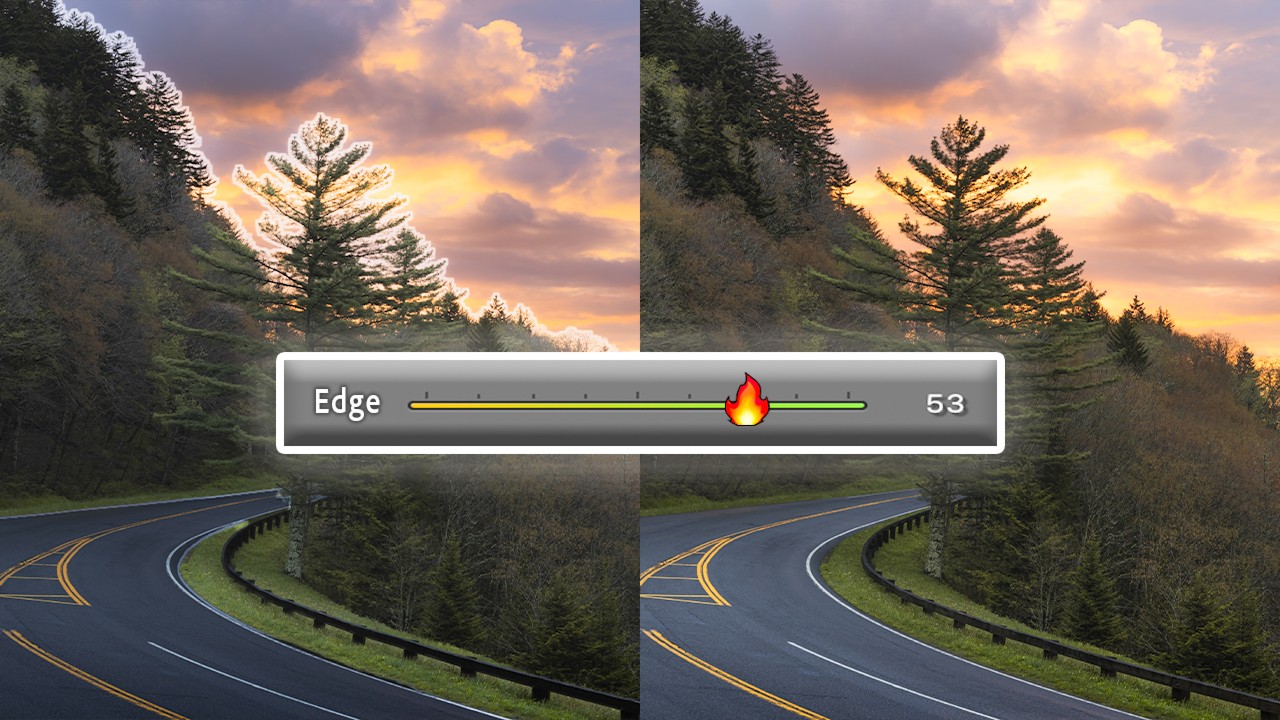
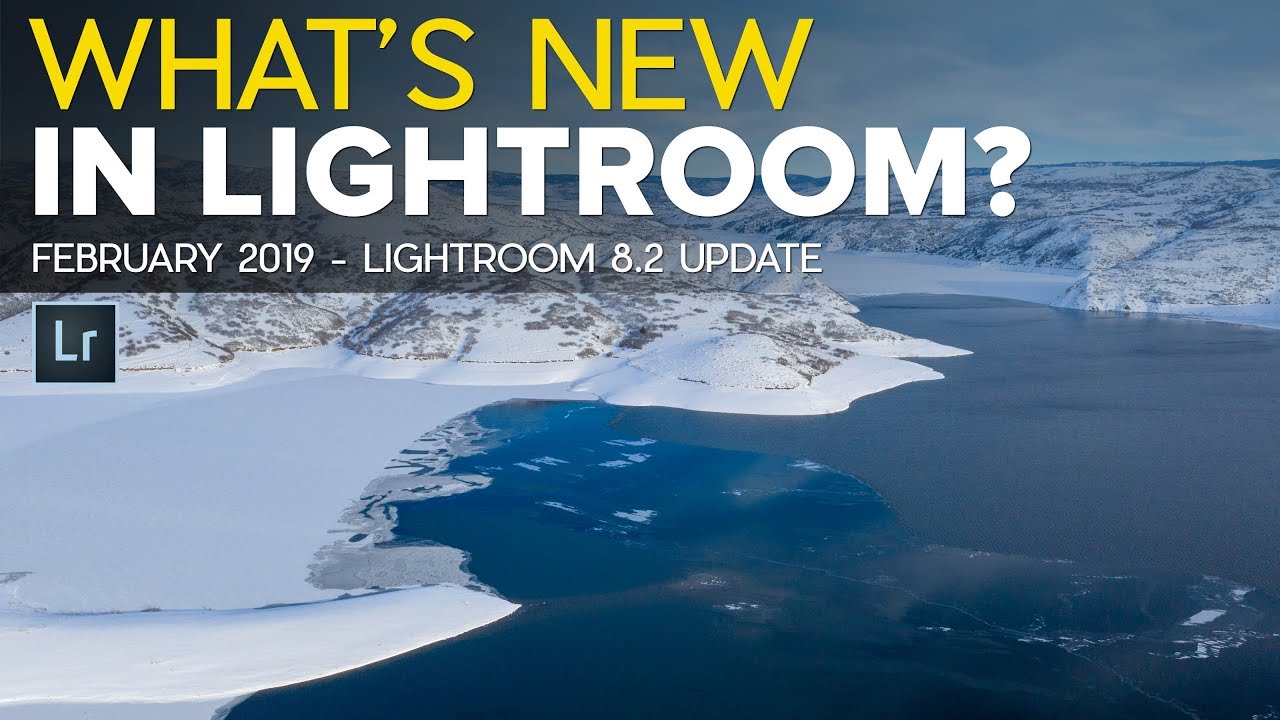
Last week I was sorting through a set of golden hour shots from Percy Priest Lake and doing that thing photographers do where you hover over the delete key like you’re defusing a bomb. Sky completely blown. Foreground perfect. Classic high-contrast nightmare. My instinct, same as it’s been since I started editing, was to write those frames off and move on. Then I watched this. In this Mark Denney tutorial on recovering blown highlights, he makes an argument I’ve heard before but never fully trusted: that a clipped histogram doesn’t automatically mean a dead photo.

Split Toning in Lightroom: How Two Colors Can Make or Break the Whole Mood of a Photo

Split Toning in Lightroom: How Two Colors Can Make or Break the Whole Mood of a Photo

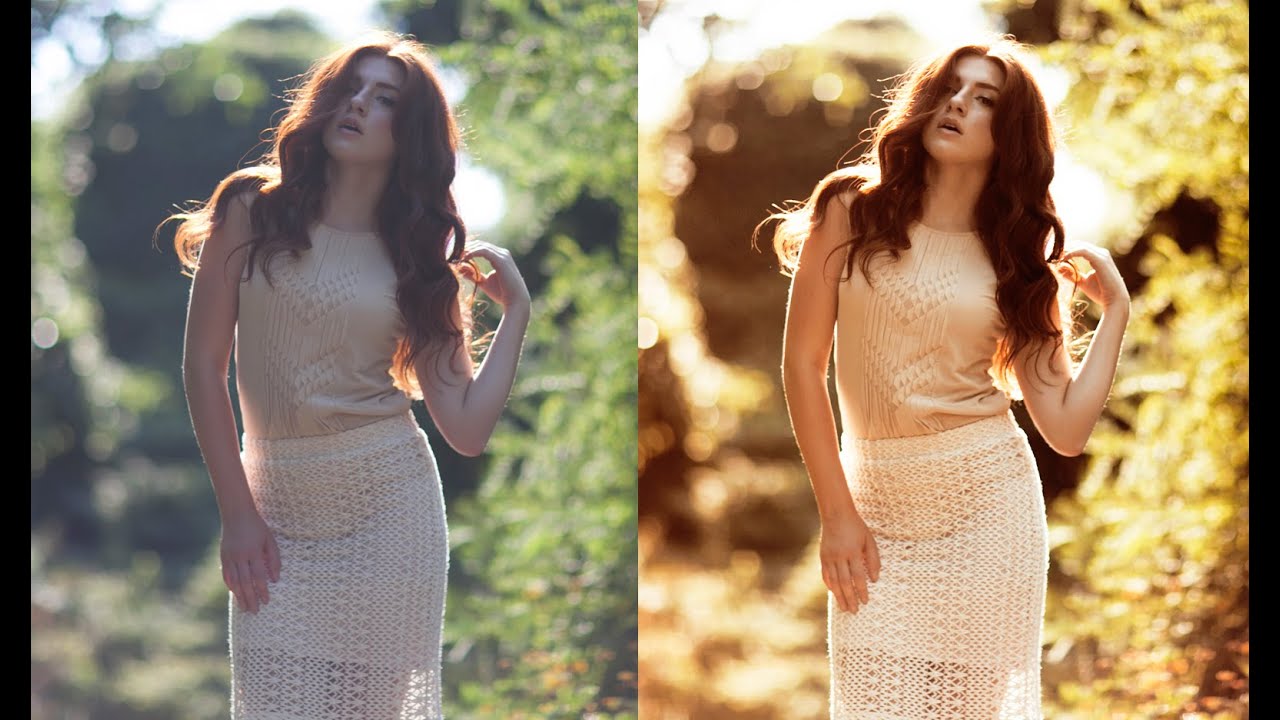
I have a preset I built about three years ago called “Rumours.” Warm golden shadows, slightly cool highlights, the kind of look that makes a portrait feel like it was shot in a California living room in 1977. I named it after the Fleetwood Mac album because that’s the mood I was chasing when I built it. I’ve used it on maybe two dozen client galleries since then, and people consistently ask me how I got “that color.

Stop Manually Dragging Sliders Back to Zero — There's a Much Faster Way

Stop Manually Dragging Sliders Back to Zero — There's a Much Faster Way

Last week I was doing a second pass on a batch of live music shots, the kind where you’ve already applied a sync across fifty frames and then realize the Texture slider is doing something weird on half of them. My usual move was to grab each slider and drag it back toward zero, squinting at the number until I landed close enough. Close enough. That’s not a workflow, that’s a nervous habit.

Split Toning Is the Difference Between a Good Edit and a Memorable One

Split Toning Is the Difference Between a Good Edit and a Memorable One

I had a folder of band press shots sitting on my desktop for three days before I figured out what was wrong with them. The exposure was right. The white balance was dialed. The skin tones looked natural. And the photos were completely, aggressively boring. They looked like stock photos of musicians rather than actual musicians. It wasn’t until I added a warm amber to the shadows and a faint blue to the highlights that the whole thing clicked.

What Lightroom Presets Actually Do to Your Files (And Why Most People Use Them Wrong)

What Lightroom Presets Actually Do to Your Files (And Why Most People Use Them Wrong)

A few years ago I released a preset pack on a Tuesday night, mostly because I’d spent the entire weekend building it and felt too stubborn to let it sit on my hard drive. I named every preset after a song, priced the pack at zero dollars, and went to bed. By Friday it had 50,000 downloads. The number wasn’t the surprising part. The surprising part was how many people emailed me to say the presets “weren’t working” because their photos looked nothing like the preview images on the download page.

What Lightroom Presets Actually Do to Your Raw Files (And Why Most People Use Them Wrong)

What Lightroom Presets Actually Do to Your Raw Files (And Why Most People Use Them Wrong)

A few years ago I released a preset pack called Slow Burn — named after a Kacey Musgraves track, because I name all my presets after songs and I’m not sorry about it. I built the whole thing over one long weekend, uploaded it for free, and watched it pull 50,000 downloads inside of a month. The flood of follow-up emails taught me something I hadn’t expected: most of the people using those presets were frustrated.

When the Sky Blows Out: A Practical Guide to Recovering Highlights in Lightroom

When the Sky Blows Out: A Practical Guide to Recovering Highlights in Lightroom

Last week I was culling through a batch of golden hour landscapes and kept landing on the same problem: skies that had gone completely white. Not just bright. Gone. The kind of blown-out exposure that makes you wonder if your histogram was even trying. My instinct, the same one I had for years, was to flag those frames and move on. But I’ve learned to sit with them longer now, because more often than not, the detail is still in there.

HSL in Lightroom: The Color Control Most Editors Treat Like a Mystery Box

HSL in Lightroom: The Color Control Most Editors Treat Like a Mystery Box

I was editing a set of golden hour portraits last spring, and the skin tones looked like the subject had been standing inside a traffic cone. The overall white balance was fine. The exposure was good. But somewhere between the warm light and my heavy-handed orange push in the tone curve, everything had gone sideways in a very specific, very unflattering direction. The fix took about forty-five seconds once I opened the HSL panel.

Split Toning Is the Reason Your Photos Look Flat (And How to Fix It in 4 Steps)

Split Toning Is the Reason Your Photos Look Flat (And How to Fix It in 4 Steps)

A few years back I was editing press shots for my band. No budget, no photographer, just me with a Nikon and a free trial of Lightroom trying to make us look like we belonged on a festival poster. I kept cranking up the contrast and punching the saturation and wondering why every photo looked like it came out of a vending machine. Something was off, and I couldn’t name it.

Why Your Lightroom Presets Look Nothing Like the Preview (And How to Fix That)

Why Your Lightroom Presets Look Nothing Like the Preview (And How to Fix That)

A few years back, I built a preset pack over one long weekend. I barely slept. I named every preset after a song — “Harvest Moon” for that warm, golden-hour film look, “Blue Ridge” for cooler tones with lifted shadows, “Neon Noir” for the high-contrast, teal-and-orange edit that was everywhere on Instagram at the time. I put the whole pack together, decided it felt wrong to charge for it, and gave it away.

The Art of Color Grading: Transform Your Photos Like a Hollywood Film

The Art of Color Grading: Transform Your Photos Like a Hollywood Film

The Art of Color Grading: Transform Your Photos Like a Hollywood Film I remember the first time I really understood color grading. I was editing a portrait that felt flat and lifeless, and after spending three hours adjusting individual color channels, something clicked. The image suddenly had mood, atmosphere, and depth—it looked like it belonged in a film. That’s when I realized color grading isn’t just about making things look pretty.

DaVinci Resolve 21's New Photo Editing Suite Is Shaking Up the Lightroom Ecosystem

DaVinci Resolve 21's New Photo Editing Suite Is Shaking Up the Lightroom Ecosystem

DaVinci Resolve 21’s New Photo Editing Suite Is Shaking Up the Lightroom Ecosystem When Blackmagic Design dropped DaVinci Resolve 21 this week, I’ll admit my first thought was: “Wait, isn’t that the video editing software?” Turns out, the company had other plans. Buried inside this massive update is something that could genuinely reshape how photographers think about their editing workflow—an entirely new Photo page that brings professional-grade color grading and RAW editing to Resolve’s already impressive toolset.