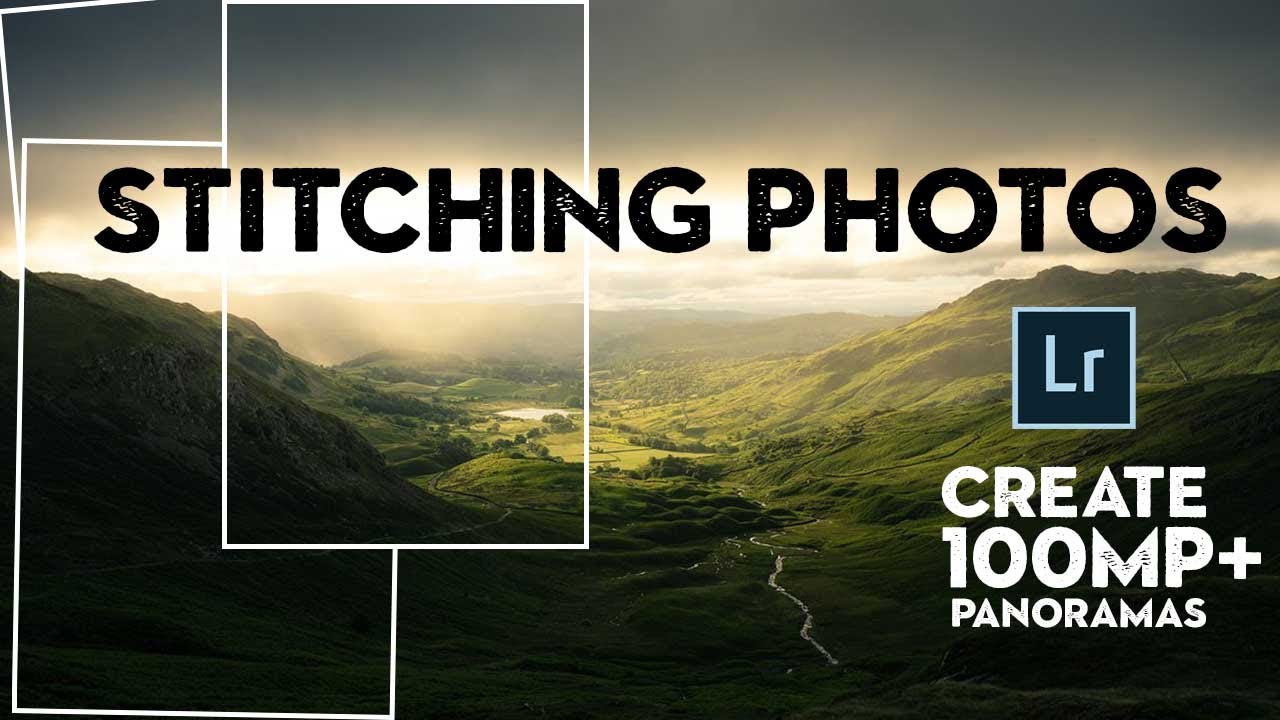
How to Shoot and Stitch 100+ Megapixel Panoramas (Plus the Lightroom Merge Trick Nobody Talks About)

How to Shoot and Stitch 100+ Megapixel Panoramas (Plus the Lightroom Merge Trick Nobody Talks About)

There’s a specific kind of frustration that comes from standing in front of a breathtaking landscape, knowing your 24-megapixel sensor is about to give you a file that looks great on Instagram and embarrassing at print size. I’ve been there more times than I want to admit. The fix I keep coming back to isn’t a gear upgrade. It’s stitching. Shooting multiple frames and merging them into a single high-resolution image is one of the most underused techniques in landscape photography, mostly because people assume it’s complicated or requires specialized equipment.
Why You're Probably Shooting (and Stitching) Panoramas Wrong in Lightroom

Why You're Probably Shooting (and Stitching) Panoramas Wrong in Lightroom

There’s a particular kind of pain that comes from getting home after a long shoot, opening Lightroom, selecting your pano sequence, hitting Merge, and watching the result come out warped, misaligned, or with exposure banding across the frame. I’ve been there more times than I’d like to admit. The frustrating part is that the problem almost always started on location, not in the software. That’s why this tutorial from Mark Denney caught my attention immediately.