Color Grading
HSL Adjustments Are the Reason Your Colors Look Muddy (And How to Fix That)
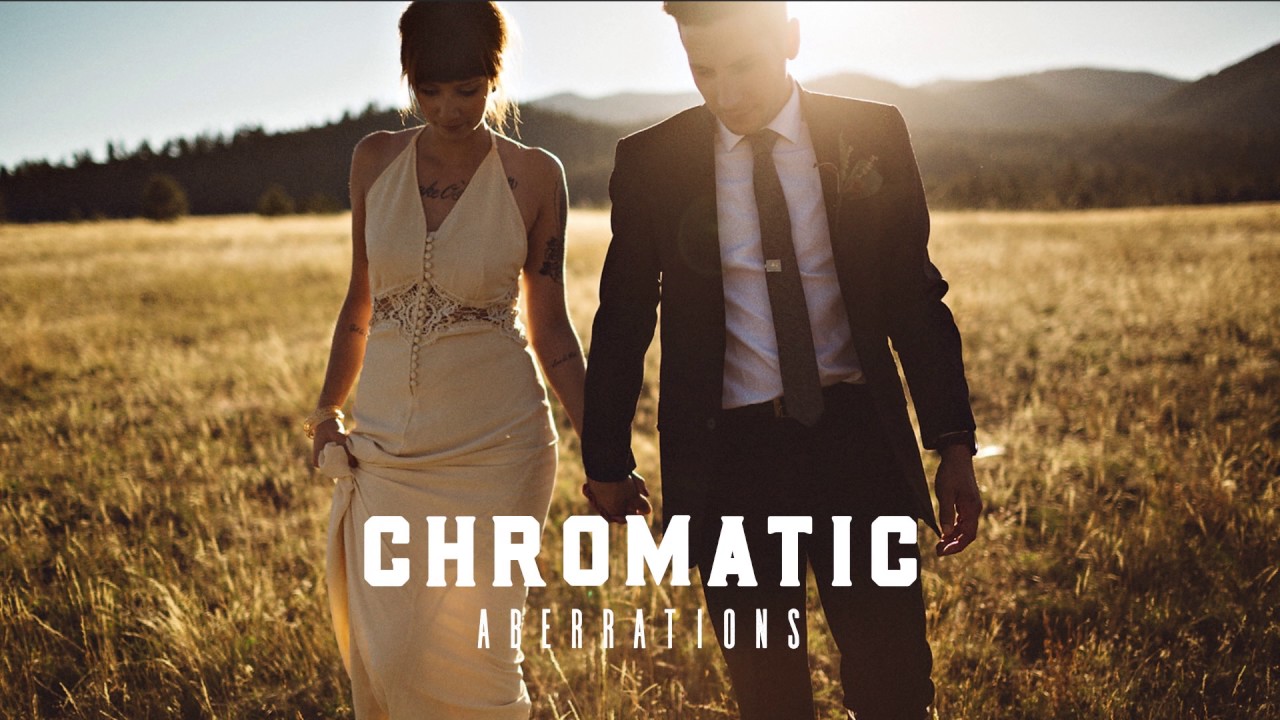
I was editing a batch of golden hour portraits last spring, and everything looked slightly wrong. The skies were beautiful, the skin tones were warm, but the greens in the background had this sickly yellow cast that made the whole scene feel off. I’d already pushed the global white balance as far as it could go without wrecking the faces. The HSL panel was the only move left, and within about four minutes, the problem was gone.