Stop Fighting Flat RAWs: How Camera Profiles and Color Targets Fix Your White Balance at the Source

Stop Fighting Flat RAWs: How Camera Profiles and Color Targets Fix Your White Balance at the Source

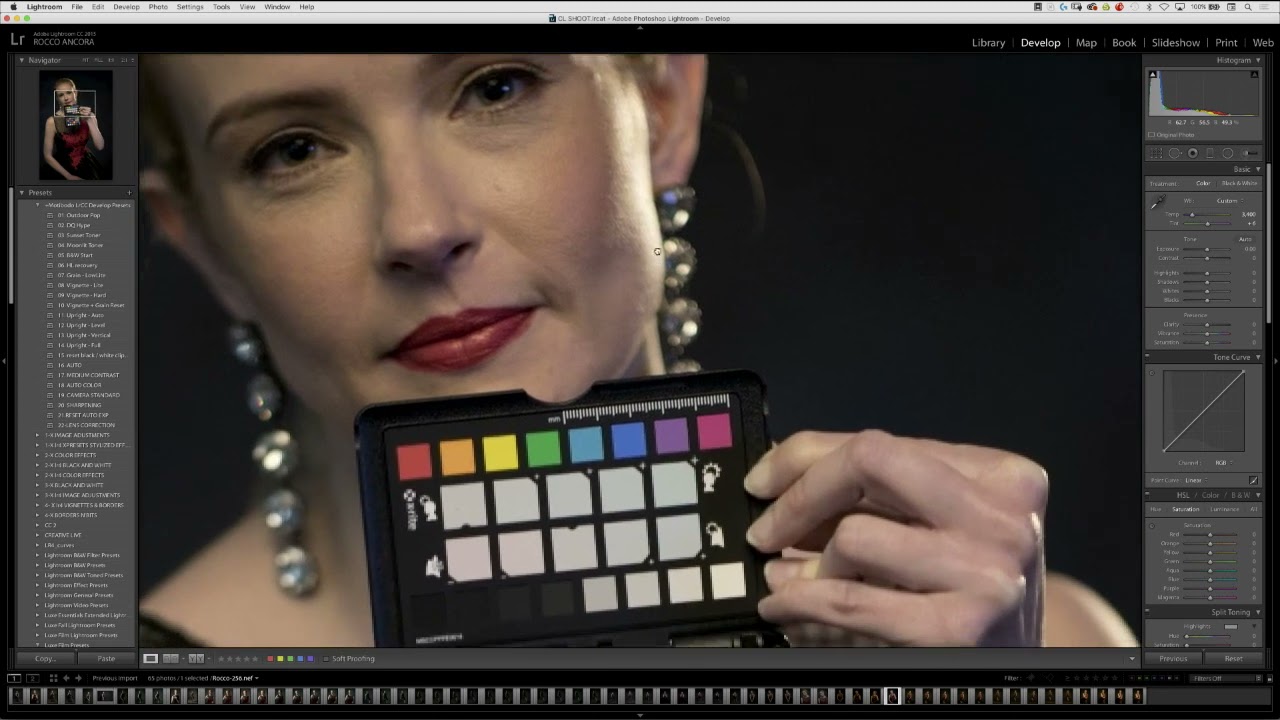
Every photographer I know has spent too much time dragging the Contrast slider back and forth trying to resurrect a flat, muddy RAW file. I did it for years. Back when I was editing press shots for my band on a borrowed laptop, I thought contrast was something you added manually, like salt to a recipe. Turns out I was starting from the wrong ingredient entirely. That’s the core lesson in this CreativeLive tutorial on color management policies in Lightroom.
Why Your RAW Photos Look Dull on Import (And the Lightroom Fix That Takes 5 Minutes)

Why Your RAW Photos Look Dull on Import (And the Lightroom Fix That Takes 5 Minutes)

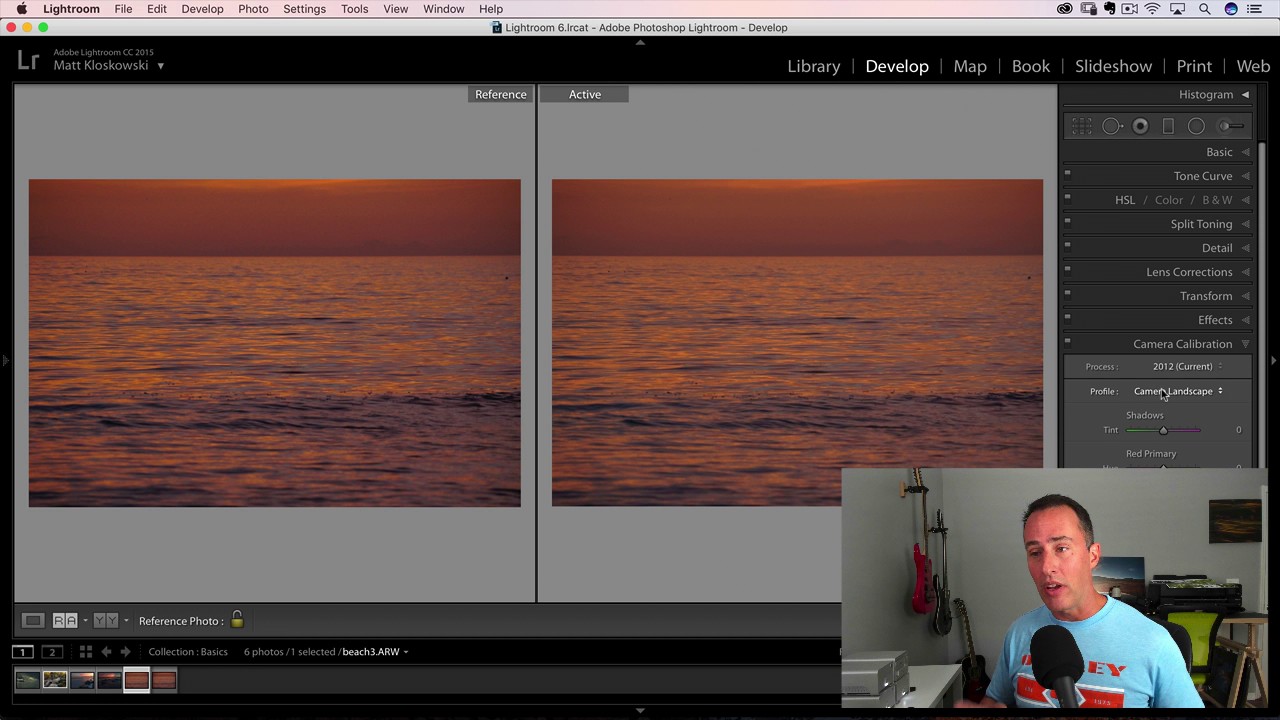
Every photographer I know has had the same deflating moment. You’re on location, chimping your shots on the back of the camera, thinking yes, this is the one — rich shadows, punchy colors, exactly the mood you were going for. Then you import into Lightroom and watch the life drain out of the image in real time. That vivid preview collapses into something flat and gray, and you spend the next twenty minutes chasing a look you already had on a two-inch LCD screen.