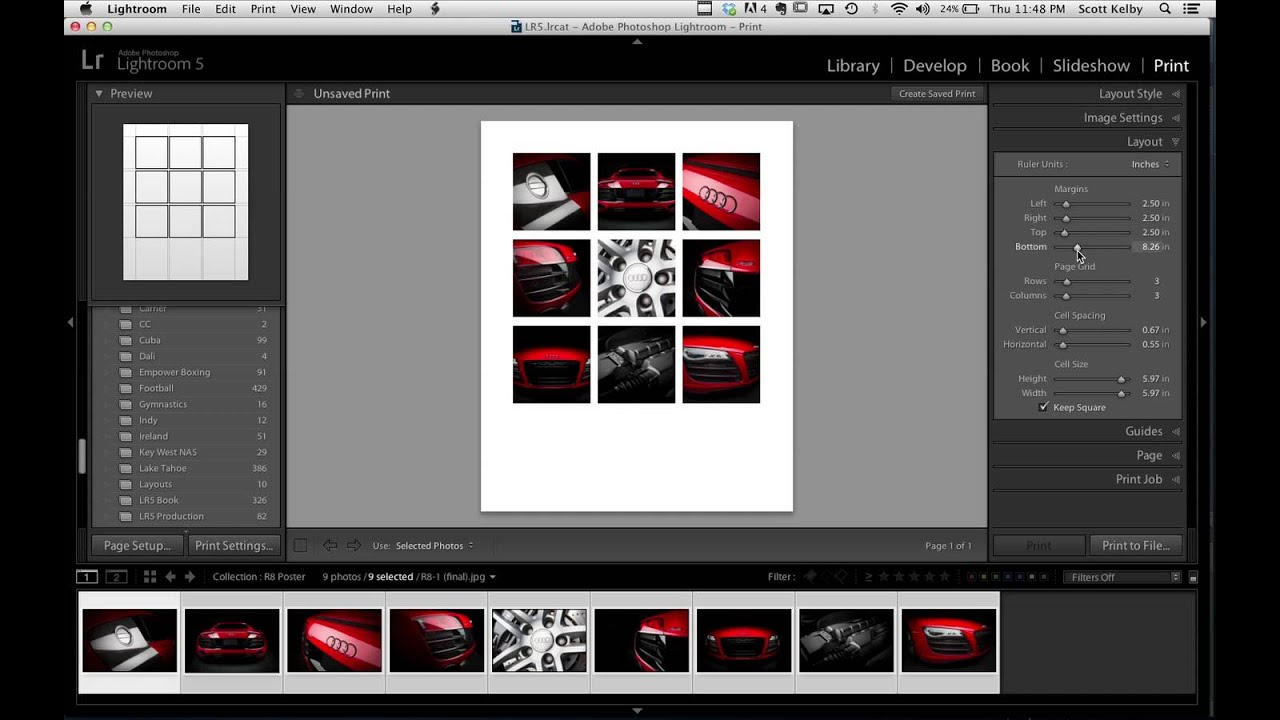
How to Build a Multi-Photo Car Poster Entirely in Lightroom (Then Finish It in Photoshop)

How to Build a Multi-Photo Car Poster Entirely in Lightroom (Then Finish It in Photoshop)

Every few months I’ll see someone post a finished image and my first reaction is “okay, that had to be a full Illustrator project.” Then I find out it was mostly Lightroom and I feel both humbled and relieved. That’s exactly what happened when Scott Kelby shared an Audi R8 poster he made for a client. Nine photos, grid layout, clean margins, big empty space for text at the bottom. It looked like a print ad.
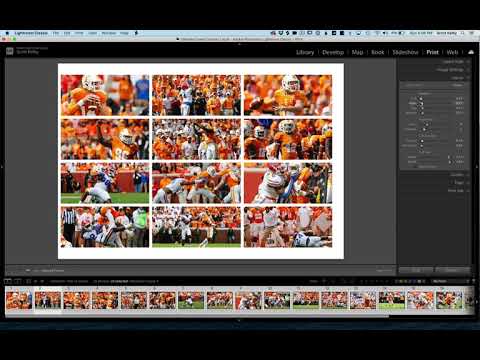
Build Multi-Photo Print Layouts in Lightroom Classic (Faster Than You Think)

Build Multi-Photo Print Layouts in Lightroom Classic (Faster Than You Think)

Every few months I get a message from someone asking how I put together those grid-style photo layouts — the kind you see on photographer portfolio pages, band promo sheets, or Instagram collages that actually look intentional. For the longest time I was doing it in Photoshop, dragging individual images onto a canvas and nudging them pixel by pixel. It worked, but it was the kind of workflow that makes you question your life choices around the third manual adjustment.