What Lightroom Presets Actually Do to Your Raw Files (And Why Most People Use Them Wrong)

What Lightroom Presets Actually Do to Your Raw Files (And Why Most People Use Them Wrong)

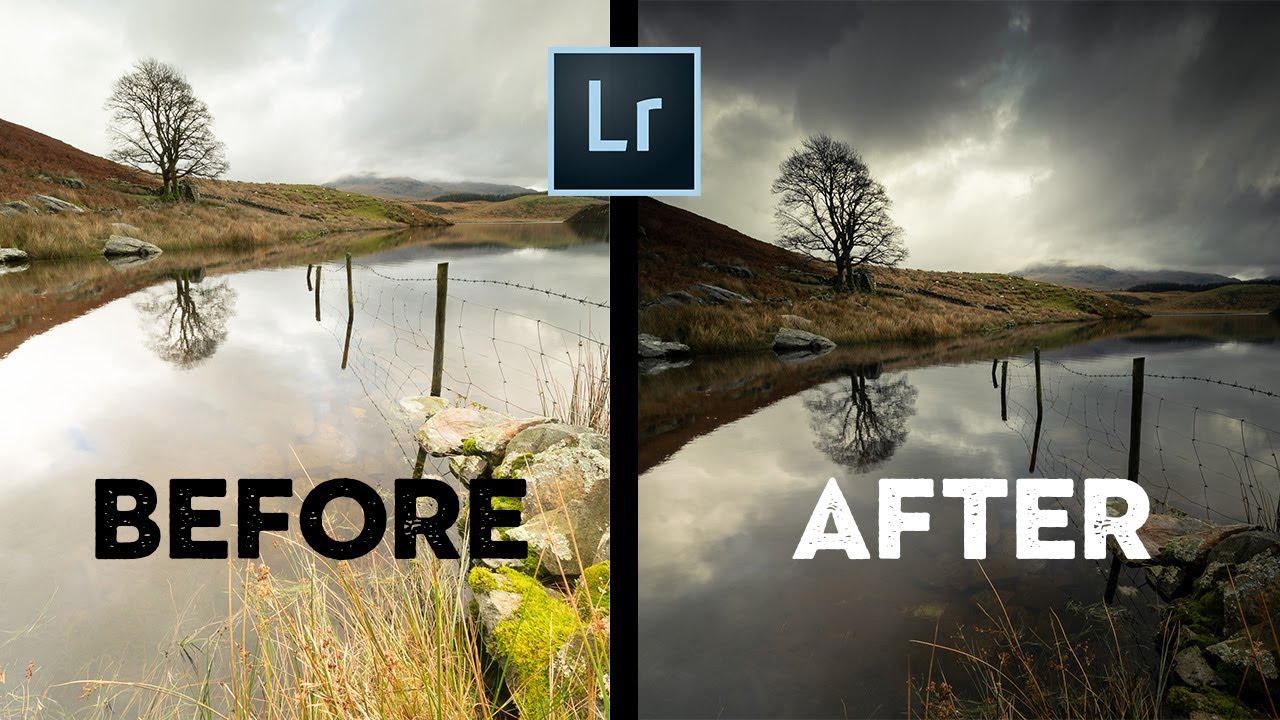
A few years back I released a preset pack on a Tuesday afternoon, mostly as an experiment. I named every preset after a Fleetwood Mac song, spent an entire weekend dialing in the curves, and figured maybe a few hundred people would grab it. By Friday it had 50,000 downloads. My inbox was chaos. ISO, my cat, was completely unbothered. What surprised me wasn’t the download count. It was the emails I got afterward.

The Photoshop Toolkit Sue Bryce Actually Uses for Portrait Retouching (And Why It's Faster Than You Think)

The Photoshop Toolkit Sue Bryce Actually Uses for Portrait Retouching (And Why It's Faster Than You Think)

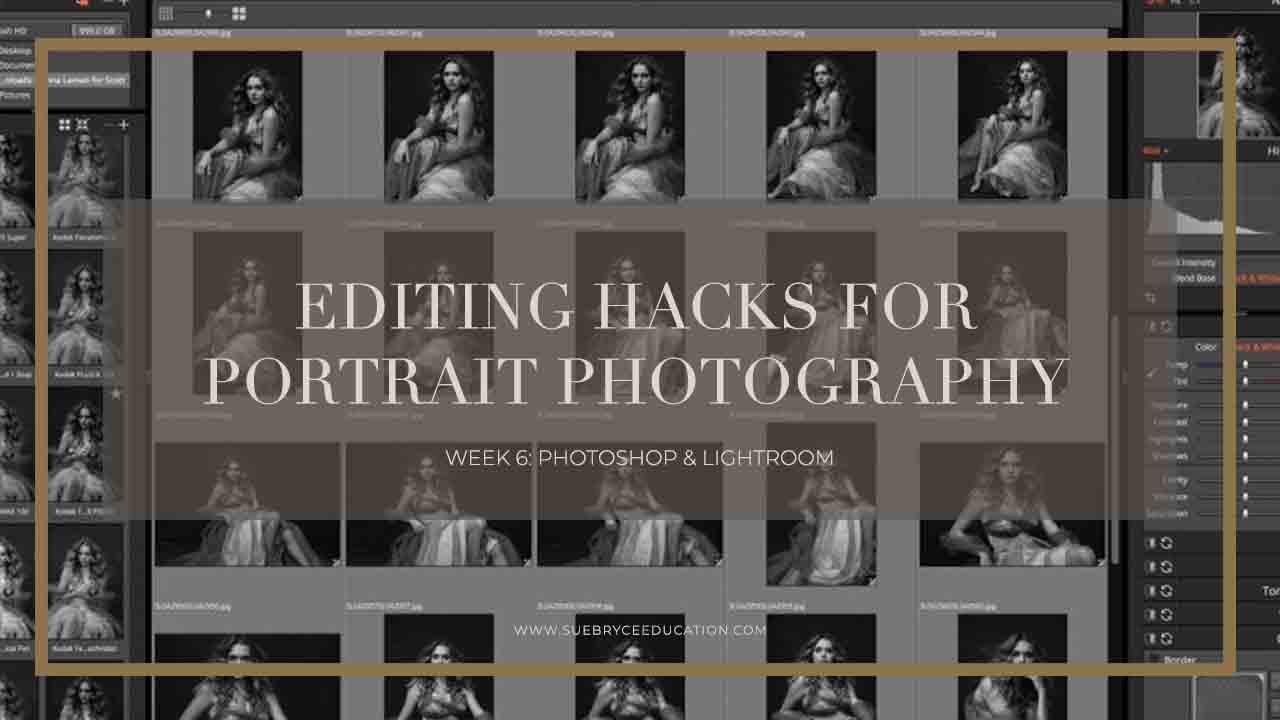
There’s a specific kind of editing paralysis that hits when you’re staring at a folder of 80 portrait images and you know, deep down, that your retouching process is going to eat your entire afternoon. I’ve been there. I spent years building Lightroom workflows designed to get me out of that trap, and somewhere along the way I started paying close attention to how working portrait photographers structure their Photoshop side of things, not just the catalog management and global adjustments, but the actual per-image muscle memory.

Stop Manually Dragging Sliders Back to Zero — There's a Much Faster Way

Stop Manually Dragging Sliders Back to Zero — There's a Much Faster Way

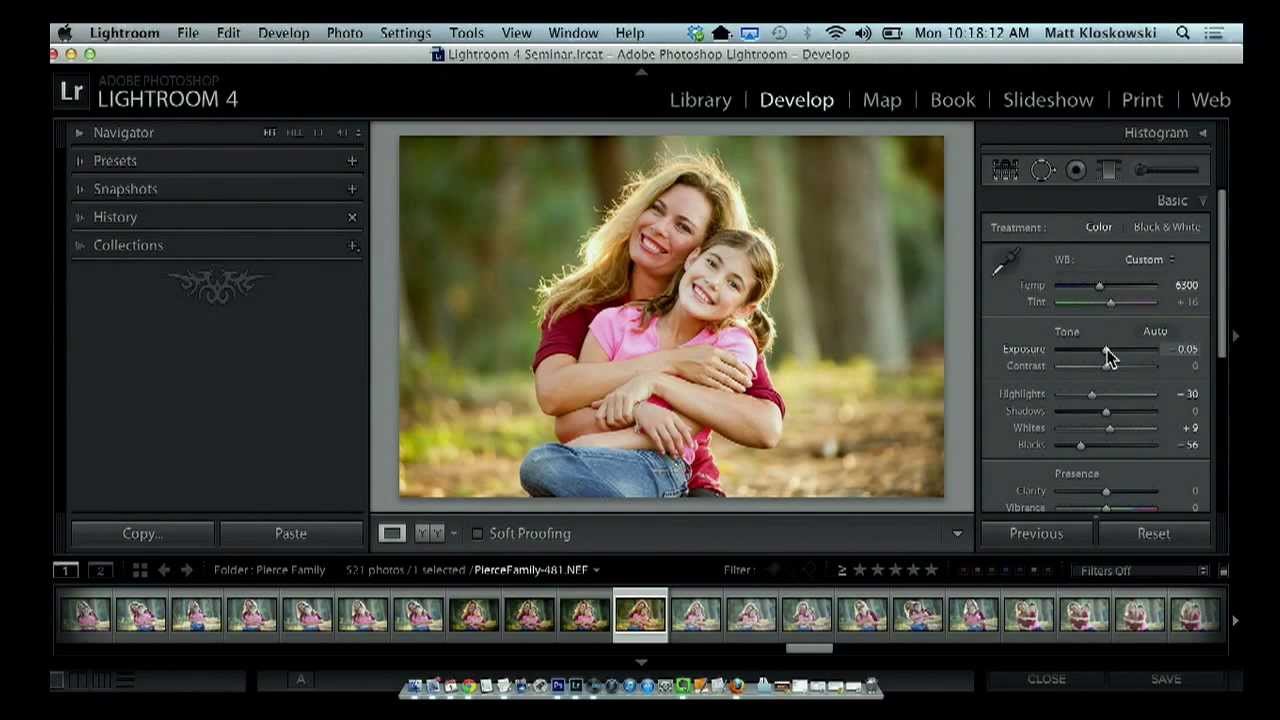
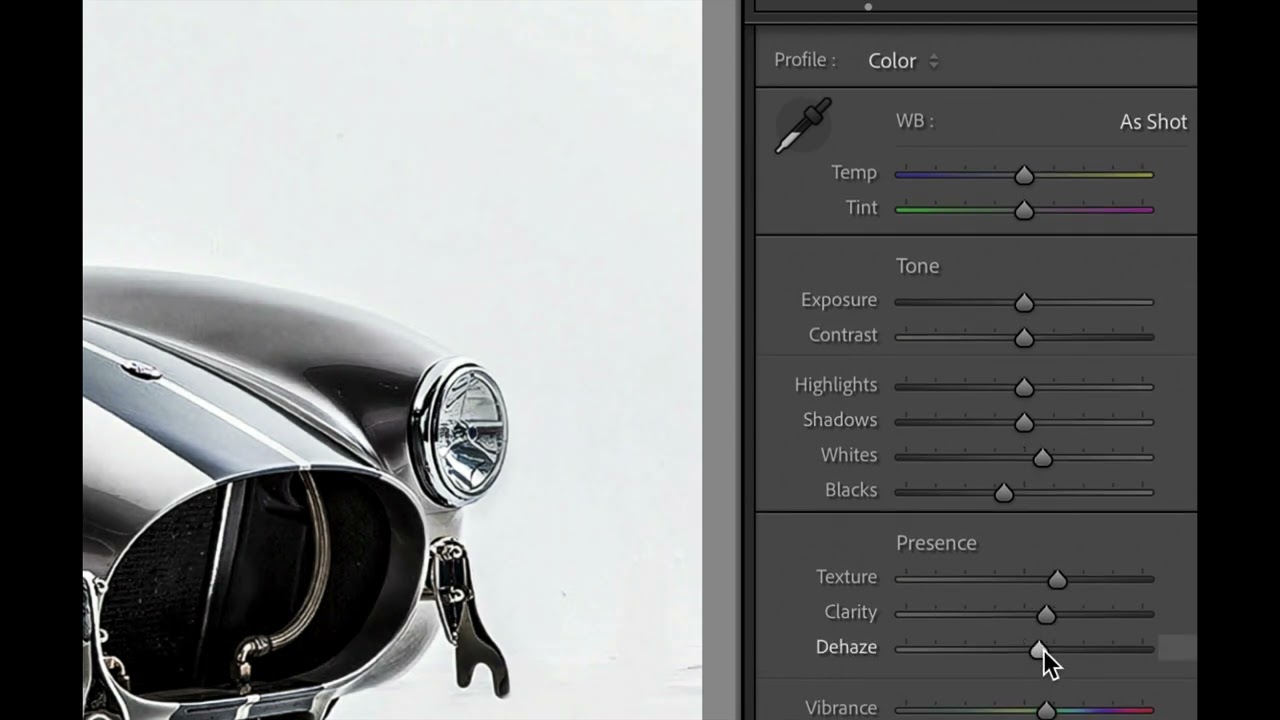
There’s a particular kind of frustration that hits when you’re deep in an edit and you realize a whole section of adjustments has gone sideways. The Presence panel is a mess, your Tone sliders look like a seismograph readout, and you need to back everything out and start fresh. For a long time, my solution was to drag each slider back to zero by hand, one at a time, like some kind of monk doing penance.

The Homogenization Problem: Why One-Click AI Color Grading Is Erasing Photographic Identity

The Homogenization Problem: Why One-Click AI Color Grading Is Erasing Photographic Identity

I opened Instagram last week and scrolled through fifty photos from fifty different photographers. They all looked like they were shot on the same camera, in the same location, at the same time of day. Same teal-and-orange split toning. Same lifted blacks. Same crushed shadows that somehow manage to feel both dramatic and hollow. Same exact vibe. This isn’t a coincidence. This is what happens when powerful AI color grading tools become the default move for the majority of photographers.