
From Raw File to Ready-to-Share: A Complete Lightroom Export Workflow

From Raw File to Ready-to-Share: A Complete Lightroom Export Workflow

There is a specific kind of frustration that hits when you spend an hour editing a photo, finally nail the look, and then export it only to watch it fall apart on screen or come back from the printer looking like a muddy mess. Color shifts, soft details, wrong dimensions. I have been there more times than I want to admit, and it took me a while to realize that exporting is not an afterthought.
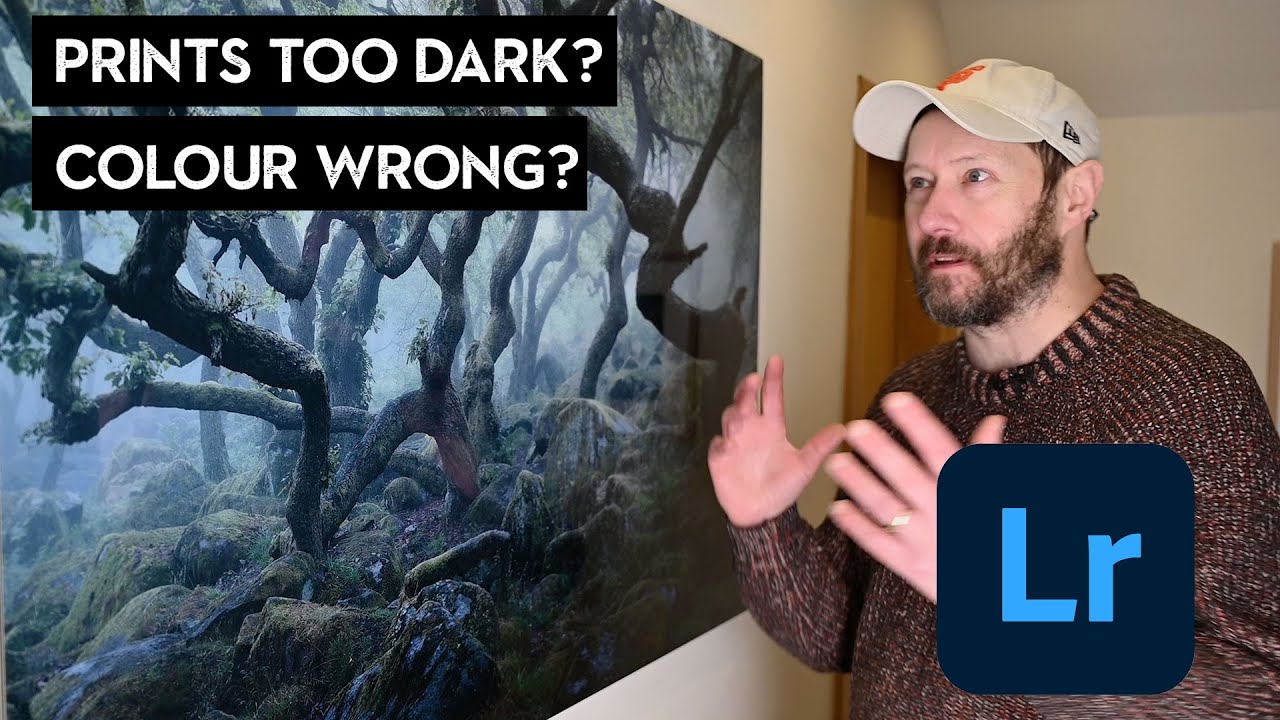
Stop Guessing at Print Settings: Lightroom Export for Prints That Actually Match Your Screen

Stop Guessing at Print Settings: Lightroom Export for Prints That Actually Match Your Screen

Printing your own work should feel like a reward. You spent hours getting the edit right, the colors are dialed in, the tones sit exactly where you want them. Then the print comes back and it looks like it was processed in a different decade. I used to think this was just the cost of printing, something you accepted like buffering on a slow internet connection. Turns out, it’s almost entirely a workflow problem, and it’s fixable.