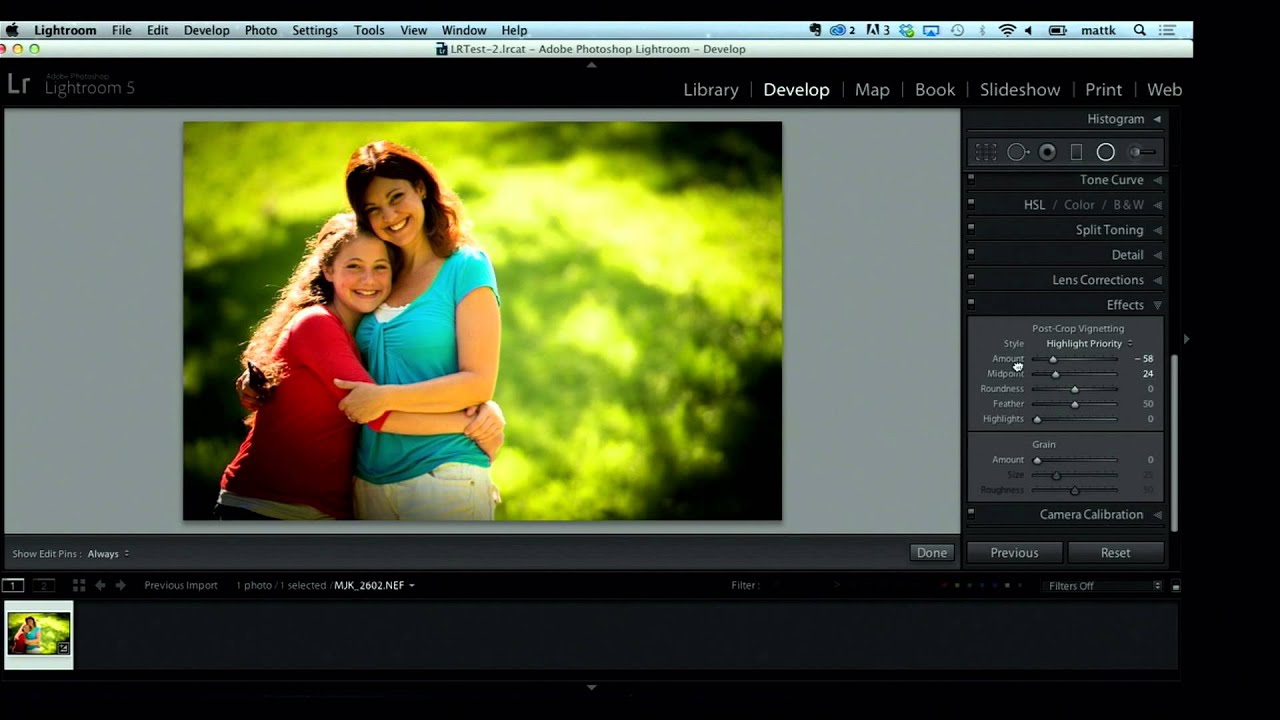
The Lightroom-to-Photoshop Bridge Most Editors Set Up Wrong (And How to Fix It)

The Lightroom-to-Photoshop Bridge Most Editors Set Up Wrong (And How to Fix It)

There’s a specific kind of frustration that comes from doing everything right inside Lightroom, sending a file to Photoshop, and watching the color shift the moment it opens. I’ve had that happen on client work more times than I’d like to admit, usually because I hadn’t thought carefully about the handoff settings that govern what Lightroom passes to Photoshop in the first place. Once I locked those settings down, the whole round-trip workflow clicked into place in a way it never had before.
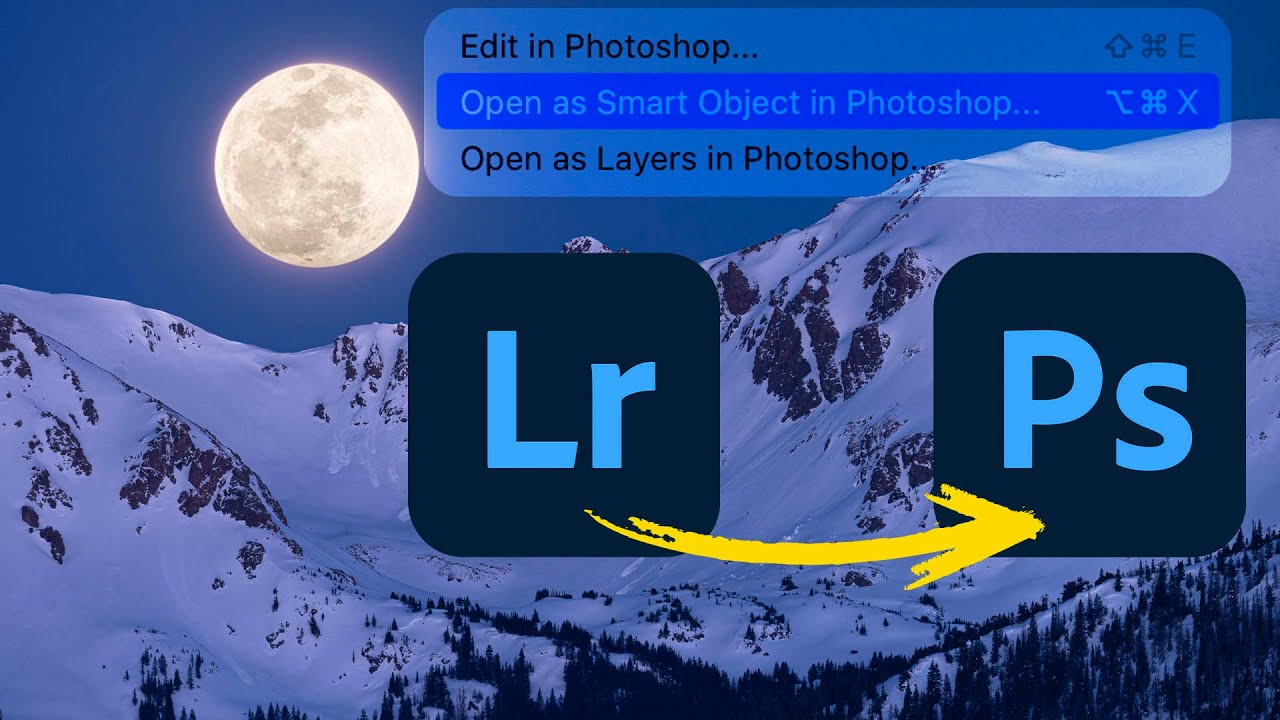
Lightroom to Photoshop: How Smart Objects and Multi-Layer Editing Finally Work Together

Lightroom to Photoshop: How Smart Objects and Multi-Layer Editing Finally Work Together

For a long time, switching from Lightroom (the cloud-based version, not Classic) to Photoshop felt like stepping off a moving train. You could get there, but you gave up a lot of control over what happened next. Specifically, the ability to send a photo to Photoshop as a smart object, open multiple layers, and move between Camera Raw and Photoshop without blowing up your whole editing session - those features just weren’t there.