Video Tutorials
How to Build Holiday Photo Templates in Lightroom (Starting in Photoshop)
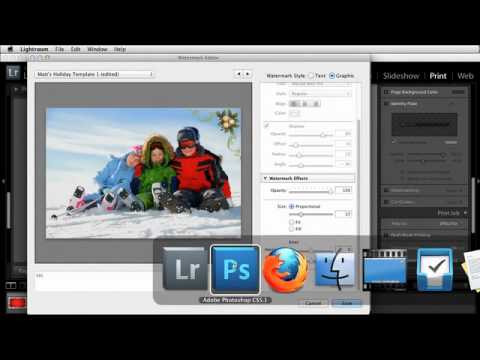
Every December I get the same texts from photographer friends: “Hey, do you have a holiday card template I can borrow?” For years I pointed them toward whatever Canva had on offer, which always felt like handing someone a gas station sandwich. The real answer is that you can build something far better yourself, and it starts before you ever open Lightroom. In this KelbyOne tutorial, educator Scott Kelby walks through a workflow for creating holiday-themed photo templates by pulling stock graphics into Photoshop, isolating them properly, and setting them up so Lightroom can use them with any client photo you drop in.