From Flat RAW to Finished Landscape: A Full Lightroom-to-Photoshop Workflow Breakdown

From Flat RAW to Finished Landscape: A Full Lightroom-to-Photoshop Workflow Breakdown

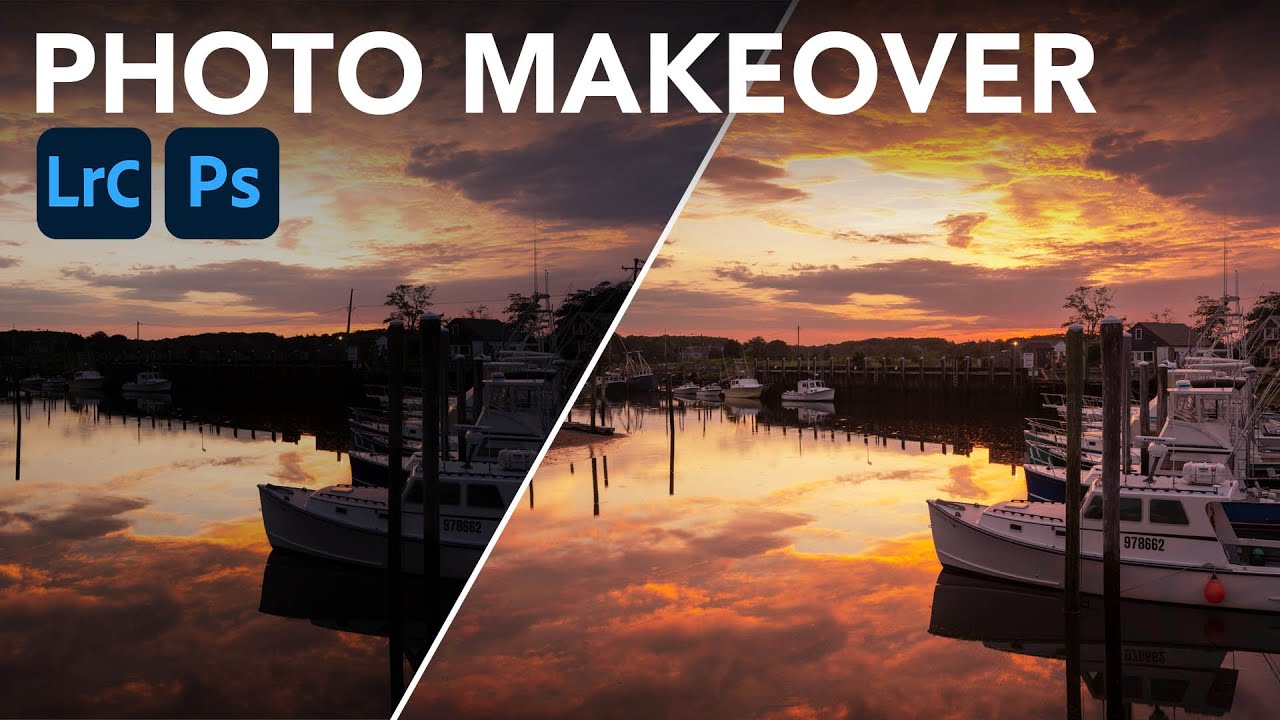
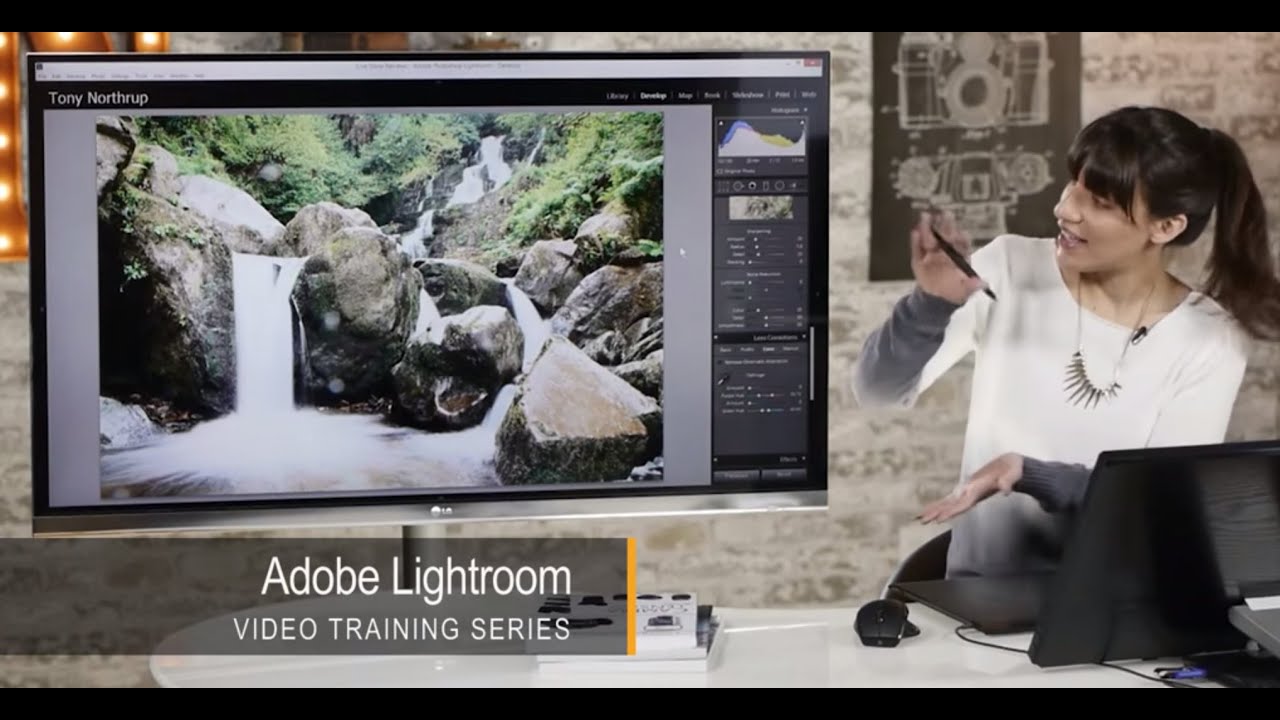
There’s a specific kind of editing problem that used to eat my lunch every time: a landscape shot where the sky is blowing out, the foreground is too dark, but the foreground also has bright spots that make a single global exposure adjustment completely useless. You bring the sky down and the boats (or rocks, or buildings) go muddy. You lift the shadows and the sky turns white. Classic trap. I’ve been editing landscape photos for years and this balancing act still requires a real strategy, not just a drag of the Exposure slider.

How to Edit a Sunrise RAW File When the Sky Is Already Doing the Work

How to Edit a Sunrise RAW File When the Sky Is Already Doing the Work

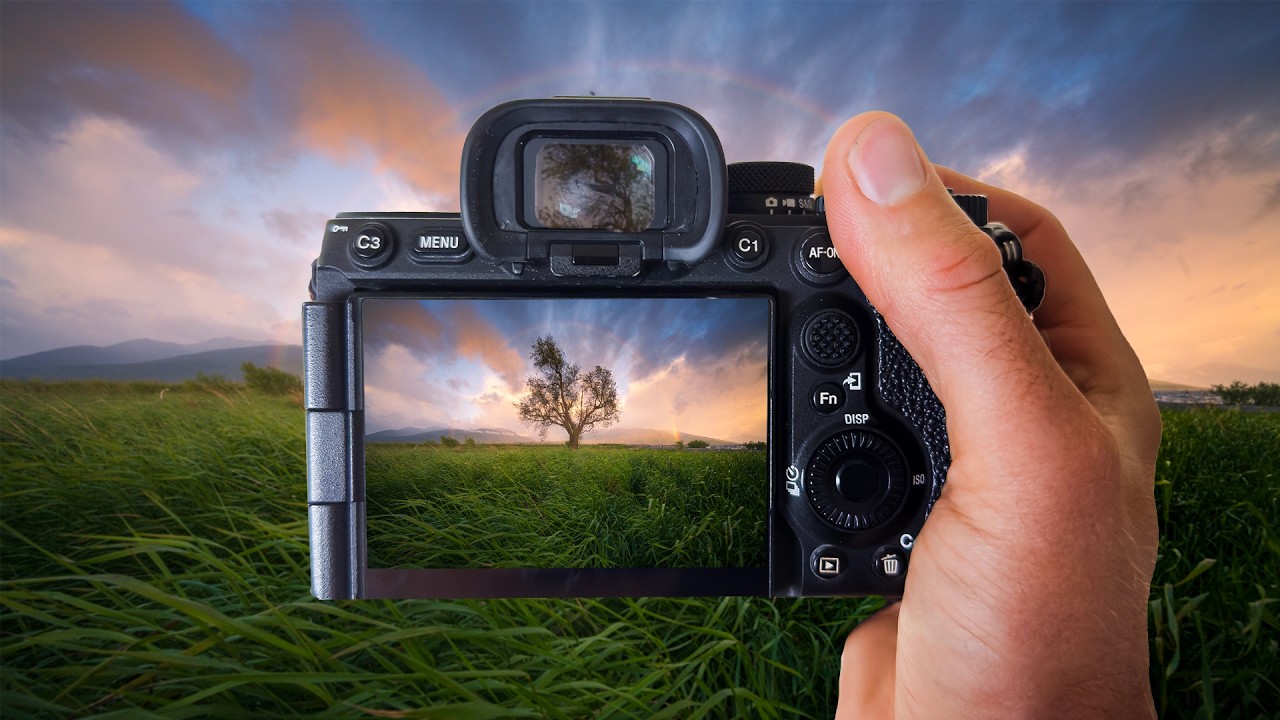
There’s a specific kind of heartbreak that landscape photographers know too well. You wake up before dawn, drive somewhere cold and beautiful, and something genuinely magical happens in front of your lens. You drive home buzzing. You pull up the RAW files. And then, nothing. Flat skies. Muddy colors. A scene that looks like a slightly overcast Tuesday instead of the light show you just witnessed with your own eyes. I’ve been editing photos long enough to know this isn’t a skill problem.