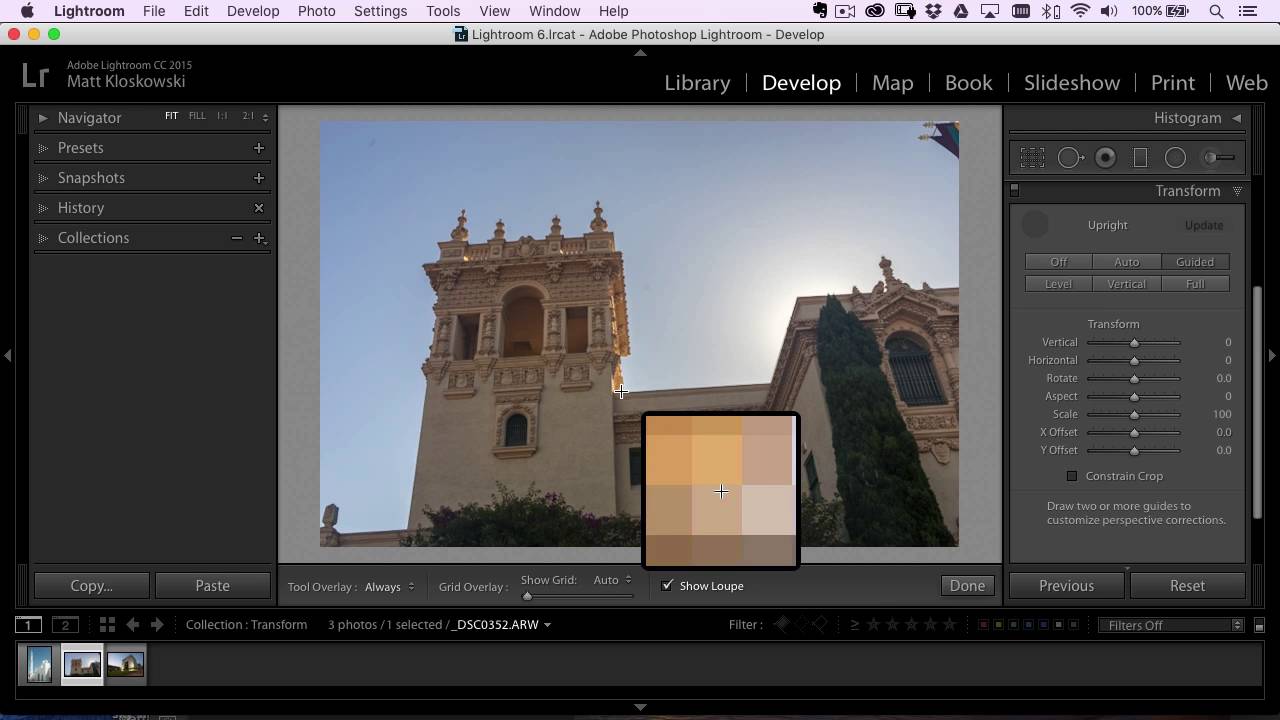
How to Fix Converging Verticals in Lightroom Using Guided Upright (And Actually Control the Result)

How to Fix Converging Verticals in Lightroom Using Guided Upright (And Actually Control the Result)

Shooting architecture while traveling is one of those things that looks easy until you get home and open Lightroom. You tilted the camera up to fit the building in the frame, and now every vertical line is falling inward like the walls are slowly closing in. The automatic Upright options in Lens Corrections do an okay job, but they’ve always felt like a negotiation you’re losing. Lightroom picks the reference points, and you just hope it chose wisely.
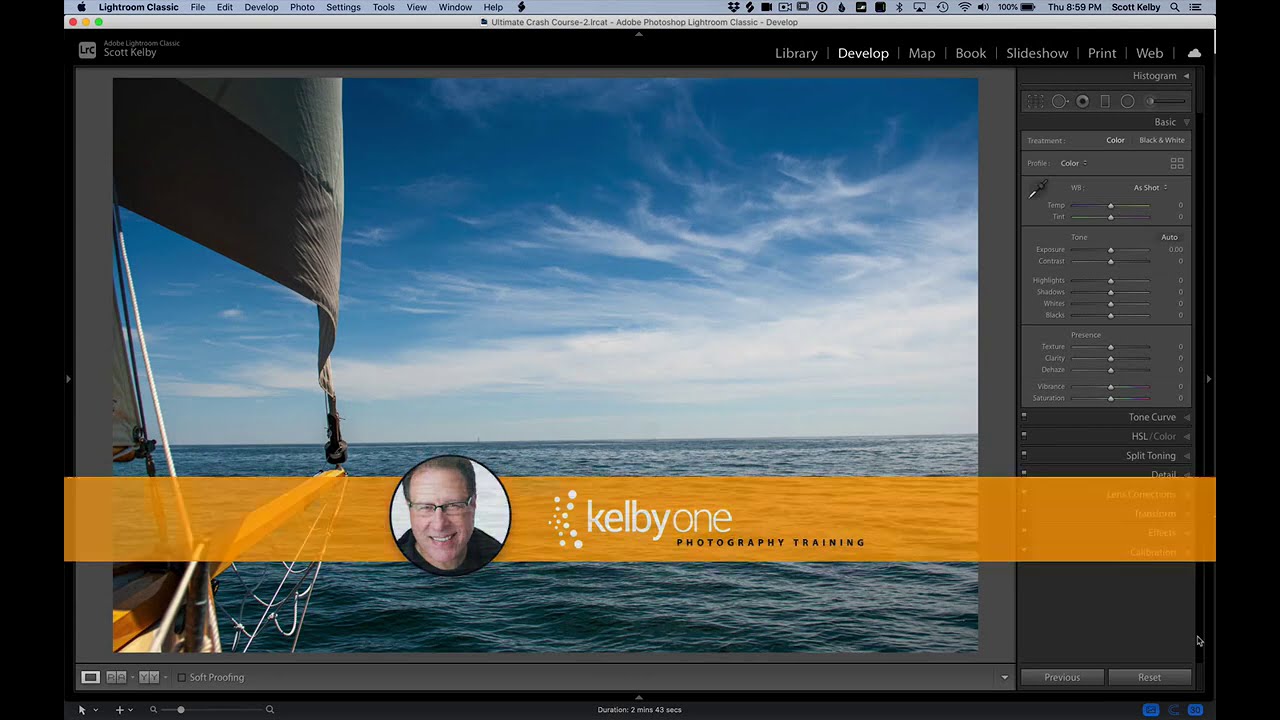
Stop Sending Crooked Photos Into the World: Four Lightroom Straightening Methods That Actually Stick

Stop Sending Crooked Photos Into the World: Four Lightroom Straightening Methods That Actually Stick

I’ll be honest with you: the crooked horizon line is the editing mistake that ages the worst. You can get away with slightly flat colors or a touch of noise, but a tilted horizon line reads immediately as careless, even to people who have never opened Lightroom in their lives. I learned this the hard way when I was editing press shots for my band, squinting at skewed rooftop photos and wondering why they looked “off” even after I’d color graded them within an inch of their lives.