Stop Scrolling Through 200,000 Photos - Let Lightroom's Map and Face Recognition Do the Work

Stop Scrolling Through 200,000 Photos - Let Lightroom's Map and Face Recognition Do the Work

I have a folder problem. Not a hoarding problem, I want to be clear, just a folder problem. After years of shooting everything from Nashville band press shots to weekend road trips through the Cumberland Plateau, my Lightroom catalog has grown into something that requires genuine strategy to navigate. Searching by date works until it doesn’t. Collections help until you forget to add something. And scrolling the grid view at 2 a.
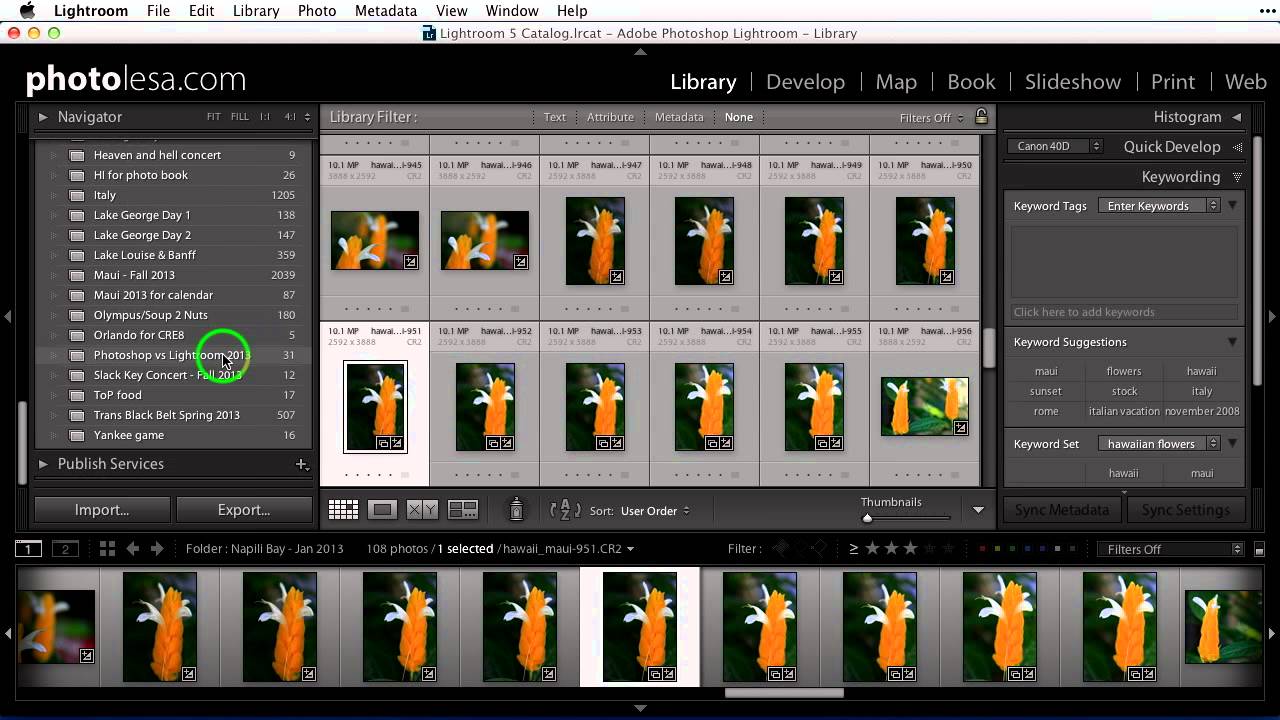
Stop Scrolling Through Your Entire Collection List — Use Target Collections Instead

Stop Scrolling Through Your Entire Collection List — Use Target Collections Instead

There is a specific kind of frustration that only Lightroom users understand. You are deep in your folder panel, you find five images that belong in a collection you made three months ago, and now you have to scroll through what feels like an archaeological dig of nested folders and collection sets just to drop those photos in the right place. And that is assuming you do not accidentally drop them into the wrong collection, which I have done more times than I want to admit.