Lightroom's February 2026 Update Just Changed How I Start Every Edit

Lightroom's February 2026 Update Just Changed How I Start Every Edit

Every few months, Adobe drops a Lightroom update that feels like rearranging furniture. You know things moved, you’re not sure why, and you spend twenty minutes looking for a panel that used to live somewhere else. But every once in a while, an update lands that genuinely changes how you work. The February 2026 update is one of those. I’d been noticing something off in my culling sessions lately. I shoot a lot of natural light portraits around Nashville, and I kept finding myself bouncing between Lightroom and external tools to handle noise and fine detail work in a way that didn’t feel clunky.

HSL Adjustments Are the Reason Your Colors Look Flat (And How to Fix That)

HSL Adjustments Are the Reason Your Colors Look Flat (And How to Fix That)

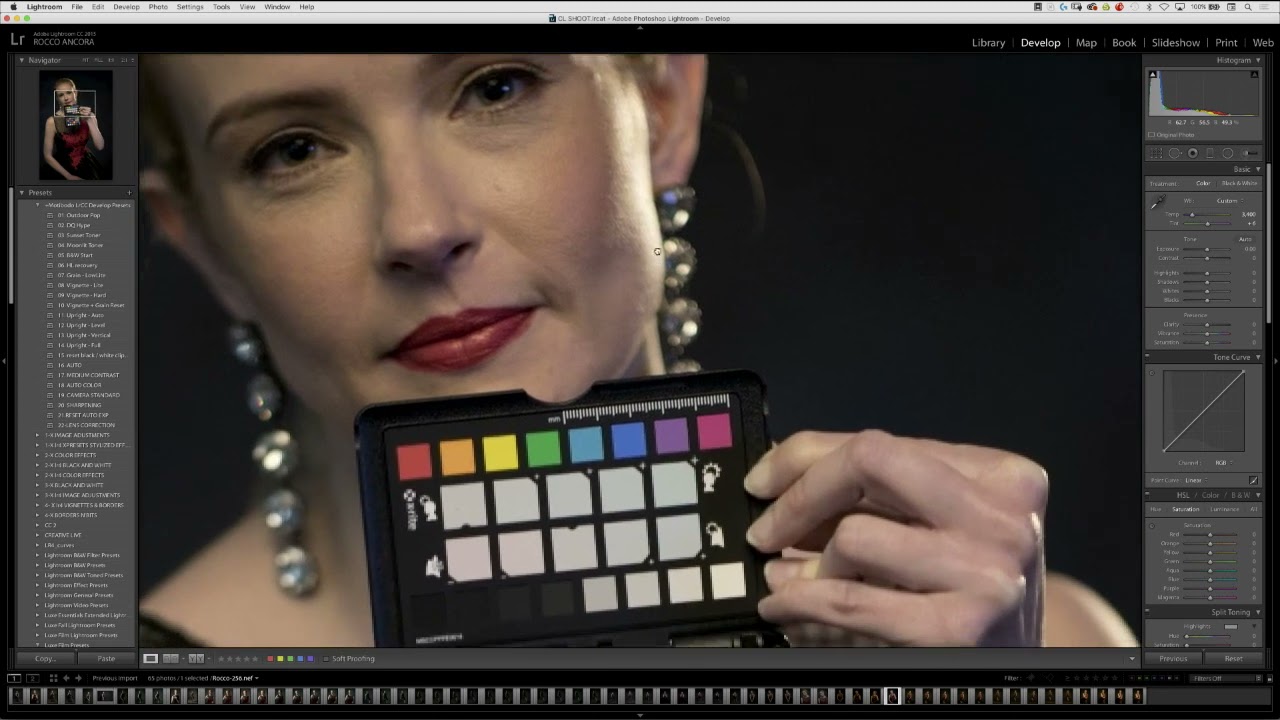
I had a portrait session last spring where everything was technically right. Good light, solid exposure, clean white balance. I opened the RAW file in Lightroom, ran my standard develop workflow, exported it, and the photo looked like a stock image from 2014. The skin tones had this faint orange cast, the background foliage was too yellow-green to read as lush, and the subject’s blue jacket looked almost gray. The histogram was fine.

The Lightroom Conference 2025 Is Coming — Here's Why I Clear My Calendar Every Year

The Lightroom Conference 2025 Is Coming — Here's Why I Clear My Calendar Every Year

I’ve been editing photos long enough to know the difference between training that moves the needle and training that just fills time. A few years back, I was grinding through a backlog of band press shots, trying to get a cohesive look across 200 frames shot in three different locations with two different lighting setups. I was technically doing everything right, and the results were still inconsistent. What I needed wasn’t another YouTube rabbit hole.

What This Year's Ocean Photography Winners Can Teach Us About Color Grading

What This Year's Ocean Photography Winners Can Teach Us About Color Grading

What This Year’s Ocean Photography Winners Can Teach Us About Color Grading The United Nations just crowned the champions of their World Oceans Day photography competition, and I’ve been absolutely mesmerized by what won. Not just because the images are stunning—though they absolutely are—but because they showcase some seriously thoughtful color grading decisions that we can all learn from. Competing in the Deep Blue This year’s edition introduced a fresh category called “Connecting Oceans,” which feels like the perfect evolution for a competition that’s grown increasingly competitive.

The RAW Processing Step I Kept Skipping (And Why I Finally Stopped)

The RAW Processing Step I Kept Skipping (And Why I Finally Stopped)

I’ll be honest about something: I have been editing RAW files in Lightroom for years and quietly assuming that what came out of my camera was as good as it was going to get before I touched a single slider. Denoise in Lightroom, maybe some sharpening, call it done. That was the workflow. It worked well enough that I never questioned it. Then I started getting more serious about printing my landscape edits at larger sizes, and the cracks showed up fast.

Lightroom's Quietly Dropped Two Masking Features That Change Everything About Local Adjustments

Lightroom's Quietly Dropped Two Masking Features That Change Everything About Local Adjustments

Last month I was editing a shot from Percy Warner Park, golden hour light cutting through a dense tree line, the kind of image that looks effortless until you try to isolate the sky. I dropped a linear gradient over the top third, pulled down the highlights, and the result looked exactly like what it was: a hard-edged box sitting on top of my photo. The tree branches bleeding into the mask looked painted.

Split Toning in Lightroom: How Two Colors Can Make or Break the Whole Mood of a Photo

Split Toning in Lightroom: How Two Colors Can Make or Break the Whole Mood of a Photo

I have a preset I built about three years ago called “Rumours.” Warm golden shadows, slightly cool highlights, the kind of look that makes a portrait feel like it was shot in a California living room in 1977. I named it after the Fleetwood Mac album because that’s the mood I was chasing when I built it. I’ve used it on maybe two dozen client galleries since then, and people consistently ask me how I got “that color.

Lightroom's Lens Blur Tool: Finally Getting That Bokeh Right in Post-Production

Lightroom's Lens Blur Tool: Finally Getting That Bokeh Right in Post-Production

Lightroom’s Lens Blur Tool: Finally Getting That Bokeh Right in Post-Production I’ve spent enough time in Lightroom to know which tools actually deliver and which ones are just taking up panel real estate. When Adobe introduced the Lens Blur feature to Lightroom Classic, I’ll admit I was skeptical. Can software really fake what a fast lens and proper aperture do in-camera? Turns out, the answer is more nuanced than a simple yes or no.

Stop Manually Dragging Sliders Back to Zero — There's a Much Faster Way

Stop Manually Dragging Sliders Back to Zero — There's a Much Faster Way

Last week I was doing a second pass on a batch of live music shots, the kind where you’ve already applied a sync across fifty frames and then realize the Texture slider is doing something weird on half of them. My usual move was to grab each slider and drag it back toward zero, squinting at the number until I landed close enough. Close enough. That’s not a workflow, that’s a nervous habit.

Split Toning Is the Difference Between a Good Edit and a Memorable One

Split Toning Is the Difference Between a Good Edit and a Memorable One

I had a folder of band press shots sitting on my desktop for three days before I figured out what was wrong with them. The exposure was right. The white balance was dialed. The skin tones looked natural. And the photos were completely, aggressively boring. They looked like stock photos of musicians rather than actual musicians. It wasn’t until I added a warm amber to the shadows and a faint blue to the highlights that the whole thing clicked.

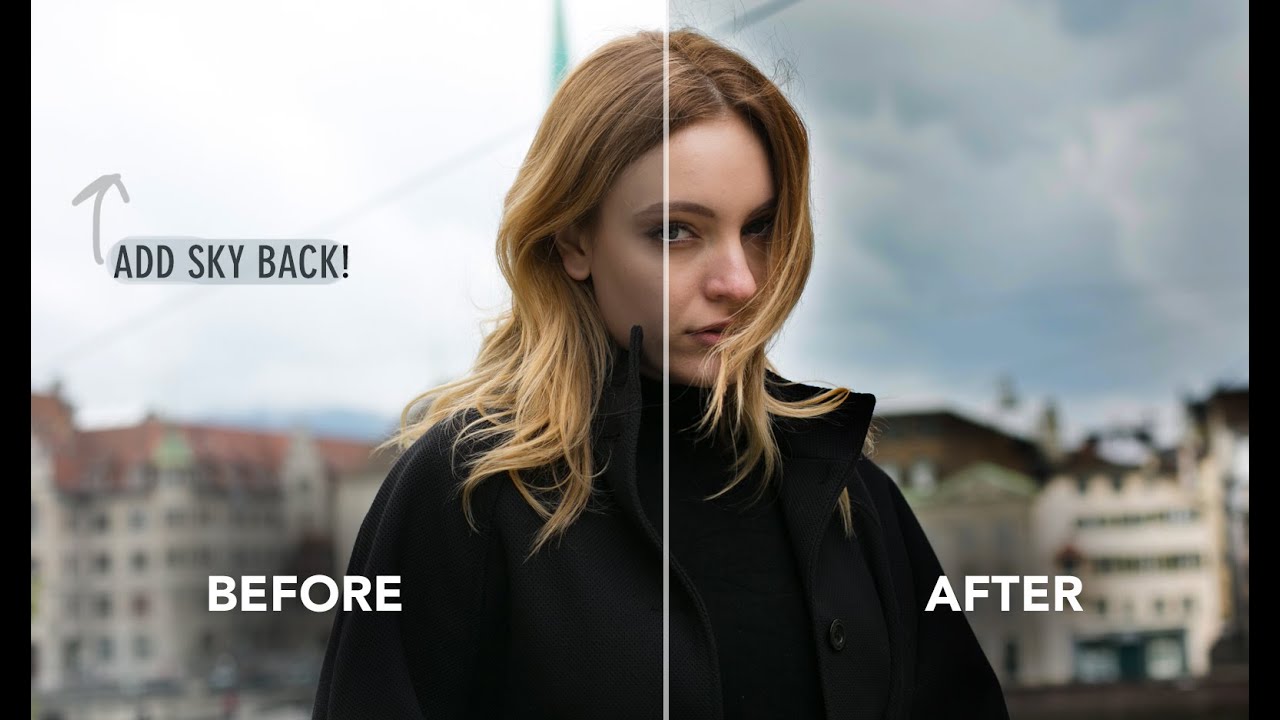
When the Sky Blows Out: A Practical Guide to Recovering Highlights in Lightroom

When the Sky Blows Out: A Practical Guide to Recovering Highlights in Lightroom

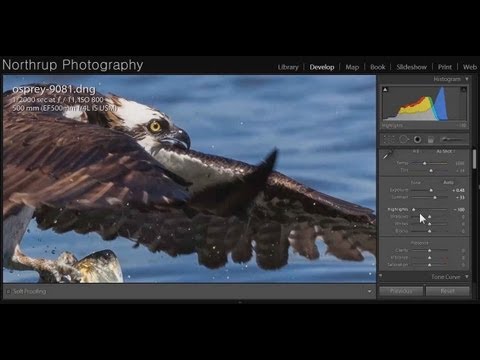
Last week I was culling through a batch of golden hour landscapes and kept landing on the same problem: skies that had gone completely white. Not just bright. Gone. The kind of blown-out exposure that makes you wonder if your histogram was even trying. My instinct, the same one I had for years, was to flag those frames and move on. But I’ve learned to sit with them longer now, because more often than not, the detail is still in there.

HSL in Lightroom: The Color Control Most Editors Treat Like a Mystery Box

HSL in Lightroom: The Color Control Most Editors Treat Like a Mystery Box

I was editing a set of golden hour portraits last spring, and the skin tones looked like the subject had been standing inside a traffic cone. The overall white balance was fine. The exposure was good. But somewhere between the warm light and my heavy-handed orange push in the tone curve, everything had gone sideways in a very specific, very unflattering direction. The fix took about forty-five seconds once I opened the HSL panel.