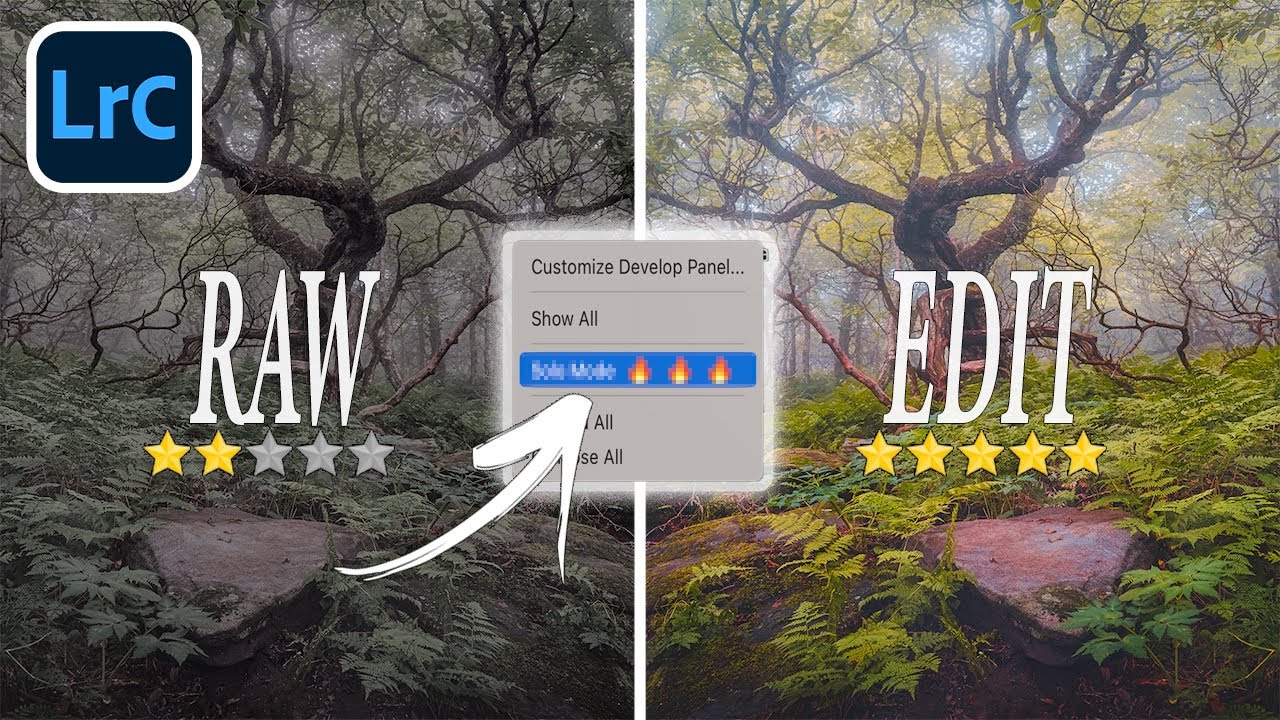
13 Lightroom Tricks That Changed How I Edit Every Single Day

13 Lightroom Tricks That Changed How I Edit Every Single Day

My editing sessions used to look like this: open the tone curve, check something in HSL, scroll down to color grading, scroll back up to basics, lose my place, get frustrated, close everything manually, repeat. It was the kind of low-grade chaos that doesn’t feel like a problem until you suddenly realize you’ve spent 20 minutes navigating panels instead of actually editing. I kept patching it with workarounds that never quite worked.
9 Single-Key Lightroom Shortcuts That Actually Stick (No Cheat Sheet Required)

9 Single-Key Lightroom Shortcuts That Actually Stick (No Cheat Sheet Required)

There’s a certain kind of editing session where everything flows. You’re moving through a catalog, the music is good (I’m partial to Carole King’s Tapestry on vinyl for landscape edits, if you’re asking), and your hands just know where to go. Then there’s the other kind of session, where you’re hunting through menus for tools you use every single day, clicking around like you’ve never opened the software before. The difference between those two sessions usually comes down to shortcuts.