Video Tutorials
Lens Blur, Point Color, and HDR Editing: What Actually Changed in the Latest Lightroom Update
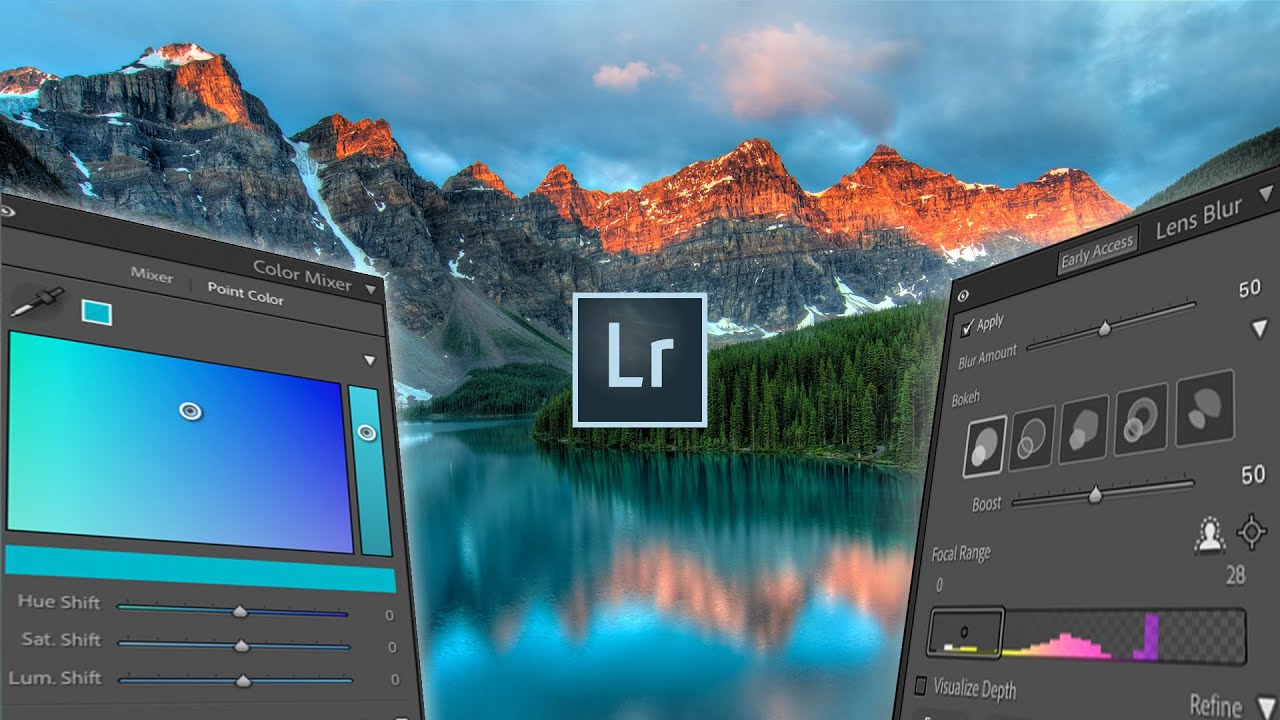
Every few months, Adobe drops an update and I spend the better part of an afternoon figuring out which features are genuinely useful and which ones exist mostly to fill a press release. This one, though, is different. The October Lightroom update landed with three additions that actually change how I work: a simulated lens blur tool, a point color panel, and native HDR editing support. I ran through all of them after watching Watch the full tutorial on YouTube from Mango Street, and I want to walk you through each feature in enough detail that you can follow along without having the video open beside you.