Clone, Heal, Content-Aware: How to Actually Remove Distractions from Your Photos

Clone, Heal, Content-Aware: How to Actually Remove Distractions from Your Photos

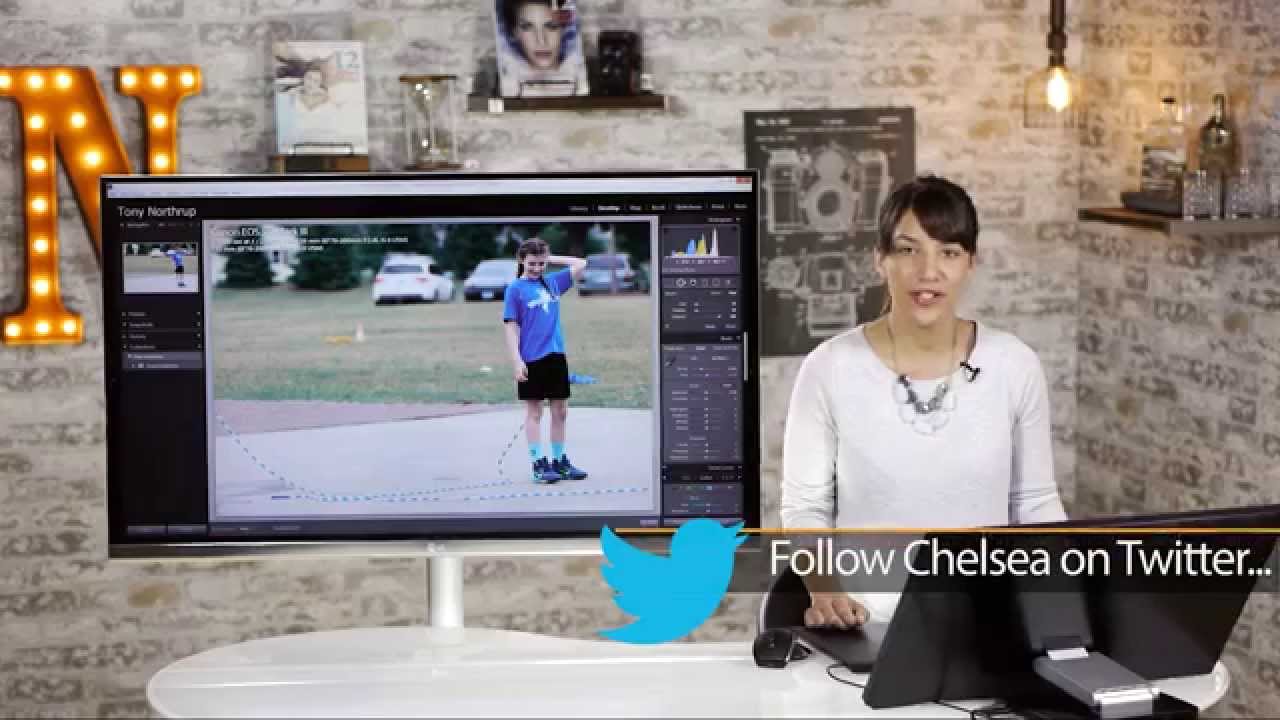
There’s a specific kind of frustration that hits when you nail the shot - great light, great expression, great moment - and then you open it in Lightroom and see it. A traffic cone. A random stranger’s blue shirt bleeding into your subject’s legs. Some piece of visual noise that the camera had absolutely no interest in ignoring. I’ve been there more times than I’d like to admit, and for a long time my solution was to crop aggressively and hope nobody noticed.

How to Remove Anyone From a Photo in Lightroom (Without Breaking a Sweat)

How to Remove Anyone From a Photo in Lightroom (Without Breaking a Sweat)

There’s a specific kind of frustration that comes with a technically perfect shot that has a stranger’s elbow in the corner, or a lighting assistant visible in the background. I’ve been there more times than I care to admit. Back when I was editing press photos for my band on a zero-dollar budget, every person in the background of a shot was a problem I had to solve in software, usually badly, usually late at night.