The Lightroom Previous Button Is Doing the Work While You Sleep

The Lightroom Previous Button Is Doing the Work While You Sleep

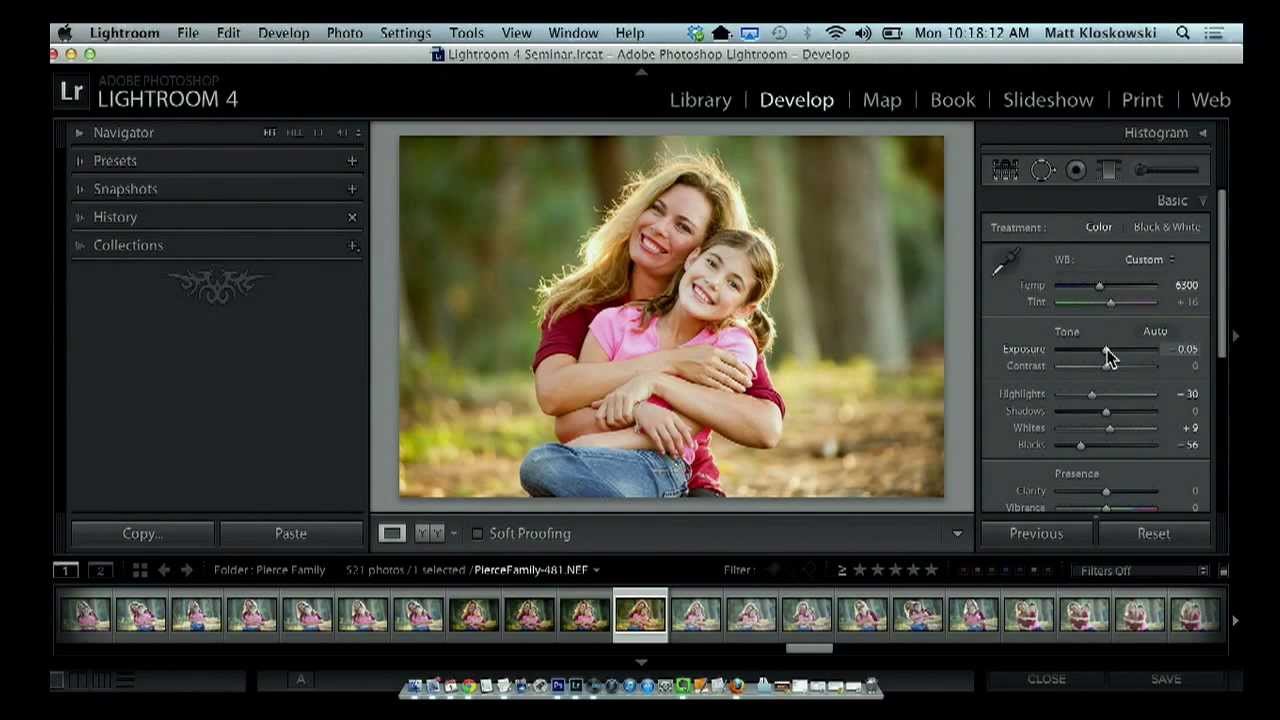
There’s a certain rhythm to editing a session of photos. You dial in the first image, get it exactly right, and then you look at the next 47 frames from the same shoot with the same light and the same subjects and quietly accept your fate. That used to be my Friday nights. Not anymore. In this Matt Kloskowski tutorial, he walks through one of the most criminally underused buttons in Lightroom’s Develop module, and it’s the kind of tip that makes you feel like you’ve been carrying groceries up four flights of stairs when there was an elevator the whole time.


How I Edit 200 Photos in 20 Minutes Using Lightroom's Batch Tools (Without Making Them All Look the Same)

How I Edit 200 Photos in 20 Minutes Using Lightroom's Batch Tools (Without Making Them All Look the Same)

Last spring I had a client deliver 340 RAW files from a single-day brand shoot. Same location, same subject, same lighting rig from 9am to 3pm. On paper, that sounds like a batch editor’s dream. Uniform conditions, predictable exposures, clean white balance. I figured I’d be done by dinner. I was done by midnight, and not because I was being precious about each frame. I was done at midnight because I kept chasing inconsistencies I created myself by applying the same global edits to shots that, despite looking identical at a glance, had subtly different exposure values, different distances from the strobe, and different amounts of ambient window light creeping in as the afternoon wore on.

From Flat to Film: Scott Kelby's Black & White Lightroom Workflow (And What I Added to It)

From Flat to Film: Scott Kelby's Black & White Lightroom Workflow (And What I Added to It)

Most of my black and white conversions used to live in a frustrating middle ground. Not bad enough to delete, not good enough to post. I’d desaturate, bump contrast, call it done. The results looked like a color photo that had given up rather than a deliberate black and white image. It wasn’t until I started paying closer attention to the Profile Browser in Lightroom Classic that things clicked, and this Scott Kelby tutorial on black and white conversion is the clearest breakdown I’ve seen of exactly how to use it.

One Edit, 847 Photos: How Batch Editing in Lightroom Actually Works

One Edit, 847 Photos: How Batch Editing in Lightroom Actually Works

Last spring I delivered a 900-image wedding gallery in about four hours of editing time. The couple cried when they saw it. The photographer who hired me as a second editor sent a follow-up asking how I turned around work that fast without it looking like a machine had processed every frame. The honest answer is that a machine did process most of it. I just told the machine exactly what to do.

How to Edit Photos Like a Professional: Lightroom Mastery in 2024

How to Edit Photos Like a Professional: Lightroom Mastery in 2024

How to Edit Photos Like a Professional: Lightroom Mastery in 2024 I’ve been editing photos for over a decade, and I can tell you with absolute certainty: the difference between amateur and professional editing isn’t about expensive gear or secret filters. It’s about understanding fundamental principles and applying them with intention. If you want to know how to edit photos like a professional, you’re in the right place. Think of professional editing like the difference between a home-cooked meal and a Michelin-star restaurant dish.