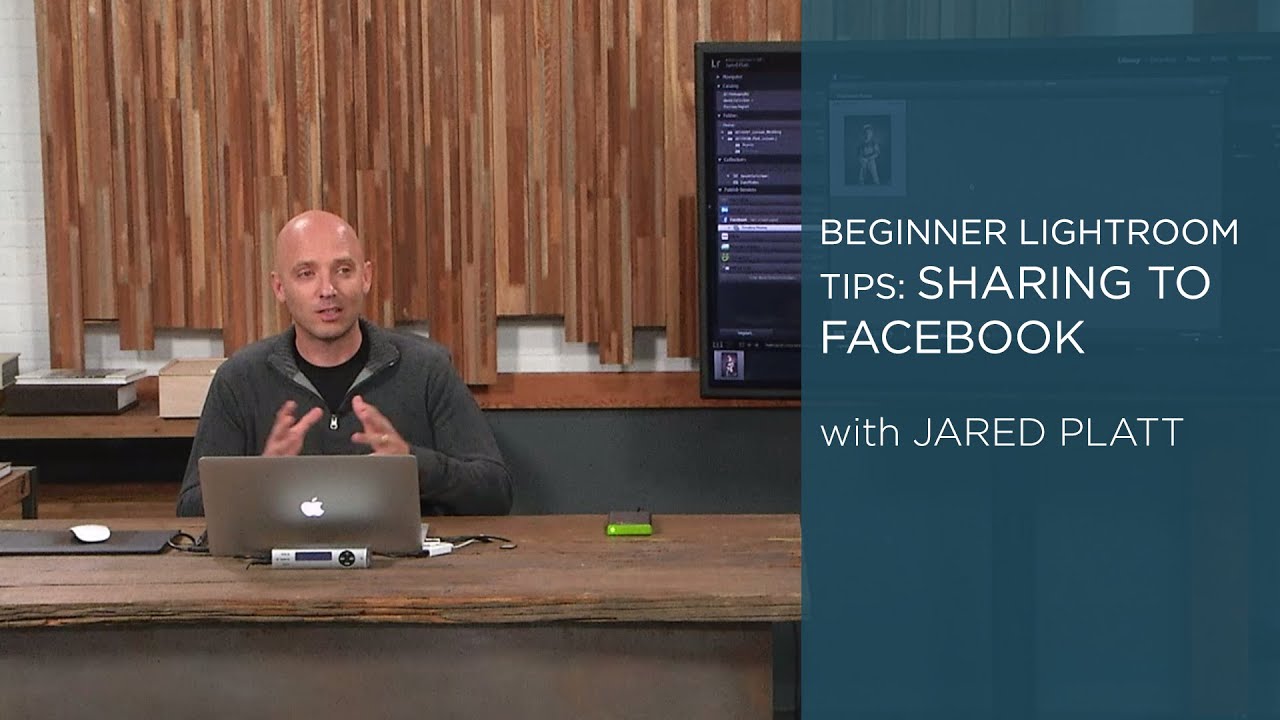
Stop Switching Tabs: How to Publish Photos to Facebook Directly From Lightroom

Stop Switching Tabs: How to Publish Photos to Facebook Directly From Lightroom

There’s a workflow tax most photographers don’t think about: the time spent outside Lightroom doing things Lightroom can already handle. You finish an edit, export the file, open a browser, log into Facebook, navigate to your album, upload the photo, write a caption, and post. That whole sequence takes maybe five minutes. Multiply it by every shoot, every client update, every “hey look what I captured this weekend” moment, and you’ve lost a meaningful chunk of time that could’ve gone toward actual editing.

Share a Photo Gallery With Anyone in Minutes Using Lightroom Classic's Built-In Web Feature

Share a Photo Gallery With Anyone in Minutes Using Lightroom Classic's Built-In Web Feature

Every December I edit a batch of photos I’ll never sell, never print, and never submit anywhere. They’re family shots, gig photos, candid stuff from the year. For a long time those images just lived on my hard drive in RAW format, which means they effectively didn’t exist as far as anyone else was concerned. I’d tell myself I’d get around to exporting them, uploading them somewhere, maybe building a little gallery.