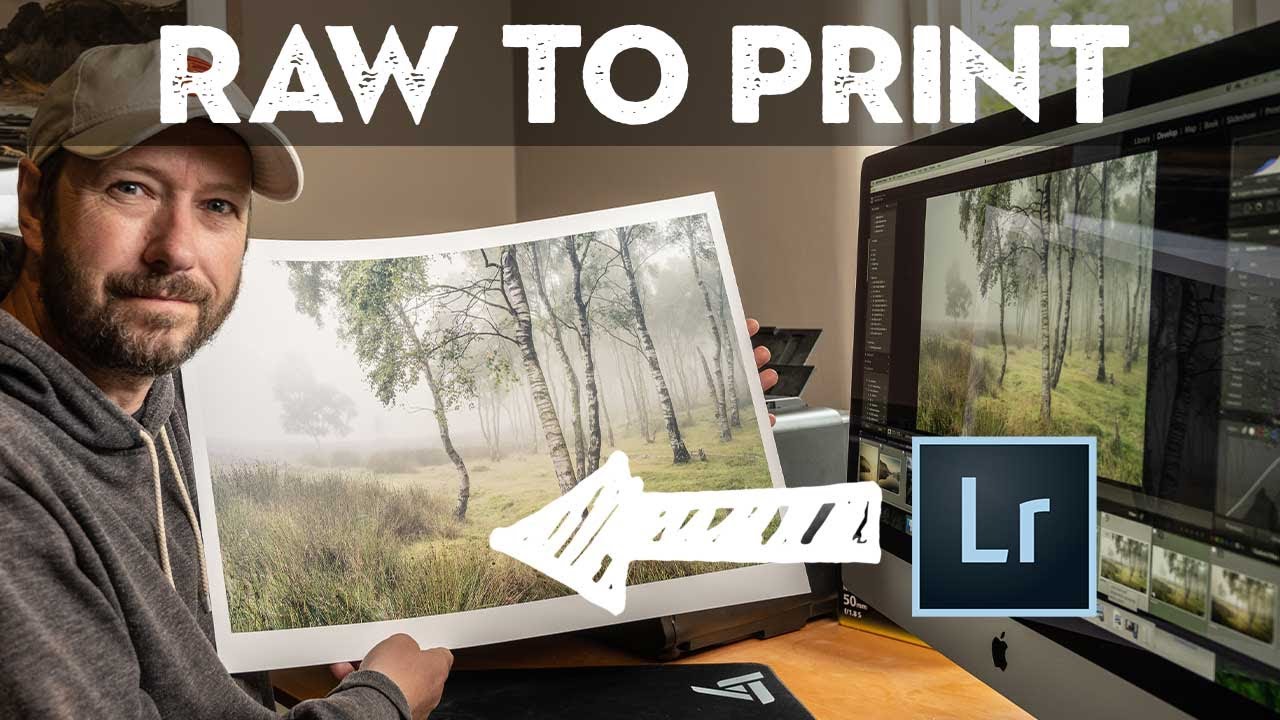
From Foggy RAW File to Final Print: What I Learned Watching Nigel Danson Edit a Landscape Photo

From Foggy RAW File to Final Print: What I Learned Watching Nigel Danson Edit a Landscape Photo

There’s a particular kind of frustration that comes from shooting a genuinely great scene and then watching the edit fall apart at your desk. You were there. You saw the fog rolling through the heather. You exposed carefully. And now the RAW file looks flat, muddy, and nothing like what you remember. This is the problem that a strong, repeatable editing workflow actually solves, and it’s why I keep coming back to tutorials from photographers who shoot seriously and edit seriously.
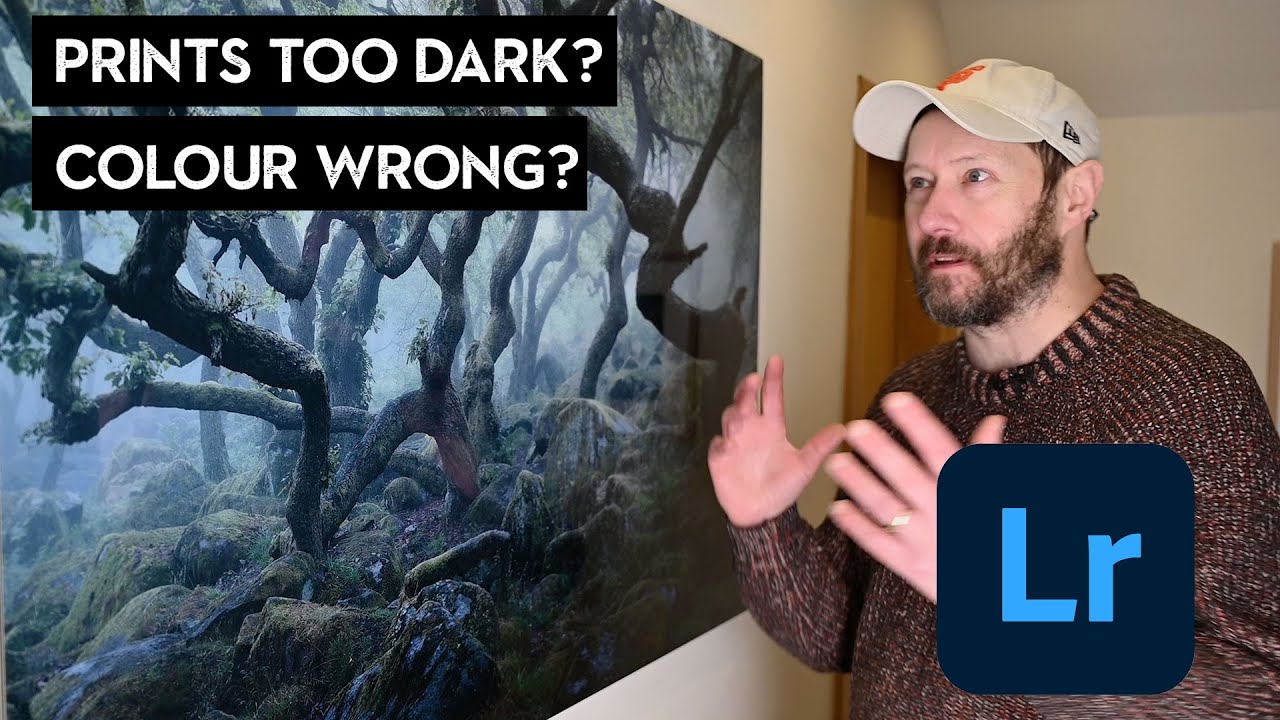
Stop Guessing at Print Settings: Lightroom Export for Prints That Actually Match Your Screen

Stop Guessing at Print Settings: Lightroom Export for Prints That Actually Match Your Screen

Printing your own work should feel like a reward. You spent hours getting the edit right, the colors are dialed in, the tones sit exactly where you want them. Then the print comes back and it looks like it was processed in a different decade. I used to think this was just the cost of printing, something you accepted like buffering on a slow internet connection. Turns out, it’s almost entirely a workflow problem, and it’s fixable.