
Two Lightroom Tricks I Wish I'd Known Before Wasting a Dozen Test Prints

Two Lightroom Tricks I Wish I'd Known Before Wasting a Dozen Test Prints

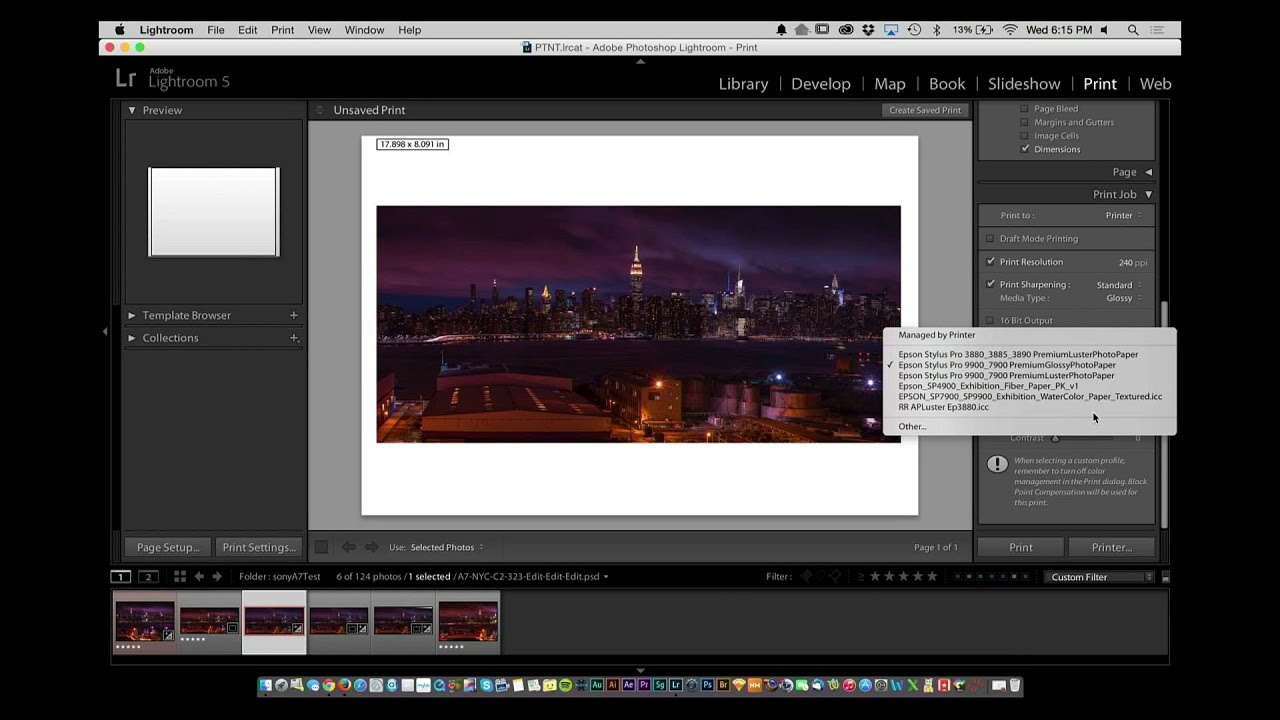
Every photographer who prints their own work has lived this exact nightmare. You spend an hour getting the edit exactly right on screen. The colors are balanced, the highlights are where you want them, the whole thing looks clean and intentional. You send it to the printer. It comes out looking like the photo was taken inside a storm drain. Dark, muddy, lifeless. I’ve thrown away more paper than I care to admit chasing that problem.
Stop Missing Sensor Spots Before You Print: The Lightroom Trick I Wish I'd Known Sooner

Stop Missing Sensor Spots Before You Print: The Lightroom Trick I Wish I'd Known Sooner

There is a specific kind of dread that only photographers know. It hits somewhere between handing someone a large print and watching their eyes drift to a smudge in the upper third of the image. Sensor dust. The gift that keeps giving, because whatever wrecked one frame wrecked every frame shot at that aperture. I have been editing seriously for almost a decade and I still catch myself skipping the spot-check step when I’m in a hurry.