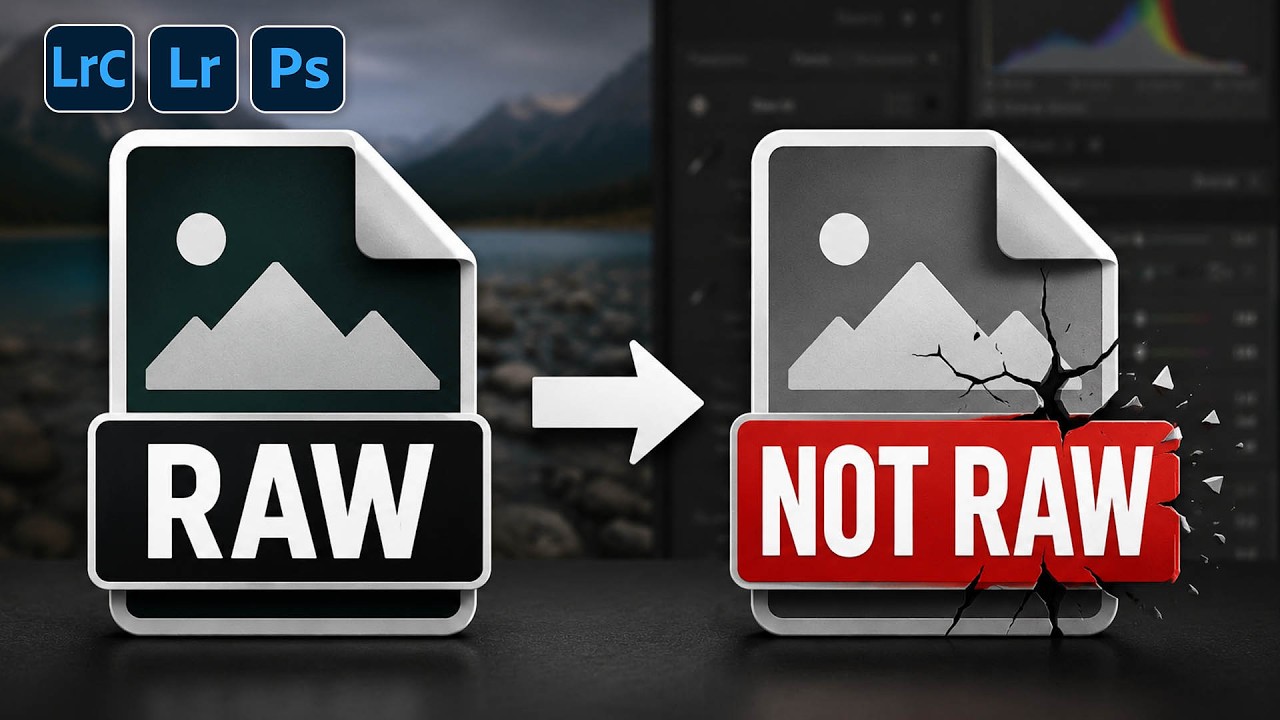
The Dirty Secret About RAW Files in Photoshop (And Why Your Camera Raw Filter Is Lying to You)

The Dirty Secret About RAW Files in Photoshop (And Why Your Camera Raw Filter Is Lying to You)

There’s a conversation I’ve had more times than I can count, usually in the comments section of a tutorial or in a DM from someone who’s genuinely frustrated. It goes something like this: “I opened my RAW file in Photoshop, used the Camera Raw filter, and the autofocus points feature was grayed out. Is my camera not supported?” The answer isn’t about the camera. It’s about a fundamental misunderstanding of what a RAW file actually is once it crosses the border from Lightroom into Photoshop.
What Lightroom Presets Actually Do to Your Raw Files (And Why Most People Use Them Wrong)

What Lightroom Presets Actually Do to Your Raw Files (And Why Most People Use Them Wrong)

I used to name all my presets after songs. Still do, actually. There’s something satisfying about dropping a preset called “Harvest Moon” onto a golden-hour portrait and watching the tones shift exactly the way you imagined. But here’s the thing nobody told me when I first started building presets: the name is the least important part. What matters is understanding what the preset is actually writing to your file, because if you don’t know that, you’re just guessing.

How to Edit a Sunrise RAW File When the Sky Is Already Doing the Work

How to Edit a Sunrise RAW File When the Sky Is Already Doing the Work

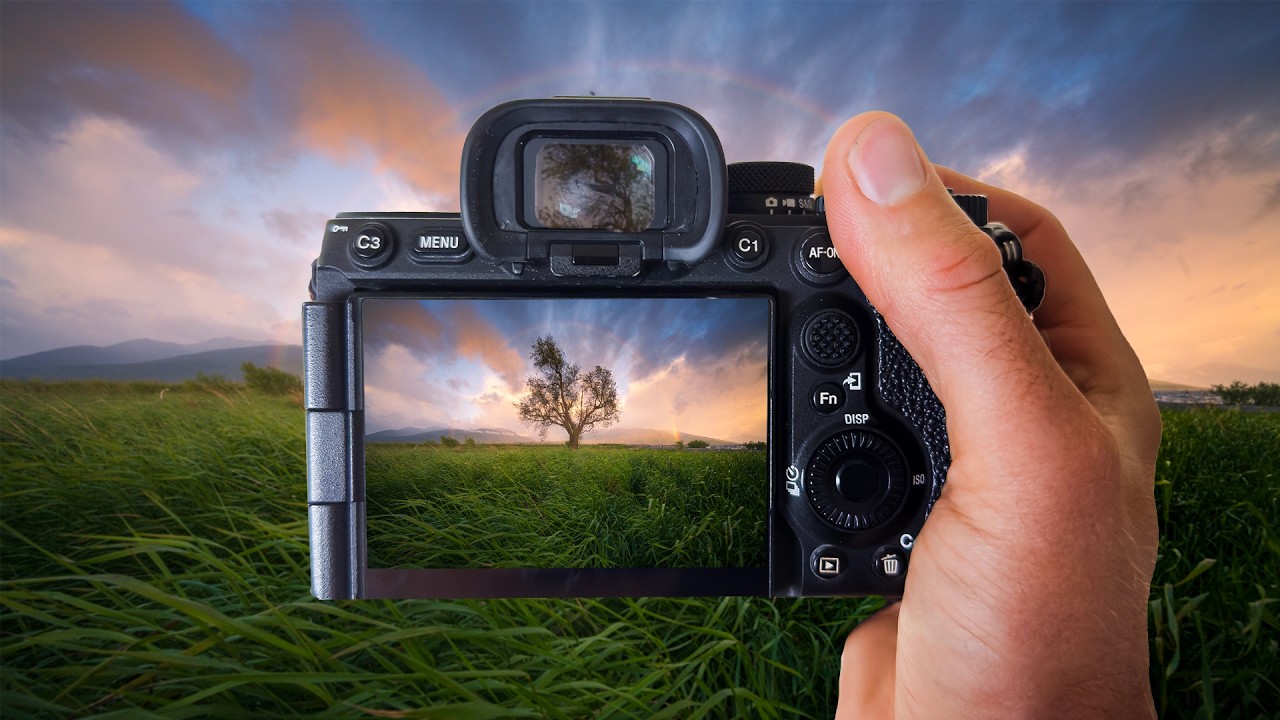
There’s a specific kind of heartbreak that landscape photographers know too well. You wake up before dawn, drive somewhere cold and beautiful, and something genuinely magical happens in front of your lens. You drive home buzzing. You pull up the RAW files. And then, nothing. Flat skies. Muddy colors. A scene that looks like a slightly overcast Tuesday instead of the light show you just witnessed with your own eyes. I’ve been editing photos long enough to know this isn’t a skill problem.