
Lightroom's HDR Merge Hides a Noise Reduction Superpower Most Photographers Miss

Lightroom's HDR Merge Hides a Noise Reduction Superpower Most Photographers Miss

I shoot a lot of musicians. Nashville is full of them, and a good chunk of my editing time is spent rescuing dark venue shots where the shadows look like someone shook a snow globe over the image. For years I treated Lightroom’s built-in HDR merge as a gimmick — something for real estate photographers and sunset chasers. Then I watched a KelbyOne tutorial that reframed the whole feature, and I felt that particular flavor of embarrassed that comes from ignoring a tool that was sitting right there.
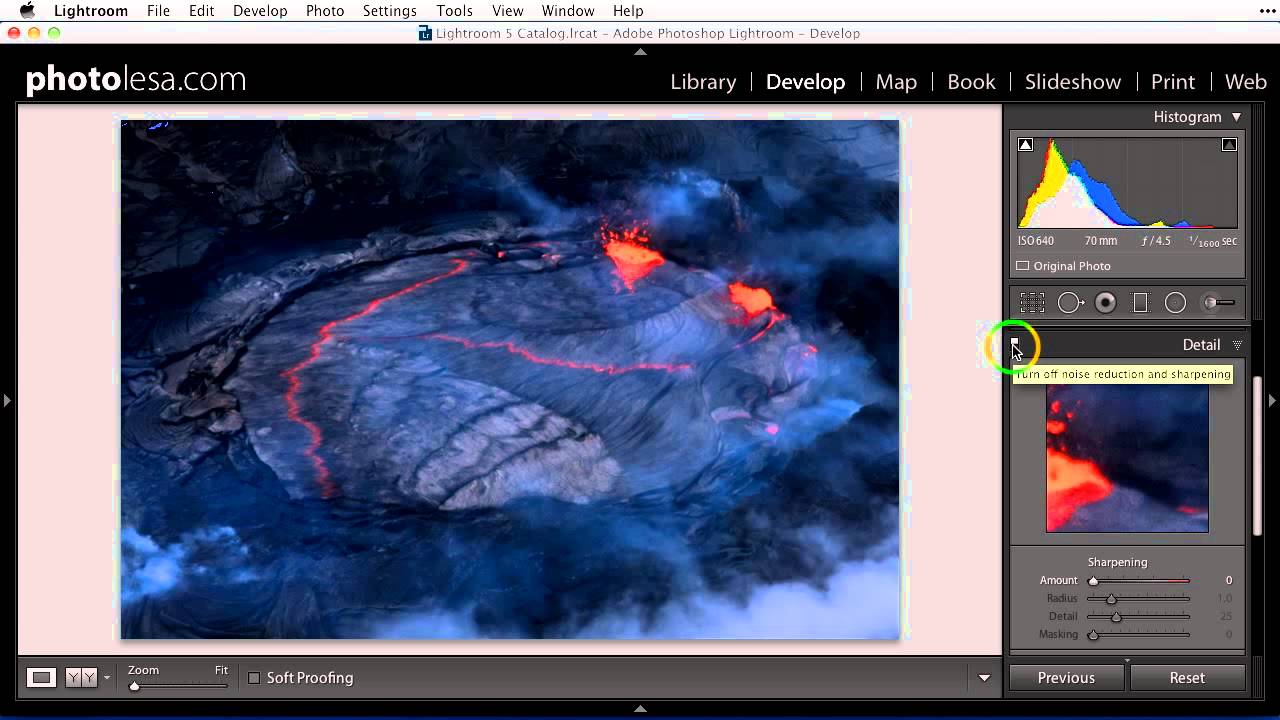
Shadow Recovery Is Killing Your Photos (Here's How to Fix the Noise It Creates)

Shadow Recovery Is Killing Your Photos (Here's How to Fix the Noise It Creates)

There’s a trade-off nobody warns you about when you first start editing in Lightroom. You shoot something in low light, you get it into the Develop module, and you drag those shadows up to rescue all that beautiful detail you knew was hiding in the dark. The image opens up. You feel like a genius. Then you zoom in and see it: grain. Speckles. A texture that looks less like film and more like your sensor had a bad night.