From Lightroom to Photoshop Without Losing Your Mind (or Your Raw Data)

From Lightroom to Photoshop Without Losing Your Mind (or Your Raw Data)

Here is the honest truth about most Lightroom-to-Photoshop workflows: they leak quality somewhere in the handoff. You export a JPEG, open it in Photoshop, do your thing, save it back, and suddenly you are three generations deep into a file that started as a beautiful raw. I have done this more times than I want to admit, usually late on a Friday night with a record on the turntable and a deadline in the morning.
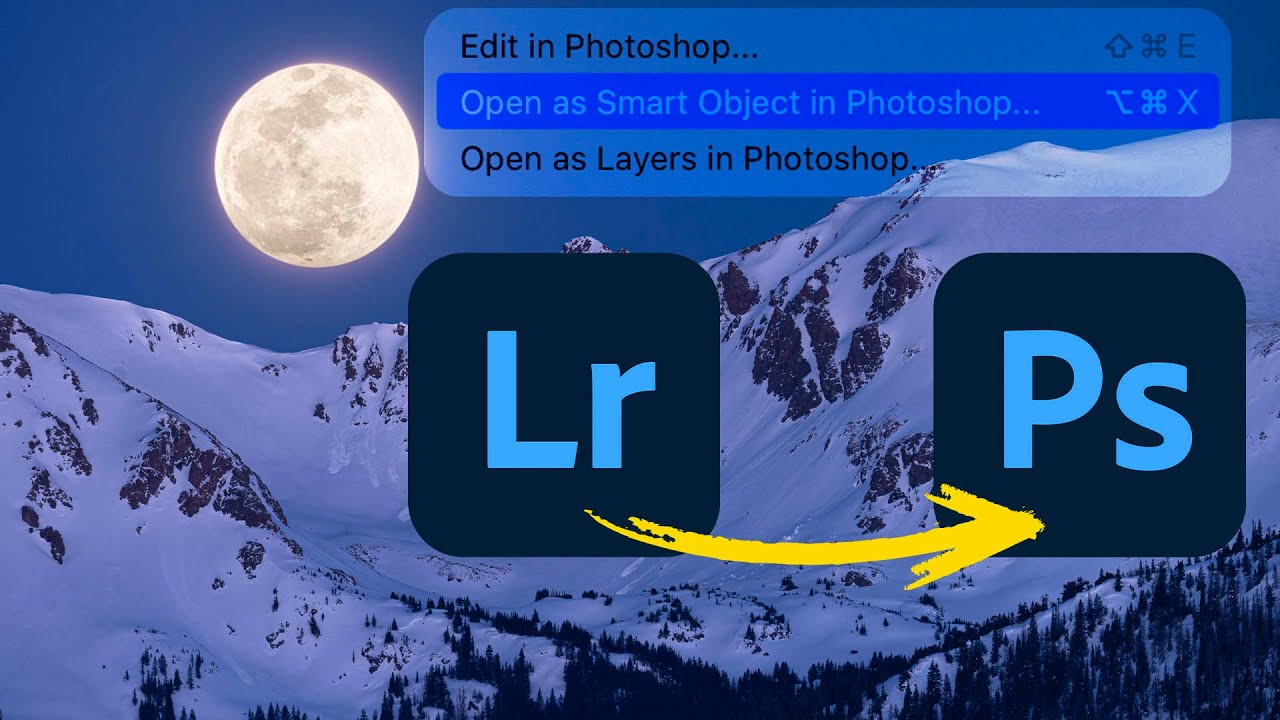
Lightroom to Photoshop: How Smart Objects and Multi-Layer Editing Finally Work Together

Lightroom to Photoshop: How Smart Objects and Multi-Layer Editing Finally Work Together

For a long time, switching from Lightroom (the cloud-based version, not Classic) to Photoshop felt like stepping off a moving train. You could get there, but you gave up a lot of control over what happened next. Specifically, the ability to send a photo to Photoshop as a smart object, open multiple layers, and move between Camera Raw and Photoshop without blowing up your whole editing session - those features just weren’t there.