The Black and White Portrait Edit That Breaks All My Rules (And Why It Works)

The Black and White Portrait Edit That Breaks All My Rules (And Why It Works)

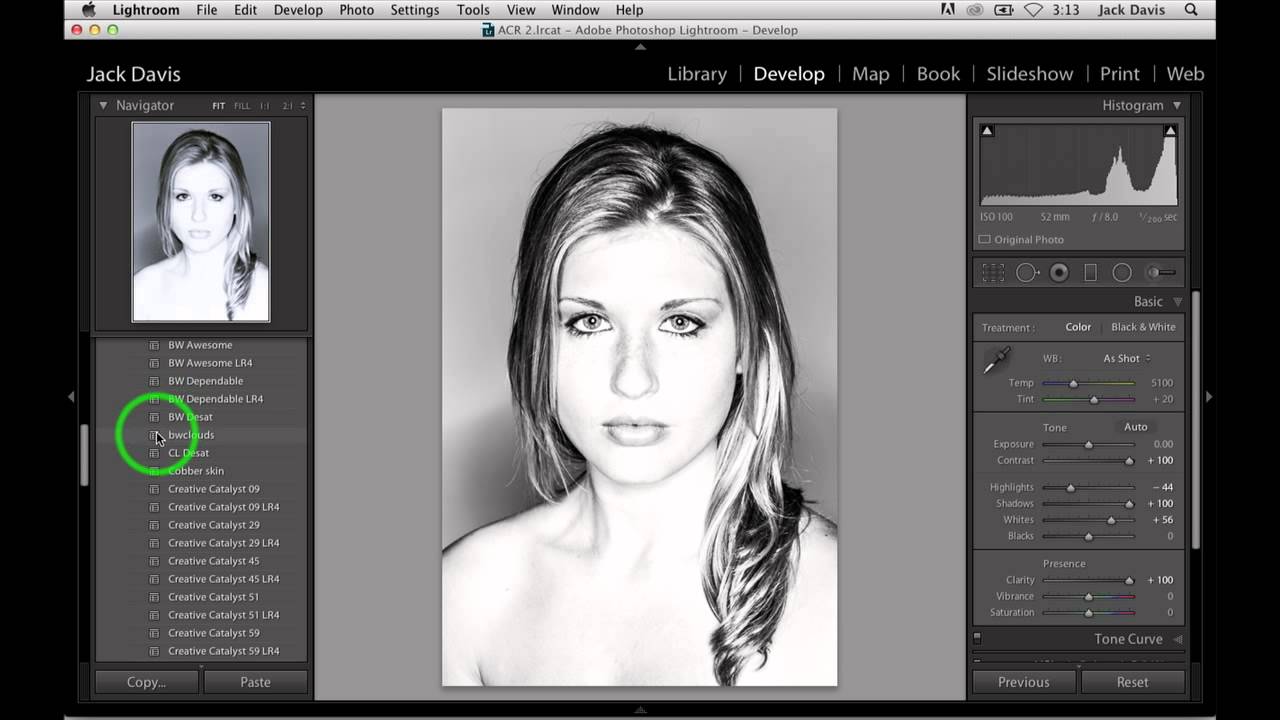
There’s a short list of things I tell every beginner who comes through my workshops: don’t max out your contrast slider, don’t crank clarity on a woman’s portrait, and don’t push highlights and shadows in opposite directions at the same time. Then I watched Jack Davis do all three of those things in a single edit, and the result looked incredible. That’s the kind of tutorial that makes you quietly question your own advice.
Your Highlights Are Blown Out — Here's How to Fix It in Lightroom's Basic Panel

Your Highlights Are Blown Out — Here's How to Fix It in Lightroom's Basic Panel

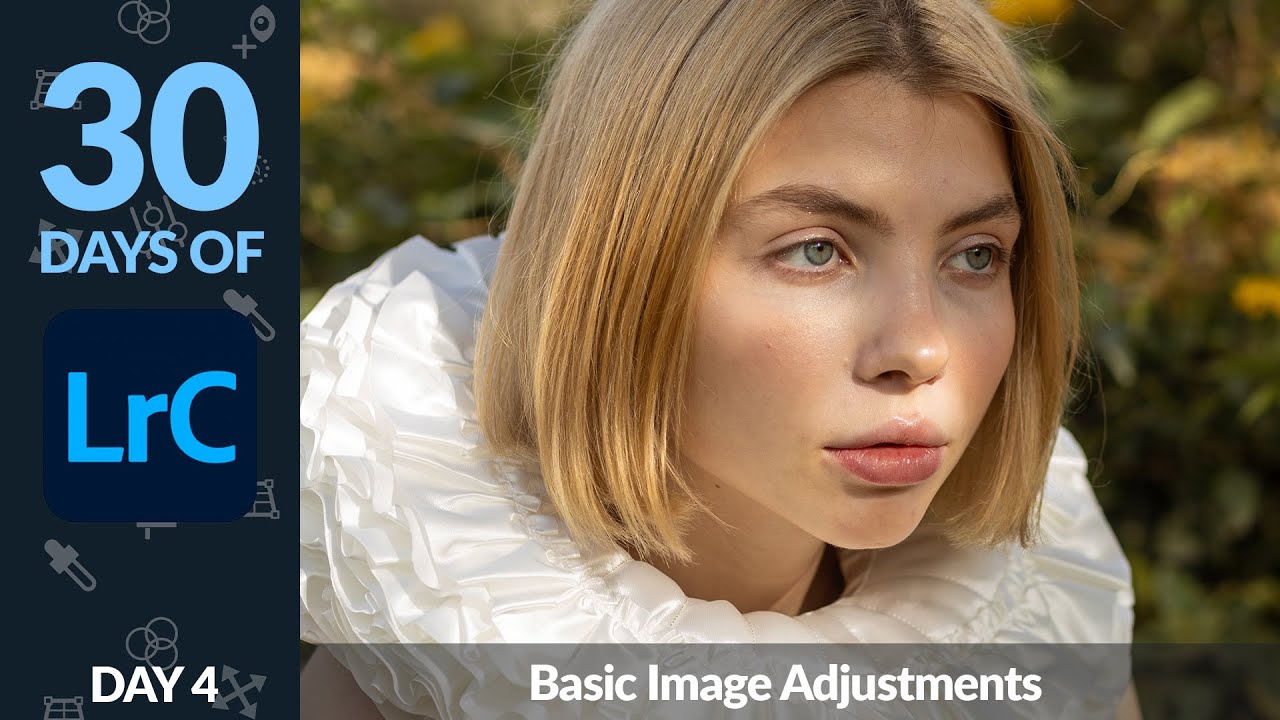
Every time I hand off a gallery to a client, somebody’s arm is too bright. It doesn’t matter how careful I am on location — the highlights blow out, the frilly dress turns into a white rectangle, and suddenly I’m the photographer who didn’t know how to expose properly. I’ve been editing long enough to know this isn’t really an exposure problem. It’s a recovery problem, and Lightroom’s Basic panel is where you fix it.