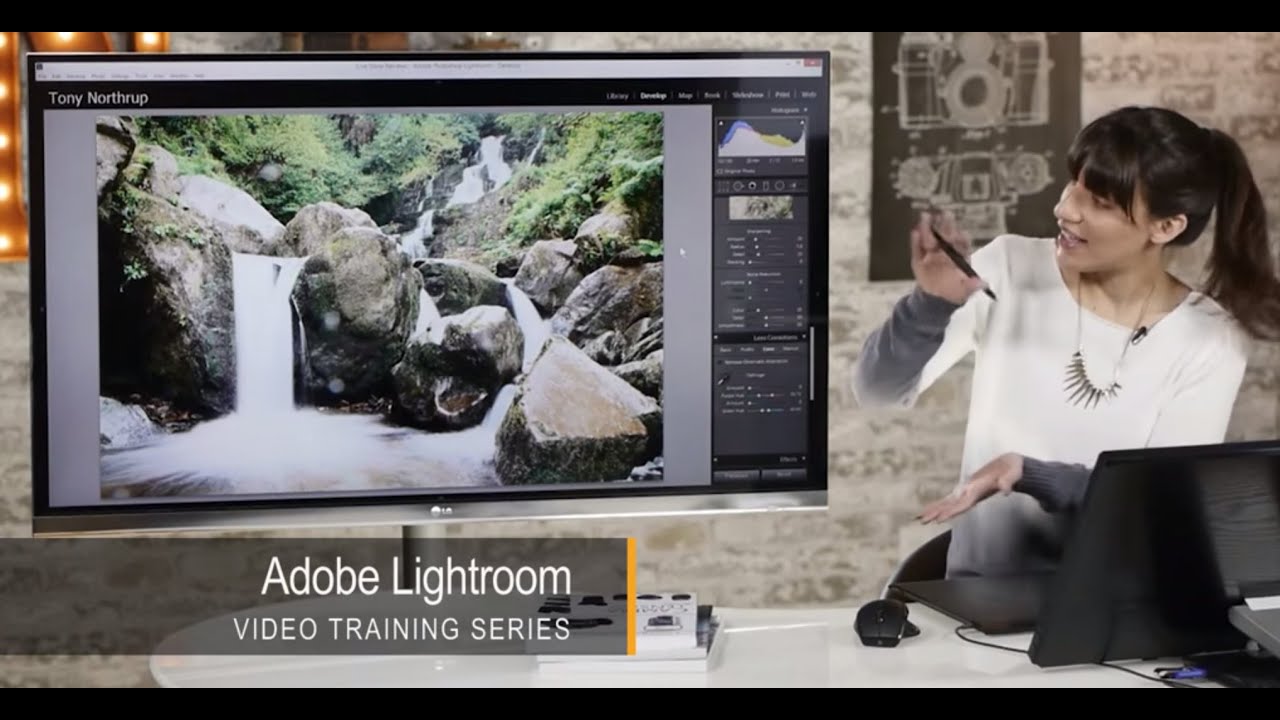
Waterfall Photos Look Muddy Until You Fix These Five Things in Lightroom

Waterfall Photos Look Muddy Until You Fix These Five Things in Lightroom

Waterfall shots have a way of humbling you. You nail the composition, you get the silky water effect with a slow shutter, and then you pull the image into Lightroom and realize half your frame is speckled with lens mist and the colors look like wet cardboard. I’ve been there more times than I’d like to admit. It’s one of those situations where the camera did its job and you still walk away with a photo that doesn’t match what you saw standing at the falls.
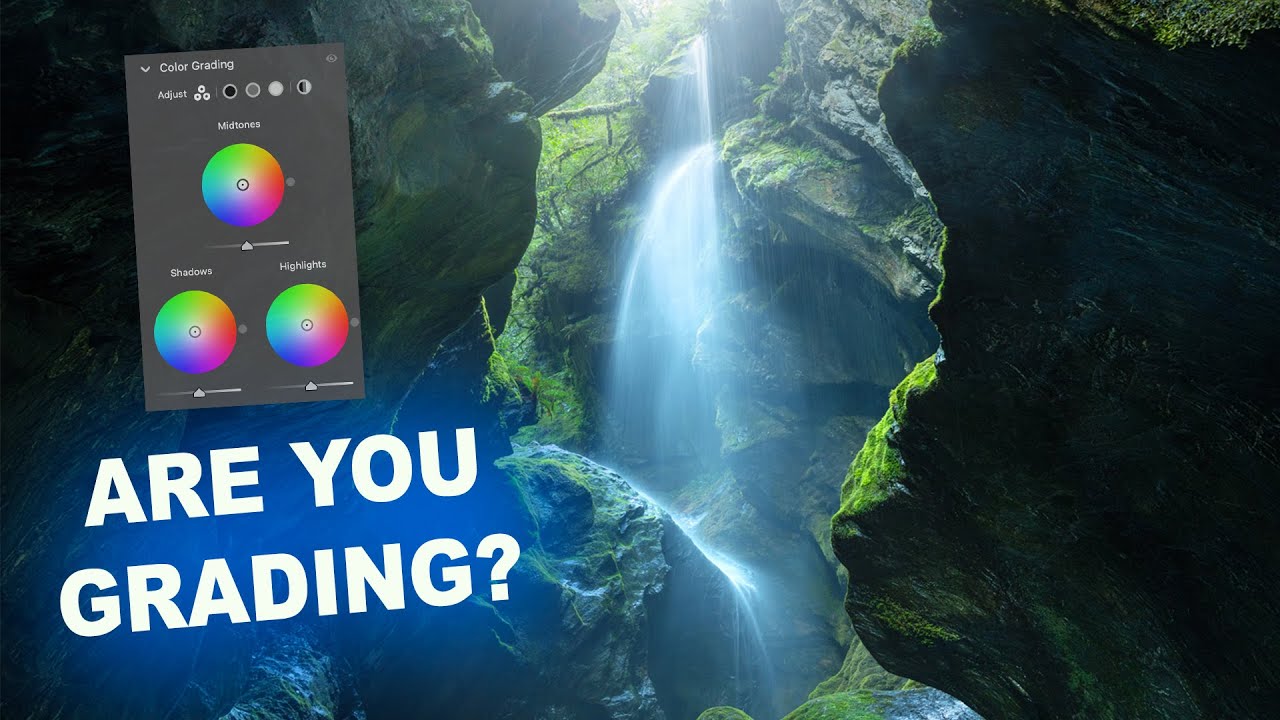
Plan the Shot, Then Let It Go: What a Canyon Waterfall Taught Me About Color Grading

Plan the Shot, Then Let It Go: What a Canyon Waterfall Taught Me About Color Grading

There’s a specific kind of frustration I know well: standing in front of a stunning location, firing off a solid technical shot, and then opening Lightroom later only to feel like something is just… missing. The image is fine. But fine isn’t why you drove two hours into a canyon. That gap between “technically correct” and “actually feels like the place” is where color grading lives, and it’s also the exact problem William Patino sets out to solve in this tutorial on shooting and editing a canyon waterfall.