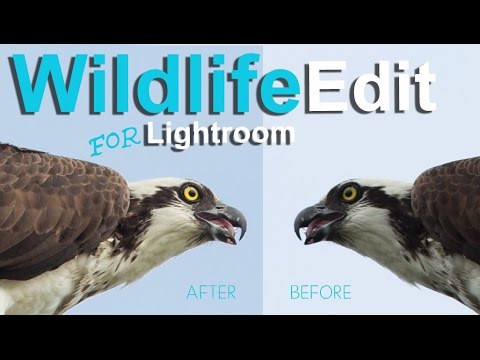
How to Rescue a Blown-Out, Underexposed Wildlife Shot in Lightroom

How to Rescue a Blown-Out, Underexposed Wildlife Shot in Lightroom

Wildlife photography is unforgiving. You get one shot at the heron, the fox, the hawk — and that shot is usually backlit, rushed, and technically a disaster. I’ve been there more times than I want to admit. The subject is dark, the sky is nuclear white, and somewhere in the chaos you managed to clip the bird’s wing at the frame edge. The question isn’t whether your wildlife shots have problems.
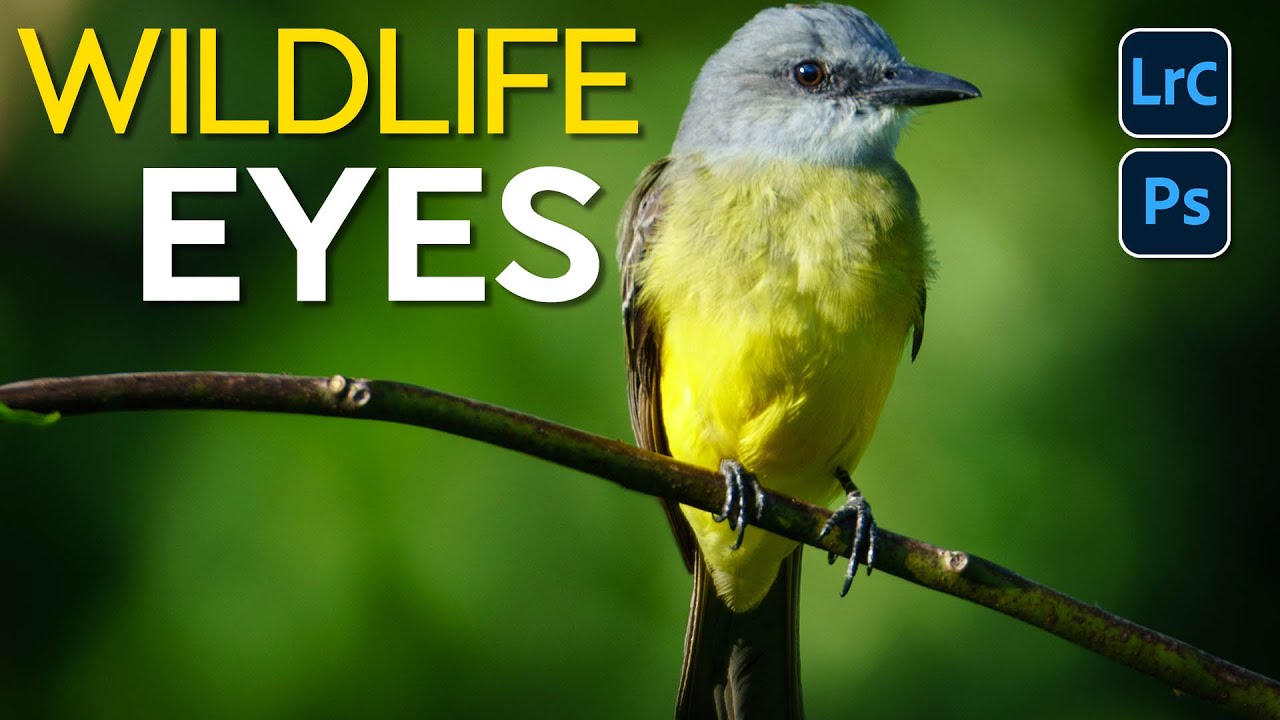
Make Wildlife Eyes Pop in Lightroom: The Radial Gradient Trick That Changes Everything

Make Wildlife Eyes Pop in Lightroom: The Radial Gradient Trick That Changes Everything

There’s a specific kind of frustration that comes from a technically solid wildlife shot where the animal’s eye just looks dead. The exposure is right, the composition works, and you got the focus — but the eye is a dark void that pulls attention nowhere. I’ve been there more times than I’d like to admit, staring at a photo in Lightroom wondering why it feels flat when everything else checks out.