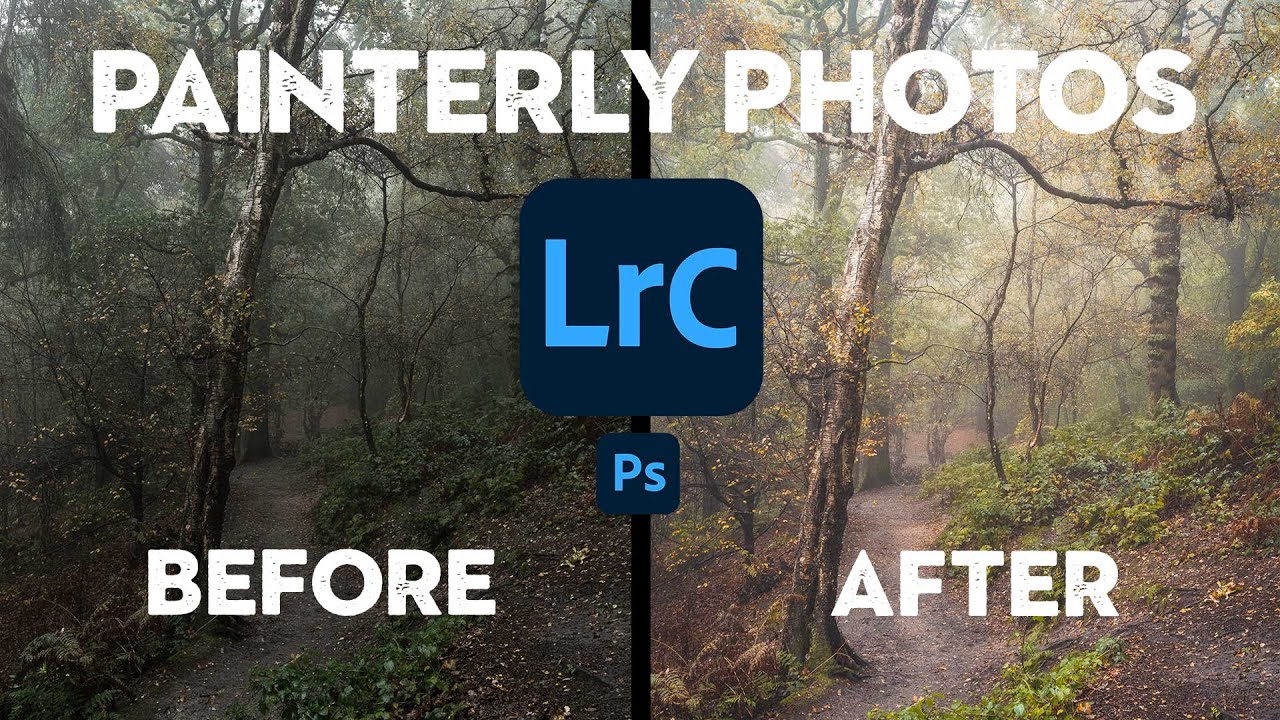
Steal Like a Painter: How to Give Your Woodland Photos That Soft, Atmospheric Look

Steal Like a Painter: How to Give Your Woodland Photos That Soft, Atmospheric Look

There’s a specific kind of woodland photo that stops me mid-scroll every time. It’s not sharp-everything, every-leaf-in-focus landscape photography. It’s something softer. More felt than seen. The kind of image that makes you think of oil paintings before you think of cameras. I’ve been chasing that look for a while, and I kept running into the same wall: I’d get into the woods, shoot something I thought had potential, bring it into Lightroom, and watch it turn into… a perfectly fine photo of some trees.
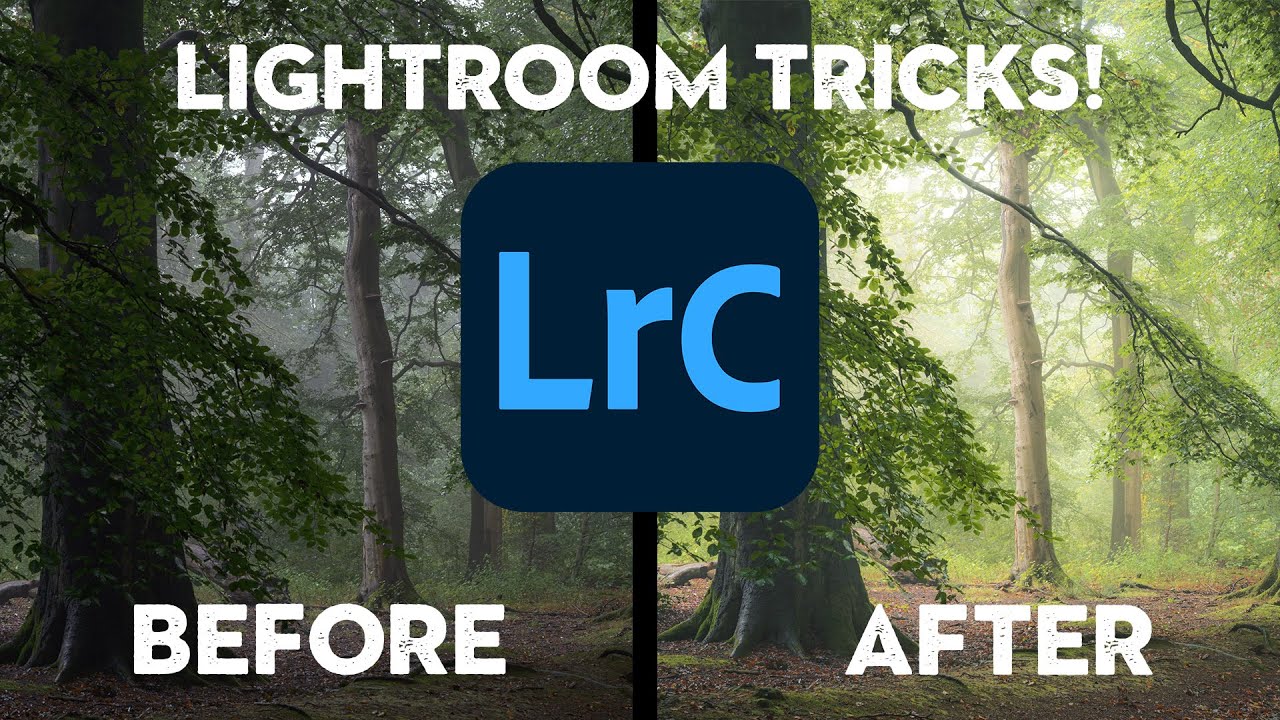
How to Make Your Woodland Photos Look Like Paintings Using Only Lightroom

How to Make Your Woodland Photos Look Like Paintings Using Only Lightroom

Fog-filled woodland shots are one of those subjects where the camera almost always lies. You’re standing in this genuinely atmospheric scene, the light is doing something magical, and then you pull up the raw file and it looks flat, a little muddy, and about as painterly as a screenshot from Google Maps. I’ve been editing nature photos long enough to know that the gap between what you saw and what the sensor captured is real — and closing that gap is entirely an editing problem.