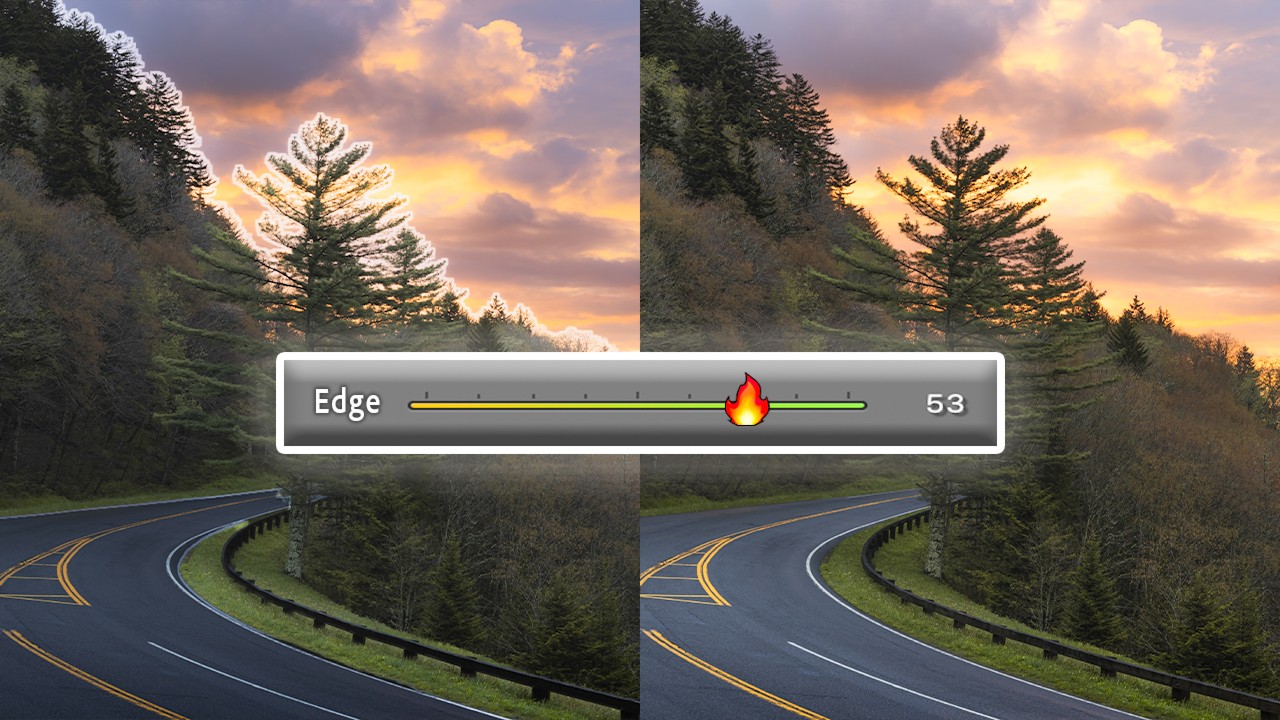
Lightroom's Masking Edge Problem Is Finally Fixed - Here's How to Use the New Controls

Lightroom's Masking Edge Problem Is Finally Fixed - Here's How to Use the New Controls

If you’ve spent any real time with Lightroom’s AI masking tools, you already know the specific frustration I’m talking about. You select the sky, make a solid exposure adjustment, and then zoom in to find your tree branches have turned into a soft, smeared mess along the mask boundary. Or you get that telltale halo glowing around every edge like the photo is auditioning for a soap opera. The adjustment itself might be perfect, but the edge blowout kills the whole thing.
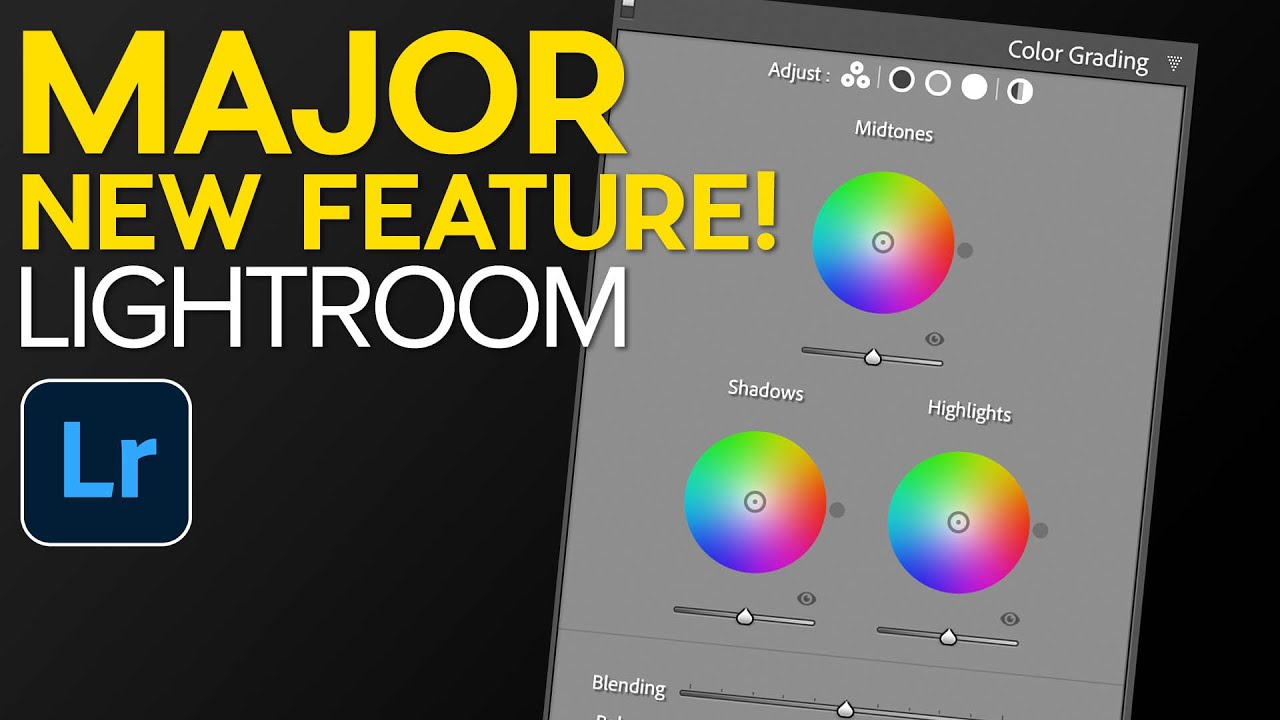

Lightroom Classic 10: What Actually Changed and Why the Catalog Upgrade Is Smarter Than You Think

Lightroom Classic 10: What Actually Changed and Why the Catalog Upgrade Is Smarter Than You Think

Every October, Adobe throws their Max conference and drops a round of updates across the Creative Cloud suite. For Lightroom Classic users, that usually means a new version number, a mandatory catalog upgrade, and a scramble to figure out what actually changed. I’ve been through this cycle enough times that I used to dread it. A new catalog always felt like handing your library to a slot machine and hoping everything came out intact.

Adobe Lightroom's New AI Masking Is Almost Too Easy (And I Have Feelings About That)

Adobe Lightroom's New AI Masking Is Almost Too Easy (And I Have Feelings About That)

Every few months Adobe drops an update that genuinely changes how I work, and every few months I have to decide whether I’m excited or quietly unsettled. Sometimes it’s both at once. When I saw the new masking features land in Lightroom recently, I opened the app, sat down with a coffee, and pulled up Watch the full tutorial on YouTube from Peter McKinnon, who had already done the work of poking around in the new tools and thinking out loud about them.

Adobe's Latest Lightroom Overhaul: What the New AI Features Mean for Your Editing Workflow

Adobe's Latest Lightroom Overhaul: What the New AI Features Mean for Your Editing Workflow

Adobe’s Latest Lightroom Overhaul: What the New AI Features Mean for Your Editing Workflow Adobe just dropped a significant round of updates across the entire Lightroom family, and I’ve spent the last few days putting them through their paces. The improvements span Lightroom Classic, the Desktop version, and Mobile—basically covering every way you might want to edit your photos. The headline here? Performance boosts and smarter AI integration that could genuinely change how we approach color grading.