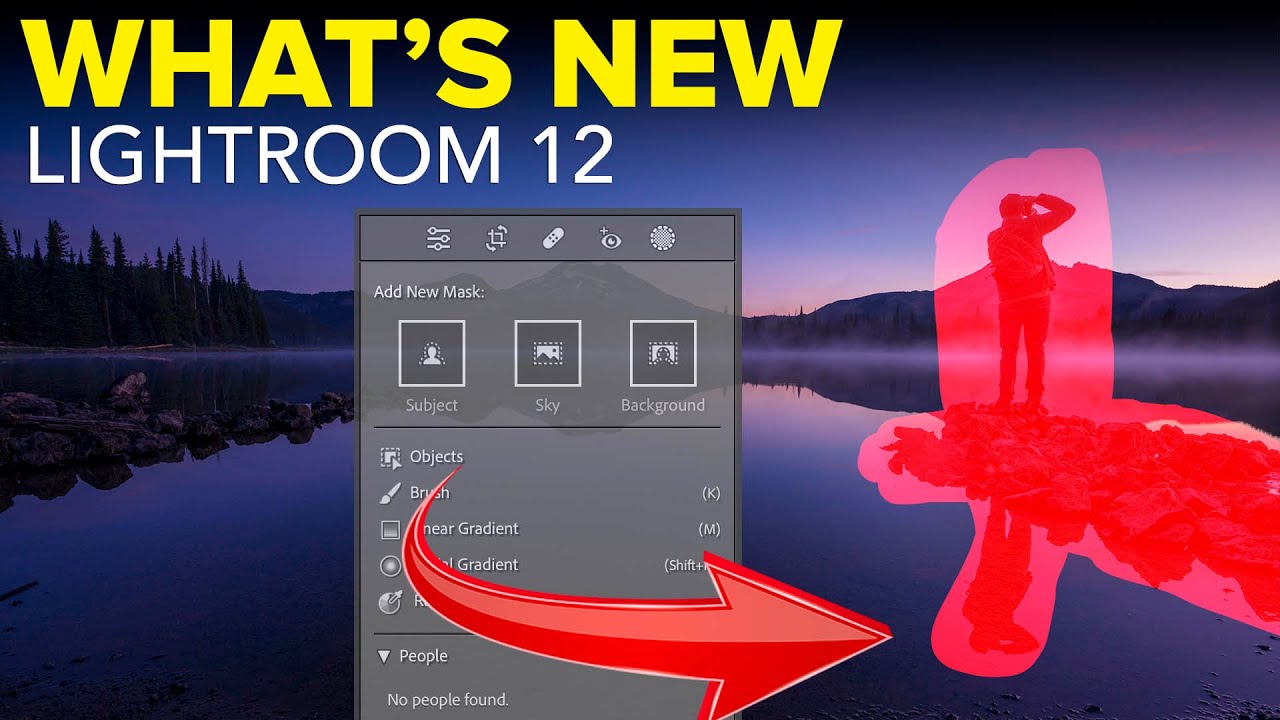
Lightroom's New Portrait Masking Tools Are the Biggest Skin-Editing Leap in Years

Lightroom's New Portrait Masking Tools Are the Biggest Skin-Editing Leap in Years

Portrait editing used to be the part of my workflow I’d put on in the background while I went to make coffee. Click a few sliders, dodge some shadows under the eyes, call it done. But client expectations have shifted, and lately I’ve been getting asked to deliver retouching that would have taken me into Photoshop two years ago. So when Adobe dropped the October 2022 update to Lightroom Classic, I needed to know exactly what was new and whether any of it would actually save me time on a real session.
Adobe's AI Denoise Tool Put to the Ultimate Test: An ISO 12800 Aurora Shot

Adobe's AI Denoise Tool Put to the Ultimate Test: An ISO 12800 Aurora Shot

There’s a specific kind of dread that hits when you open a raw file the morning after a shoot and realize you were working at ISO 12,800 in near-total darkness. I know that feeling well. It’s the same feeling I had the first time I edited press shots for my band under a single kitchen light with a copy of Lightroom I barely understood. High ISO noise isn’t just an aesthetic problem.

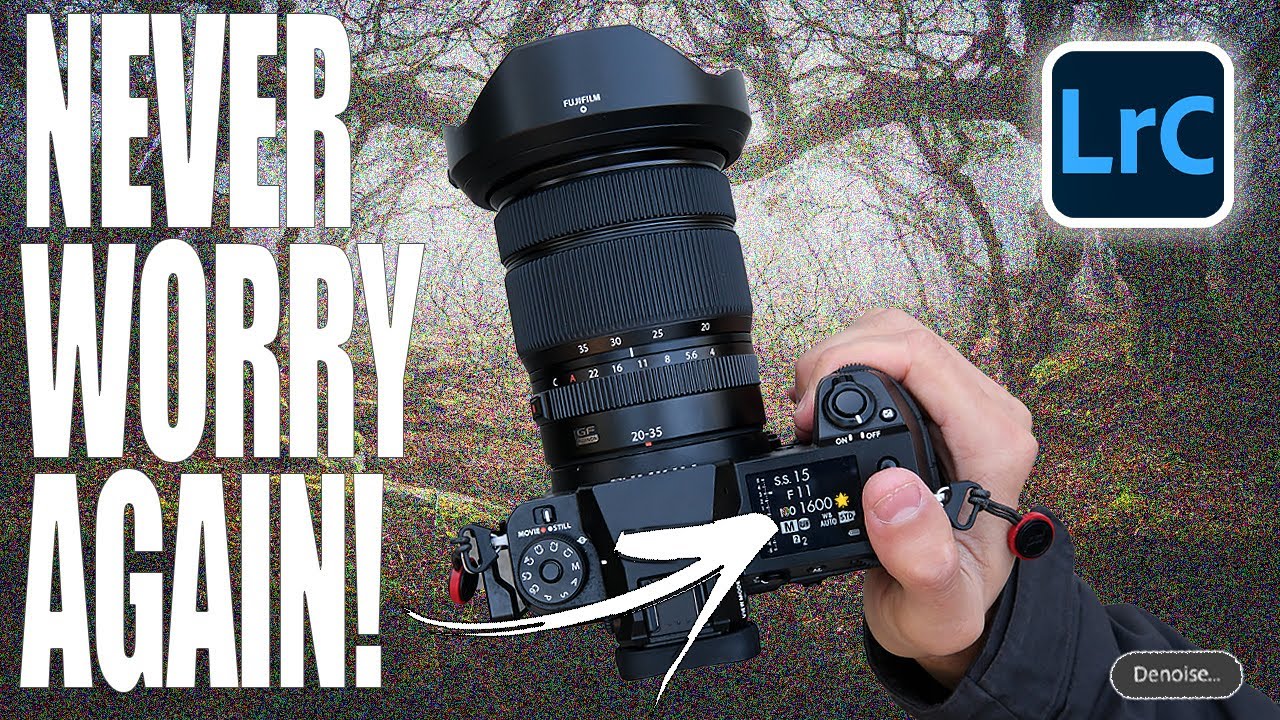
Lightroom's AI Denoise Tool Actually Works — Here's the Proof

Lightroom's AI Denoise Tool Actually Works — Here's the Proof

I shoot a lot of golden hour and blue hour landscapes, which means I spend a lot of time fighting noise. ISO creep is real, especially when you’re chasing a specific shutter speed to keep moving water silky or freeze wind-blown leaves. For years, Lightroom’s built-in noise reduction was my least favorite part of the workflow. Crank the luminance slider and yes, the grain disappears, but so does everything else. The fine texture in bark, the detail in distant ridgelines, the individual strands of a waterfall.