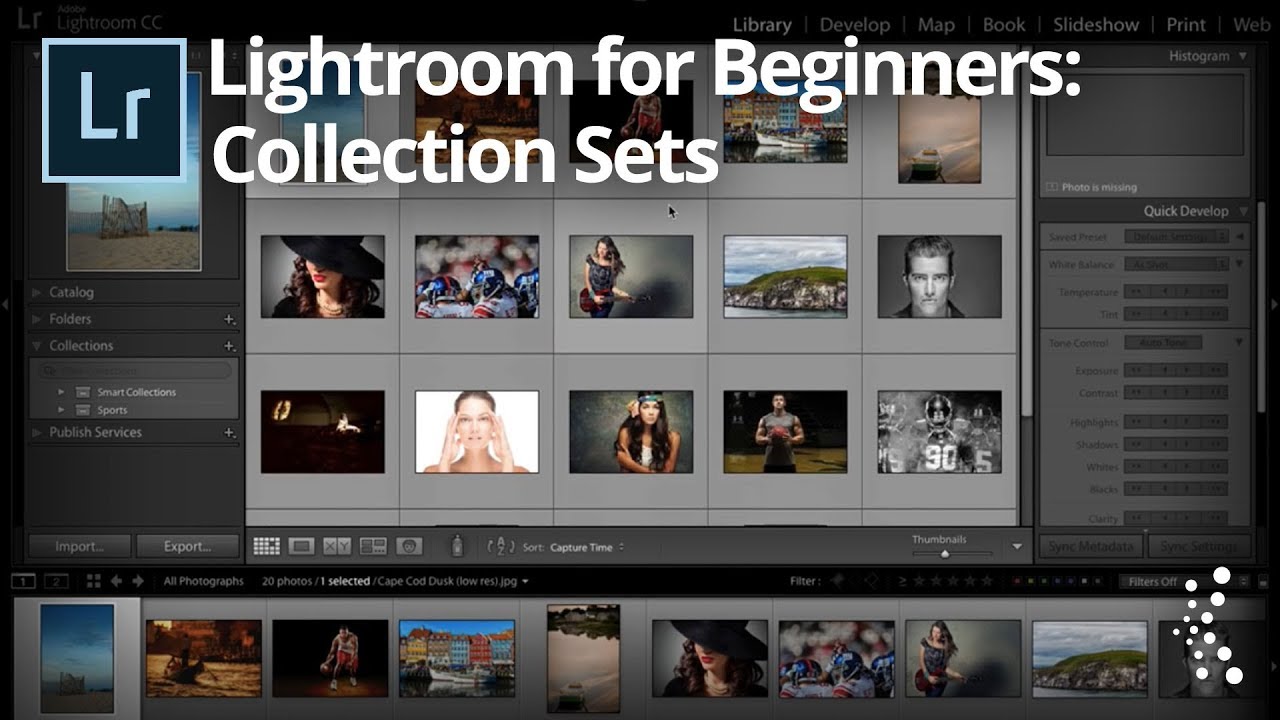
Stop Letting Your Lightroom Collections Turn Into a Junk Drawer (Use Collection Sets Instead)

Stop Letting Your Lightroom Collections Turn Into a Junk Drawer (Use Collection Sets Instead)

My Lightroom catalog used to look like the back seat of a touring van. Photos everywhere, collections named things like “final_REAL_v3,” no logical hierarchy, just a long scrolling list of panic. When you’re importing shoots constantly, organization is the thing that always feels like it can wait until later. Later never comes. Collection Sets fixed that for me, and I genuinely wish someone had walked me through them when I was starting out.

Lightroom vs. Lightroom Classic: A Working Photographer's Tour of the Cloud-Based App

Lightroom vs. Lightroom Classic: A Working Photographer's Tour of the Cloud-Based App

I’ll be honest with you. For years I was a Lightroom Classic loyalist. Classic felt like home base, the place where my catalogs lived, where my presets (named after Wilco songs, naturally) were organized just the way I liked them. The cloud-based version of Lightroom felt like a younger sibling I hadn’t bothered to get to know. Then my editing workflow got messier as I started shooting more on the go, and I needed a way to access and edit images across devices without driving myself crazy.

Where Did My Photos Go? The Lightroom Import Method That Finally Makes Sense

Where Did My Photos Go? The Lightroom Import Method That Finally Makes Sense

There is one question I heard constantly when I first started helping friends learn Lightroom: “Where did my photos go?” Not “how do I edit this” or “what’s a good preset for skin tones” - just a panicked message asking why an entire shoot had disappeared into the void. The answer, almost every single time, came back to the import step. People skip past it, click through the dialog without reading it, and then spend an hour hunting through their hard drive wondering if they accidentally deleted a whole card full of portraits.