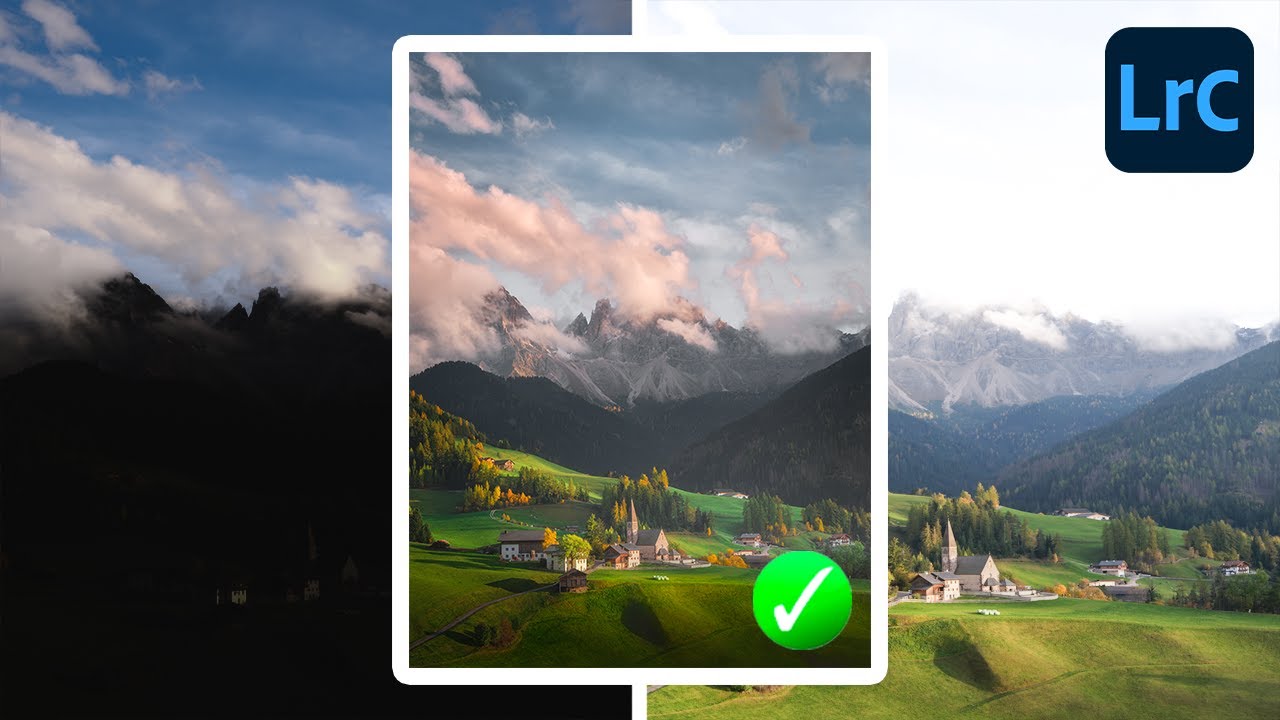
Lightroom Can Actually Blend Exposures - Here's the Hidden Feature That Makes It Work

Lightroom Can Actually Blend Exposures - Here's the Hidden Feature That Makes It Work

There’s a conversation I end up having at least once a week, usually in the comments or over email: “Should I switch to Photoshop just to blend exposures?” And honestly, for a long time, my answer was a reluctant “kind of, yeah.” Lightroom has always been the better tool for the actual editing workflow, but the moment someone needs to combine a bright sky shot with a properly exposed foreground, the conversation usually detours into Photoshop, luminosity masks, and about three hours of frustration.
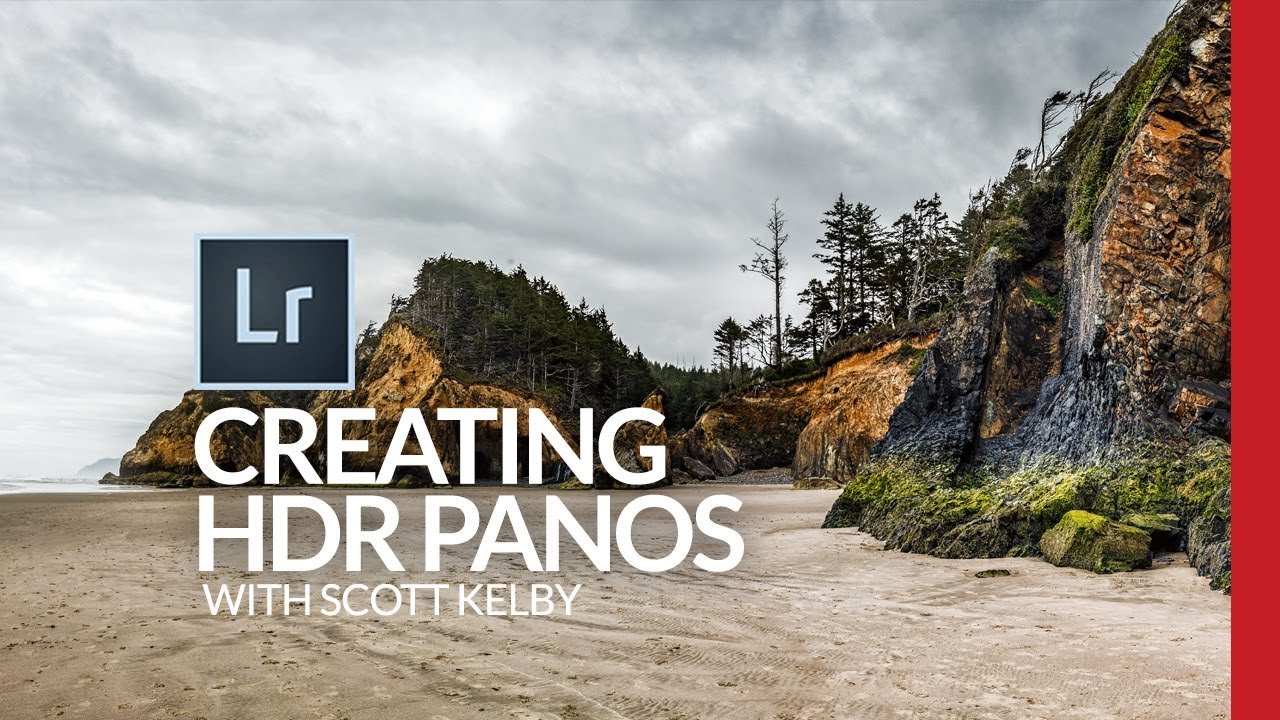
HDR Panoramas in Lightroom: The Bracketing Workflow That Actually Holds Up

HDR Panoramas in Lightroom: The Bracketing Workflow That Actually Holds Up

Landscape photographers talk about golden hour like it’s a guaranteed ticket to a great shot. It isn’t. The real problem with dramatic outdoor scenes isn’t the light itself, it’s the dynamic range. Bright skies, dark shadows, and everything in between crammed into a single frame that your sensor simply cannot capture in one exposure. HDR helps. Panoramas help. Combining them into a single HDR panorama? That’s where things get genuinely powerful.

Stop Drowning in Bracket Photos: A Smarter Way to Manage HDR Shoots in Lightroom

Stop Drowning in Bracket Photos: A Smarter Way to Manage HDR Shoots in Lightroom

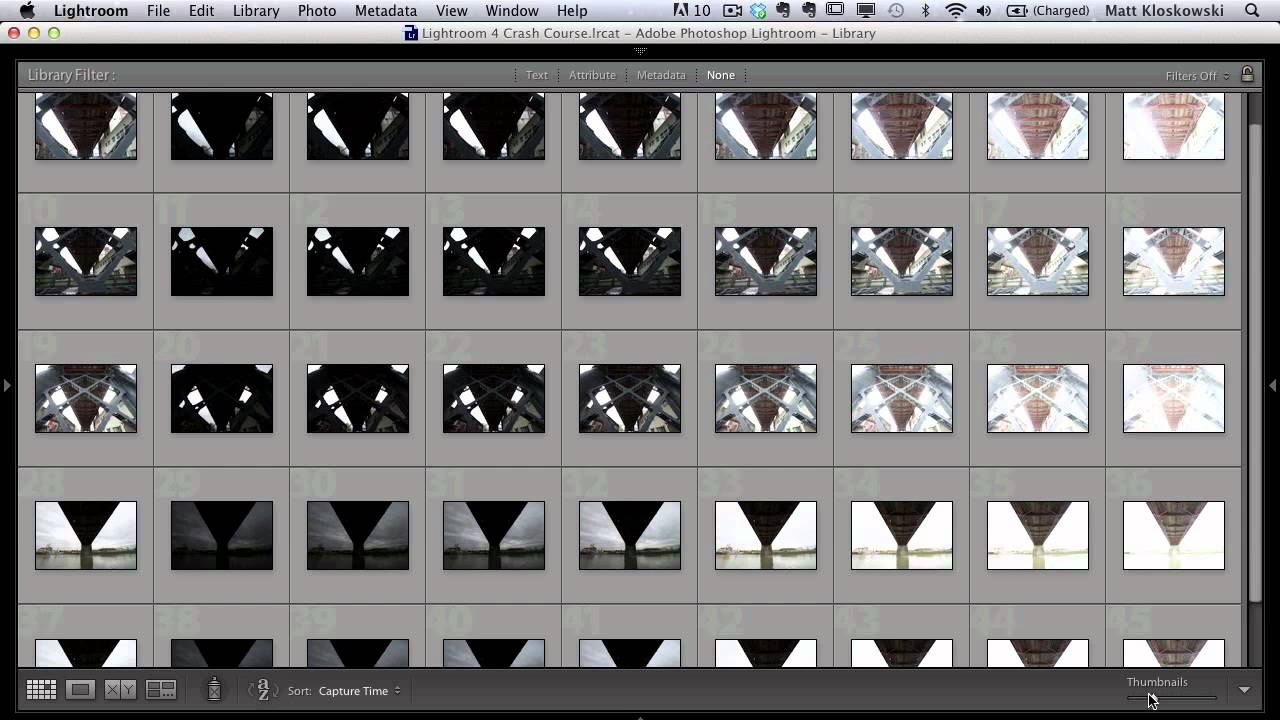
Every time I come back from a shoot with bracketed exposures, I face the same low-grade dread: opening Lightroom to find what feels like a thousand nearly identical frames staring back at me. Nine brackets per scene, multiplied across an afternoon of walking around downtown Nashville, and suddenly I’m not editing photos anymore. I’m just managing files. That’s not why I picked up a camera. This KelbyOne tutorial from Matt Kloskowski landed in my feed at exactly the right moment.