Stop Letting Your Lightroom Collections Turn Into a Junk Drawer (Use Collection Sets Instead)

Stop Letting Your Lightroom Collections Turn Into a Junk Drawer (Use Collection Sets Instead)

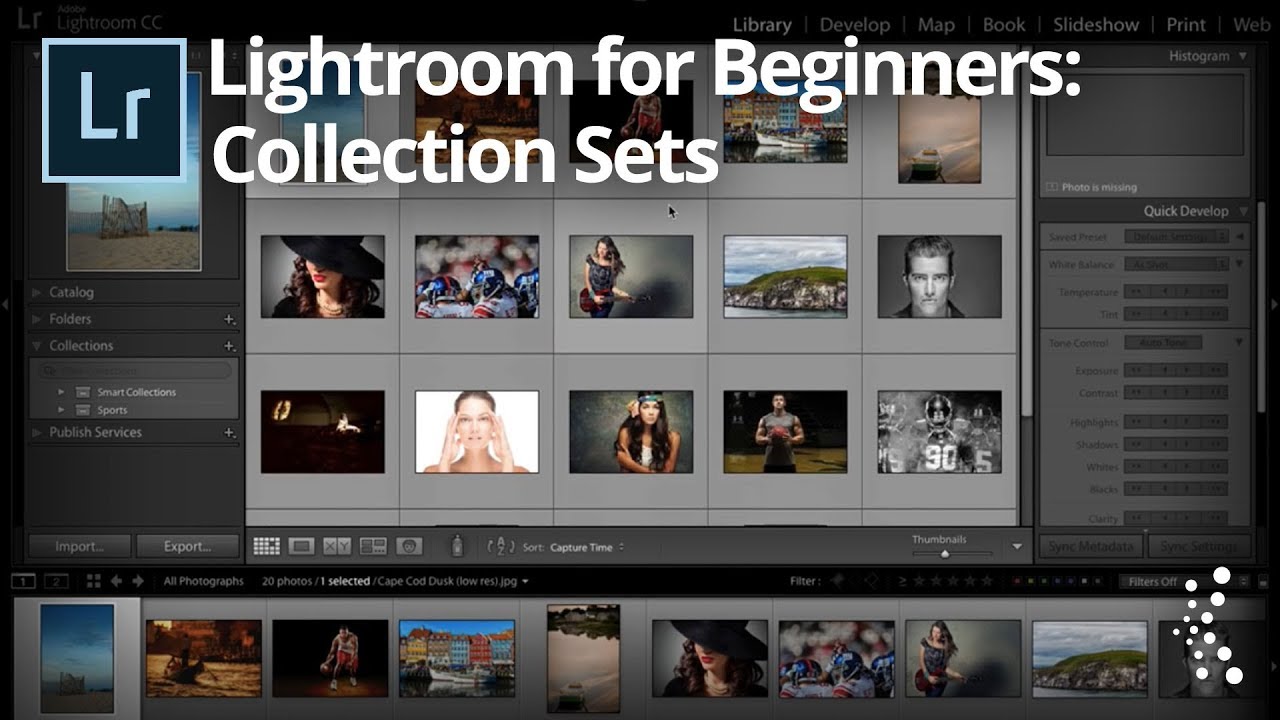
My Lightroom catalog used to look like the back seat of a touring van. Photos everywhere, collections named things like “final_REAL_v3,” no logical hierarchy, just a long scrolling list of panic. When you’re importing shoots constantly, organization is the thing that always feels like it can wait until later. Later never comes. Collection Sets fixed that for me, and I genuinely wish someone had walked me through them when I was starting out.

Stop Scrolling Through Your Entire Collection List — Use Target Collections Instead

Stop Scrolling Through Your Entire Collection List — Use Target Collections Instead

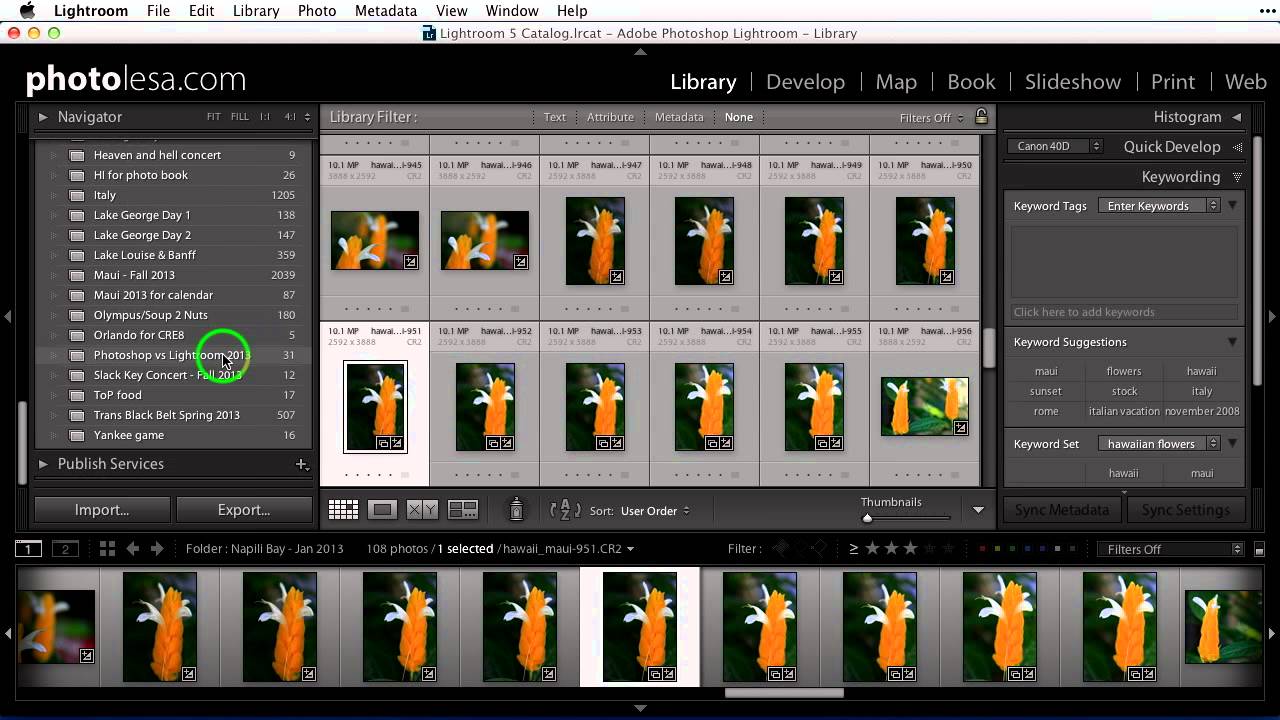
There is a specific kind of frustration that only Lightroom users understand. You are deep in your folder panel, you find five images that belong in a collection you made three months ago, and now you have to scroll through what feels like an archaeological dig of nested folders and collection sets just to drop those photos in the right place. And that is assuming you do not accidentally drop them into the wrong collection, which I have done more times than I want to admit.

The Mobile-to-Desktop Lightroom Workflow That Actually Works for Travel Photographers

The Mobile-to-Desktop Lightroom Workflow That Actually Works for Travel Photographers

There is one workflow problem that used to wreck me every time I came home from a trip. My phone camera roll is a disaster of food photos, screenshots, and actual keepers all jumbled together. My Sony files are sitting on a card. And somewhere between those two worlds is a batch of photos I genuinely care about, waiting to get lost or forgotten. For a while my solution was “deal with it later,” which, as any photographer knows, is code for “never deal with it.