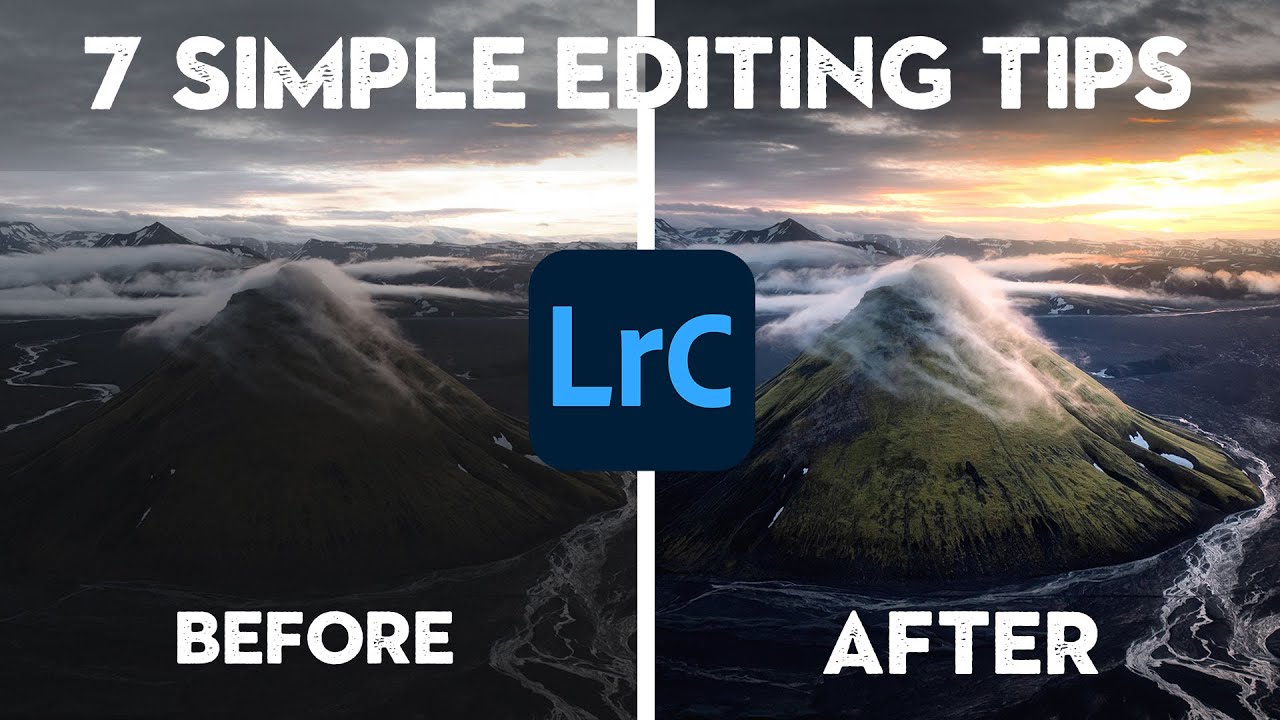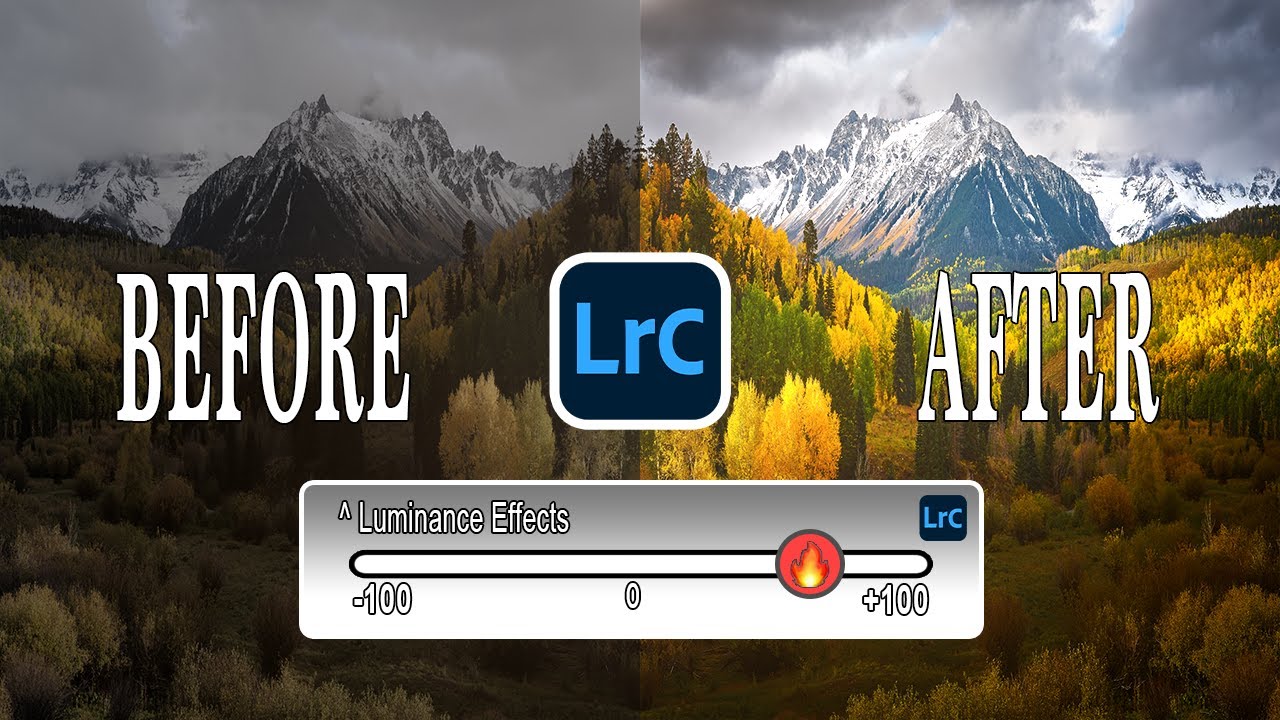
The Lightroom Histogram Isn't Just for Looking At — Here's How to Edit With It

The Lightroom Histogram Isn't Just for Looking At — Here's How to Edit With It

There’s a certain kind of Lightroom knowledge that separates people who edit photos from people who understand what they’re doing to photos. For a long time, I was firmly in the first camp. I’d drag sliders around in the Basic panel until things looked good, occasionally glancing at the histogram like it was a car dashboard warning light I didn’t fully understand. It was decoration. Background noise. I knew it mattered, but I treated it like I treat the fine print on a software license.
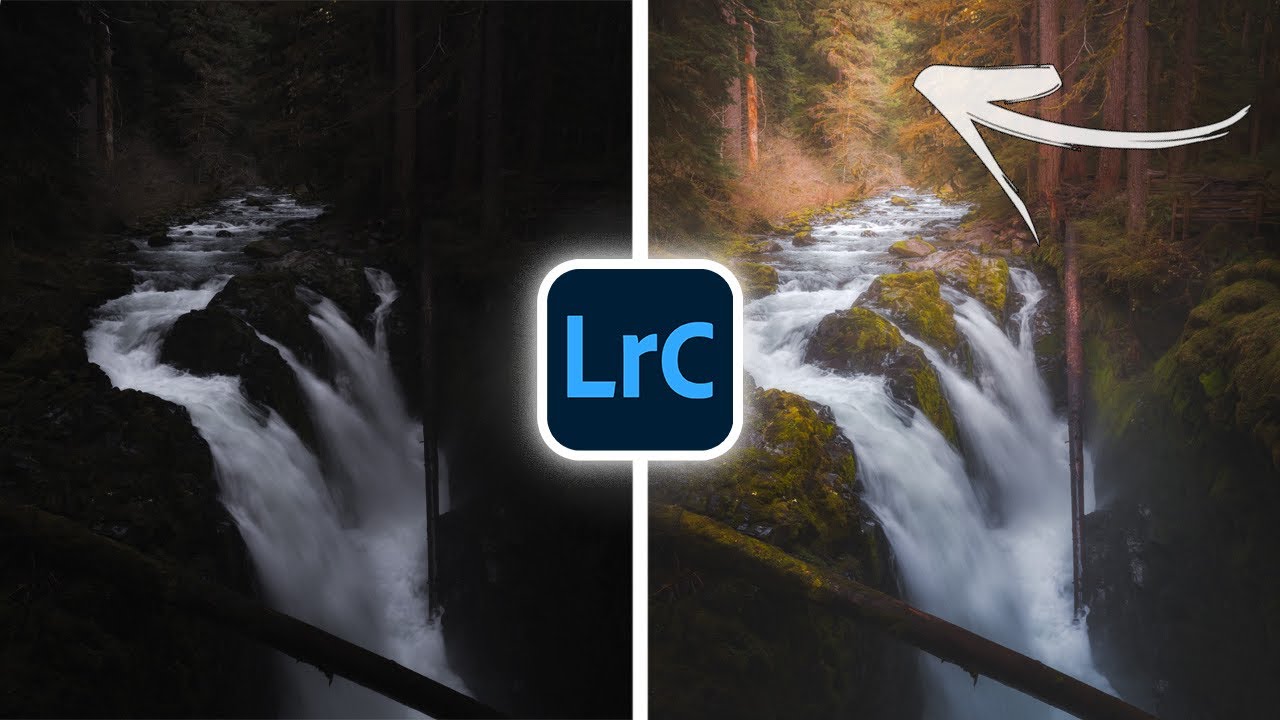
The Lightroom Trick That Finally Made My Photos Look Three-Dimensional

The Lightroom Trick That Finally Made My Photos Look Three-Dimensional

Every flat photo I’ve ever hated had the same problem. Not bad light, not bad composition. The image just looked like a photograph of a scene instead of a window into one. That two-dimensional wall between the viewer and the subject is one of the most frustrating things to diagnose when you’re learning to edit, because the fix isn’t obvious. You can push sliders all day and still miss it.

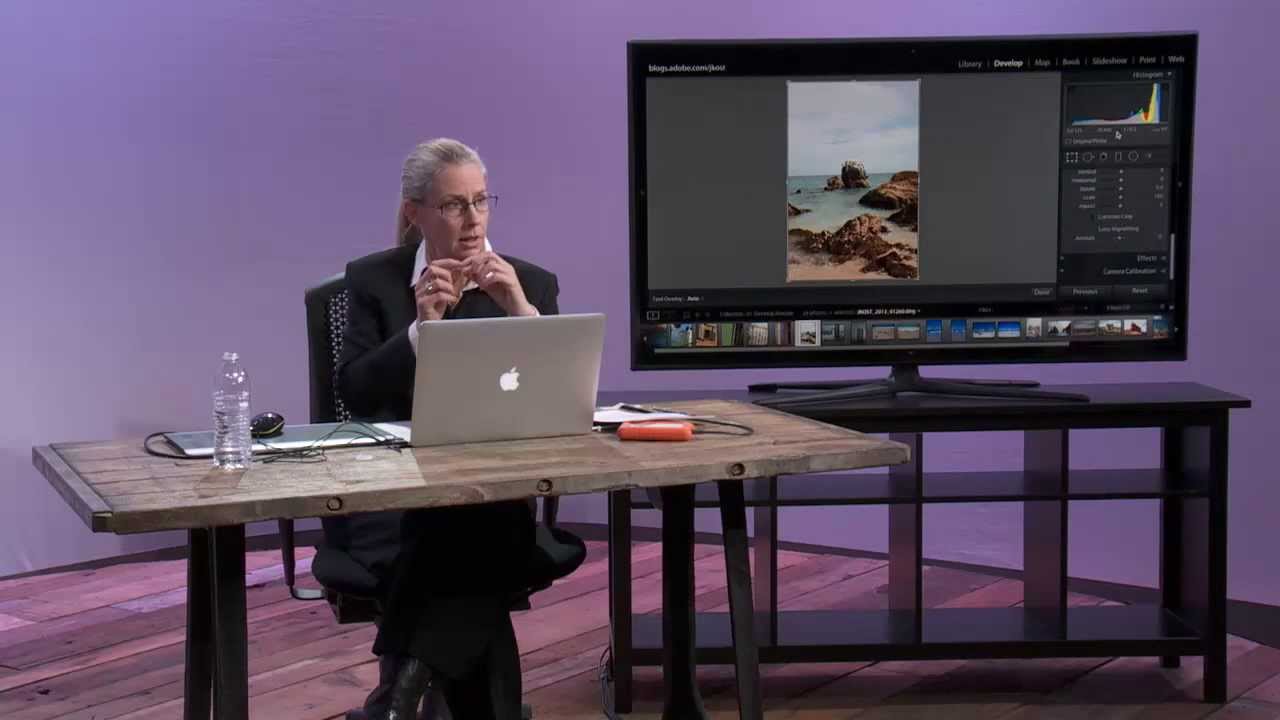
Stop Guessing at Your Histogram: What Julieanne Kost Taught Me About Reading Light

Stop Guessing at Your Histogram: What Julieanne Kost Taught Me About Reading Light

Every time I sit down with a client’s RAW files, the histogram is the first place I look before I touch a single slider. Not because I’m a data nerd (though, fair), but because the histogram tells me instantly whether I’m working with a file that has room to breathe or one that’s already fighting against me. I learned to think about it this way after years of trial and error, but honestly, I wish I’d watched this CreativeLive tutorial by Julieanne Kost a lot earlier in my editing life.

Read Your Raw Files Like a Pro: Lightroom's Exposure Slider Trick Beginners Almost Always Skip

Read Your Raw Files Like a Pro: Lightroom's Exposure Slider Trick Beginners Almost Always Skip

There’s a moment early in most photographers’ Lightroom journeys where they open a raw file, squint at the histogram, decide it “looks okay,” and start dragging sliders around hoping something good happens. I did that for longer than I’d like to admit. The result was a lot of technically mediocre edits that I thought were finished until I looked at them a week later and cringed. What I was missing wasn’t a better preset or a more sophisticated technique.

Fix Blown-Out Landscape Skies in Lightroom Without Touching a Single Physical Filter

Fix Blown-Out Landscape Skies in Lightroom Without Touching a Single Physical Filter

There’s a photo sitting in my Lightroom catalog right now - shot at Percy Warner Park last fall, golden hour, the kind of light that makes you feel like you earned something. The foreground is perfect. The sky is a white, featureless void. I exposed for the trees, and the sky paid the price. If you shoot landscapes, you’ve been here. Your eyes handle that contrast between a bright sky and a shadowed foreground without thinking about it.

The Editing Ceiling: How to Know When to Stop Pushing Sliders in Lightroom

The Editing Ceiling: How to Know When to Stop Pushing Sliders in Lightroom

There’s a specific kind of photo edit that haunts me. It’s the one where I’ve been staring at a screen too long, nudging sliders a little further each time, and what started as a raw file with real potential has slowly become something that looks like it was processed inside a microwave. I’ve been editing long enough to know that the problem isn’t usually a single bad decision. It’s death by a thousand tiny overcorrections, each one feeling justified in the moment.

Mastering the Tone Curve in Lightroom: Transform Your Photos Like a Pro

Mastering the Tone Curve in Lightroom: Transform Your Photos Like a Pro

Mastering the Tone Curve in Lightroom: Transform Your Photos Like a Pro When I first opened Lightroom’s tone curve panel, I felt like I’d unlocked the cheat code to professional-looking edits. While the Basic panel handles the heavy lifting, the tone curve is where the magic happens. Think of it as the difference between a solid Marvel movie and one that actually wins awards—same foundation, infinitely more refinement. What Is a Tone Curve, Actually?