Stop Drowning in Bracket Photos: A Smarter Way to Manage HDR Shoots in Lightroom

Stop Drowning in Bracket Photos: A Smarter Way to Manage HDR Shoots in Lightroom

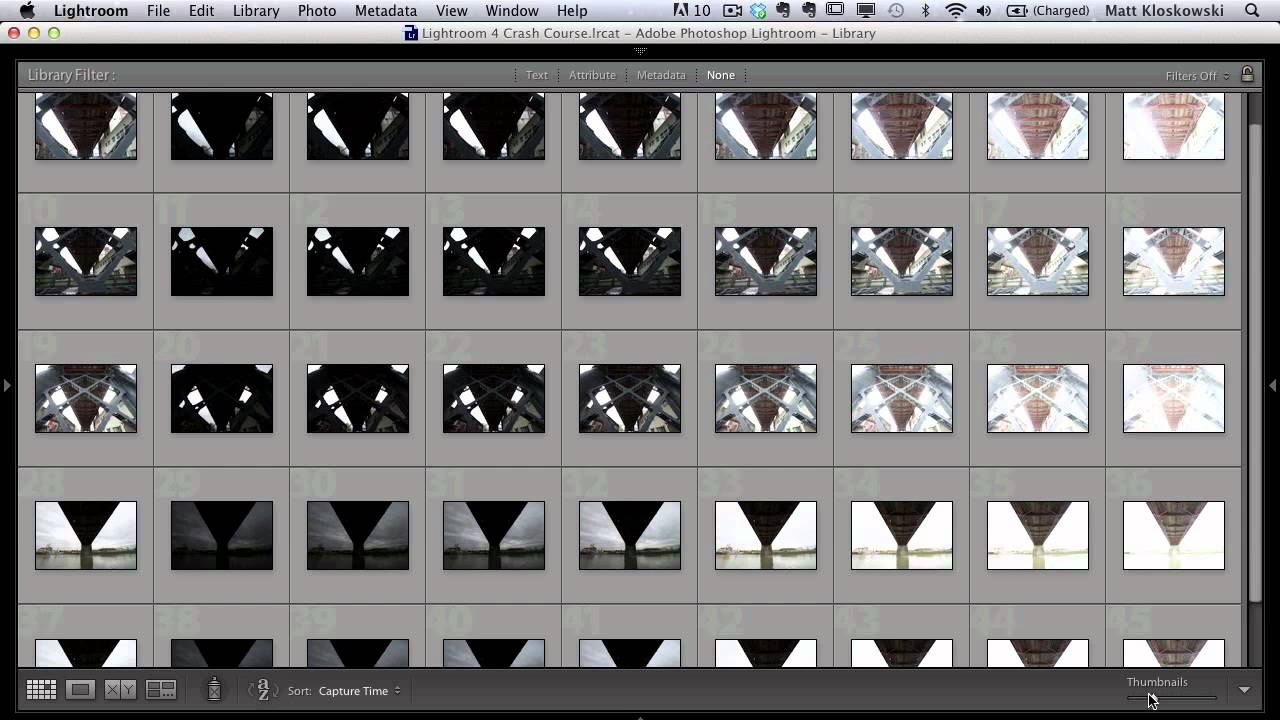
Every time I come back from a shoot with bracketed exposures, I face the same low-grade dread: opening Lightroom to find what feels like a thousand nearly identical frames staring back at me. Nine brackets per scene, multiplied across an afternoon of walking around downtown Nashville, and suddenly I’m not editing photos anymore. I’m just managing files. That’s not why I picked up a camera. This KelbyOne tutorial from Matt Kloskowski landed in my feed at exactly the right moment.

How to Merge HDR Photos in Lightroom (Without Making It Look Like a Nightmare)

How to Merge HDR Photos in Lightroom (Without Making It Look Like a Nightmare)

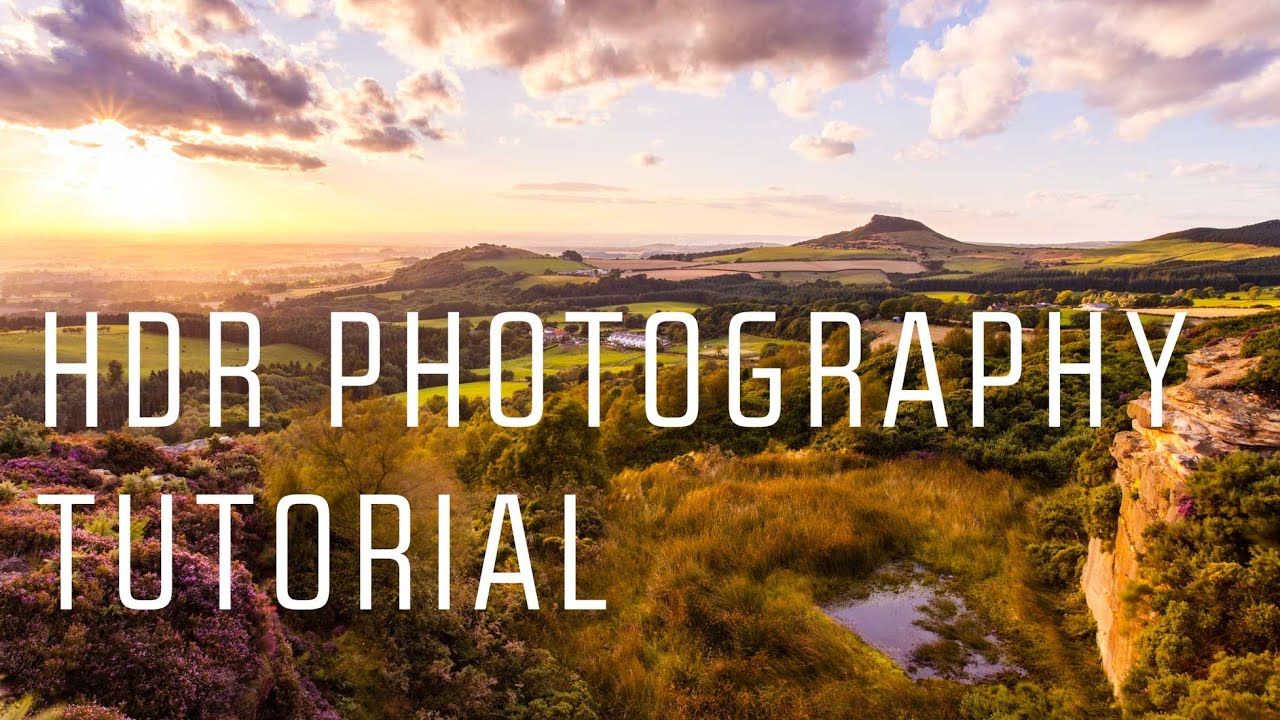
There’s a specific kind of frustration that hits when you’re standing in front of a stunning landscape, you nail the composition, you fire the shutter, and then you open the file later and half the image is either blown out or buried in shadow. Your eyes handled the scene beautifully. Your camera did not. This is the dynamic range problem, and it’s one of the most common reasons a photo that felt incredible in the field ends up looking flat or broken on screen.