How to Watermark Your Photos in Lightroom Without Making Them Look Cheap

How to Watermark Your Photos in Lightroom Without Making Them Look Cheap

There’s a specific kind of frustration that comes from sharing a photo online and watching it float away from you with no indication it was yours. I’ve been there more times than I can count. Before I ever wrote a single tutorial, I was editing press shots for my band in a tiny apartment in Nashville, learning Lightroom out of necessity because we couldn’t afford to hire anyone. Credit rarely traveled with those images.

Stop Typing Blind in Lightroom's Print Module — Use This Copy-Paste Trick Instead

Stop Typing Blind in Lightroom's Print Module — Use This Copy-Paste Trick Instead

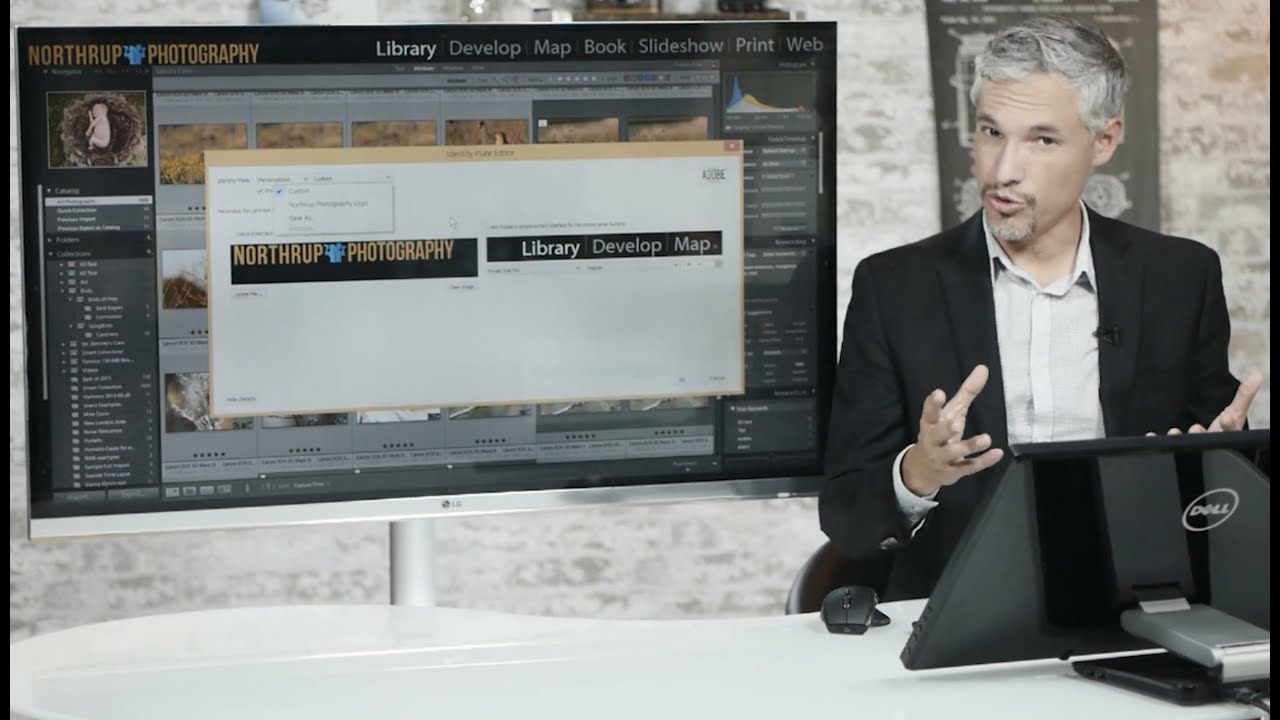
If you’ve ever tried to build a proper print layout in Lightroom and wanted to add more than a single line of text, you’ve probably hit the same wall I did. The identity plate field looks simple enough until you try to hit Return and Lightroom treats it like you just clicked OK. That’s it. Done. No line breaks, no centering, no tracking. Just a flat string of text sitting on your print like a name tag at a conference.