Stop Fighting Crooked Horizons: A Practical Guide to Lightroom's Upright Tool

Stop Fighting Crooked Horizons: A Practical Guide to Lightroom's Upright Tool

There’s a particular kind of frustration that comes from shooting architecture or interiors, loading the photos into Lightroom, and realizing that every single vertical line looks like it’s slowly falling over. I’ve been there more times than I want to count. Whether you’re tilting the camera up to catch a full building facade or shooting a doorway at a slight angle, perspective distortion creeps into the frame almost invisibly on location and becomes glaringly obvious on a 27-inch monitor.

How to Fix Converging Verticals in Lightroom Using Guided Upright (And Actually Control the Result)

How to Fix Converging Verticals in Lightroom Using Guided Upright (And Actually Control the Result)

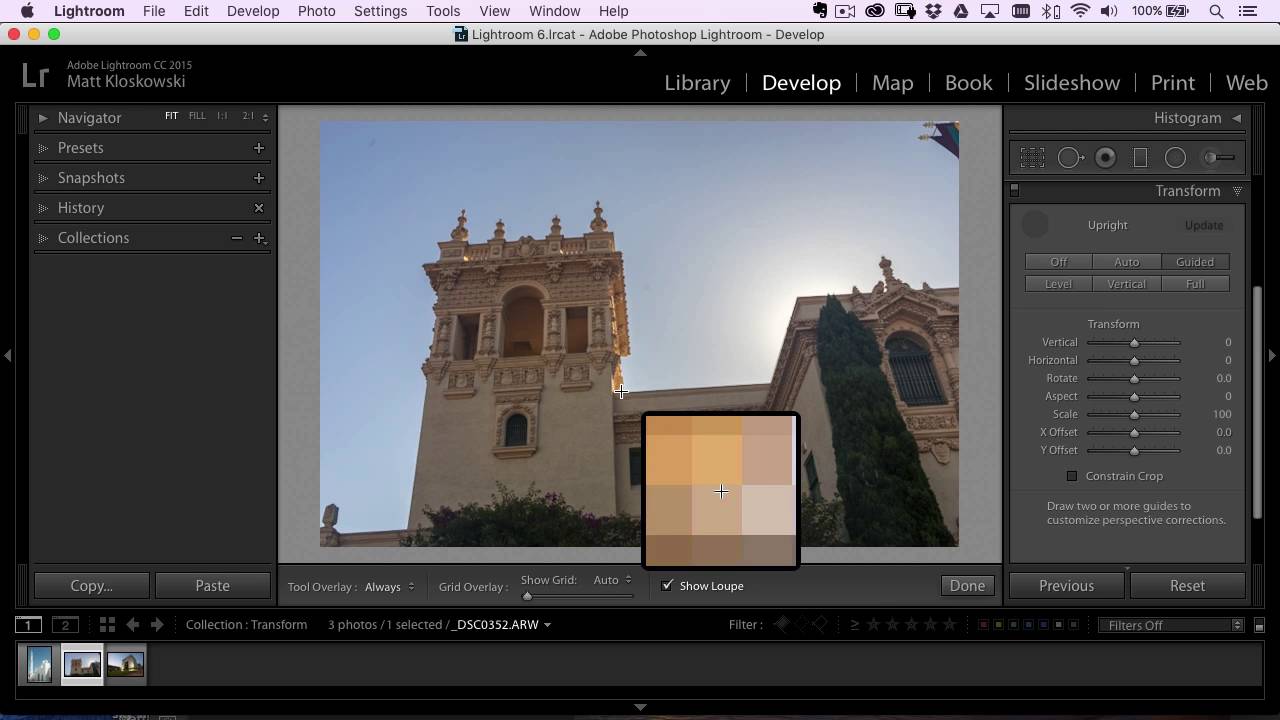
Shooting architecture while traveling is one of those things that looks easy until you get home and open Lightroom. You tilted the camera up to fit the building in the frame, and now every vertical line is falling inward like the walls are slowly closing in. The automatic Upright options in Lens Corrections do an okay job, but they’ve always felt like a negotiation you’re losing. Lightroom picks the reference points, and you just hope it chose wisely.