
Lightroom's Book Module Just Got a Lot Less Annoying — Here's What's New

Lightroom's Book Module Just Got a Lot Less Annoying — Here's What's New

Photo books have always been one of those Lightroom features I wanted to love but kept abandoning halfway through. The cell-based layout system felt like it was designed by someone who had never actually tried to build a visually interesting spread under deadline pressure. I’d drag a cell, watch it snap somewhere useless, try to nudge it, and eventually just export everything to InDesign and move on with my life.
How to Build a Photo Book Layout in Lightroom's Print Module (Without Buying Fancy Software)

How to Build a Photo Book Layout in Lightroom's Print Module (Without Buying Fancy Software)

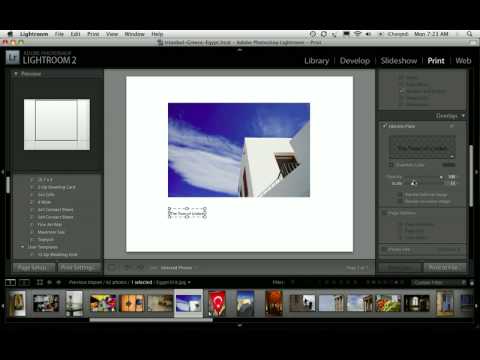
Every time a client asks me about photo books, my first instinct is still to recommend some dedicated software with a subscription fee and a learning curve shaped like a cliff. Then I remember that Lightroom has been quietly capable of this the whole time, sitting right there in the Print module while everyone ignores it in favor of flashier tools. Watch the full tutorial on YouTube In this Scott Kelby tutorial, part two of his three-part photo book series, he walks through building photo book layouts entirely inside Lightroom’s Print module, using photos from a trip to Egypt, Istanbul, and Greece as the working example.

Build a Stunning 11-Photo Wedding Book Page in Lightroom's Print Module (Free Preset Included)

Build a Stunning 11-Photo Wedding Book Page in Lightroom's Print Module (Free Preset Included)

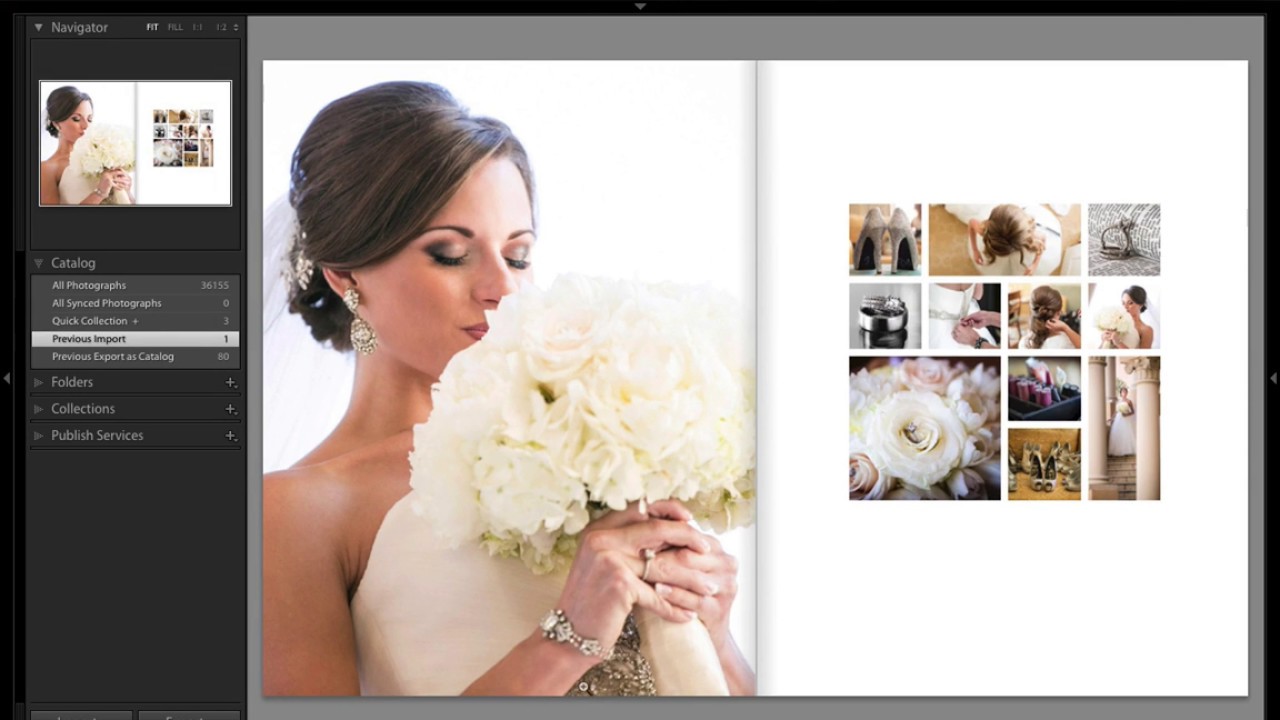
Every wedding photographer I know has a folder somewhere called “book layouts - FINAL” that is neither final nor organized. You know the drill: you want something that looks editorial, something that tells the story of an entire wedding day on a single spread, but building it from scratch feels like assembling furniture without instructions. I’ve been there more times than I want to admit. That’s why this tutorial from Scott Kelby over at KelbyOne stopped me mid-scroll.