
Stop Drowning in Photos: How to Cull Your Lightroom Catalog Like a Pro

Stop Drowning in Photos: How to Cull Your Lightroom Catalog Like a Pro

Coming back from a shoot with 800 raw files is one of those problems that sounds like a good problem until you’re actually sitting in front of it at 11pm. I used to just start from the top and delete anything obviously bad, which meant I spent most of my energy on the garbage instead of the gold. It wasn’t until I started treating culling as its own deliberate phase of the workflow, completely separate from editing, that my output quality actually improved.
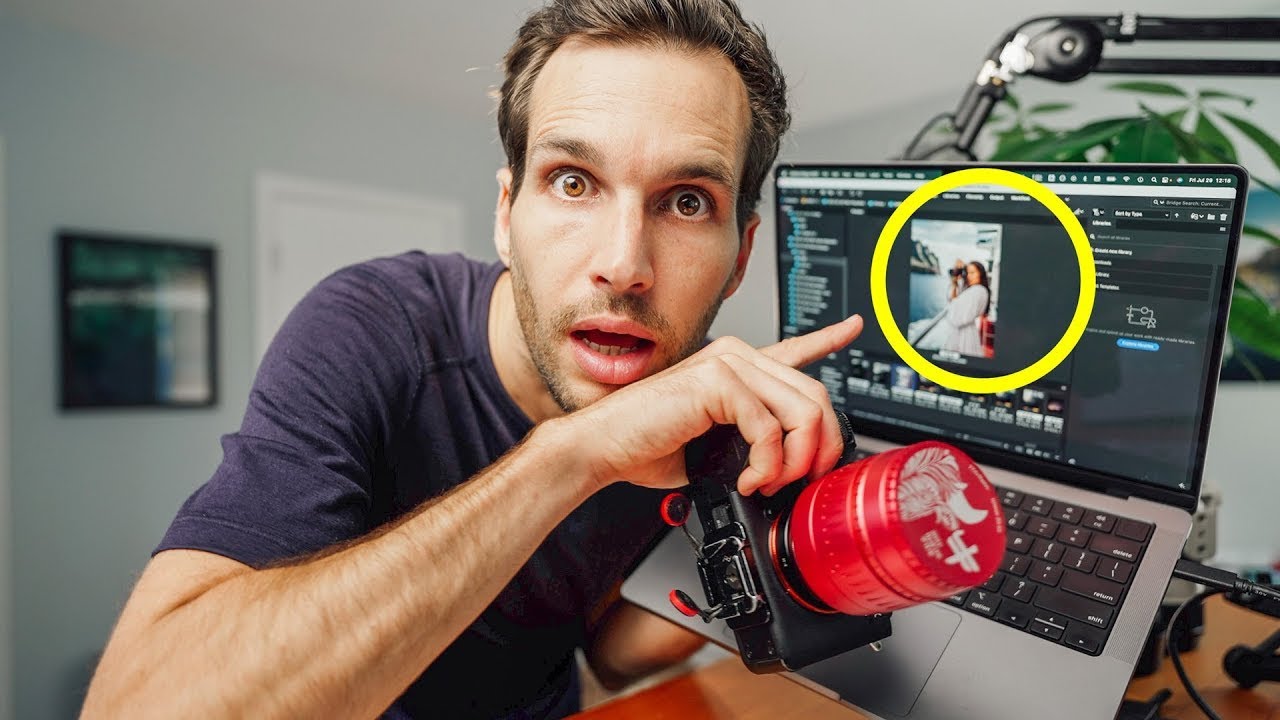

Stop Using Finder to Review Photos. Use Adobe Bridge Instead.

Stop Using Finder to Review Photos. Use Adobe Bridge Instead.

I’ve been editing photos long enough to have strong opinions about almost every step of the process. Ask me about Lightroom versus Capture One sometime and bring a snack, because that conversation runs long. But here’s something I don’t argue about anymore: the moment between pulling your memory card and opening Lightroom is where most photographers quietly waste an embarrassing amount of time. Scrolling through tiny thumbnails in Finder or File Explorer, importing thousands of RAW files before you’ve even decided which ones are worth keeping, waiting on Lightroom’s import dialog to do its slow, grinding thing.

Lightroom Classic CC Just Got Faster — Here's Everything That Actually Changed

Lightroom Classic CC Just Got Faster — Here's Everything That Actually Changed

There’s a specific kind of frustration that hits when you’re sitting at your desk on a Sunday afternoon, memory card full of weekend shoot files, watching Lightroom crawl through preview generation like it’s running on a potato. I’ve been there more times than I’d like to admit. My whole editing setup is dialed in, my vinyl is spinning, my presets are loaded, and Lightroom is the bottleneck. So when Adobe dropped Lightroom Classic CC as an update to Lightroom 6 and the previous Lightroom CC, I wanted to know immediately: does it actually fix that, or is this another changelog full of promises?