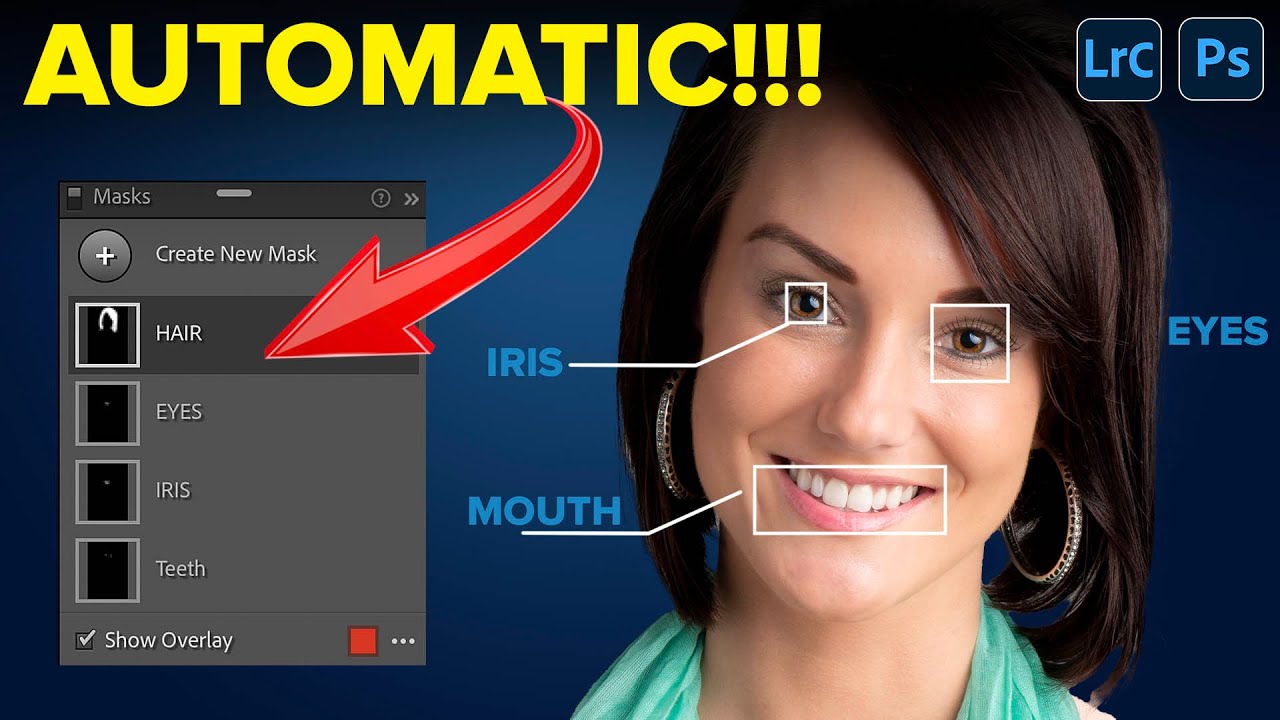
Lightroom's AI Portrait Masking Just Changed How I Edit Every Single Face

Lightroom's AI Portrait Masking Just Changed How I Edit Every Single Face

Portrait retouching used to be the part of my workflow where I’d flip the record, make a cup of coffee, and mentally prepare for fifteen minutes of tedious mask-building before I could do anything creative. Painting in skin masks, dodging around hair, trying to isolate the whites of someone’s eyes without accidentally selecting their eyelid - it was the editing equivalent of untangling headphone cables. Necessary, fine, but nobody’s favorite part of the job.
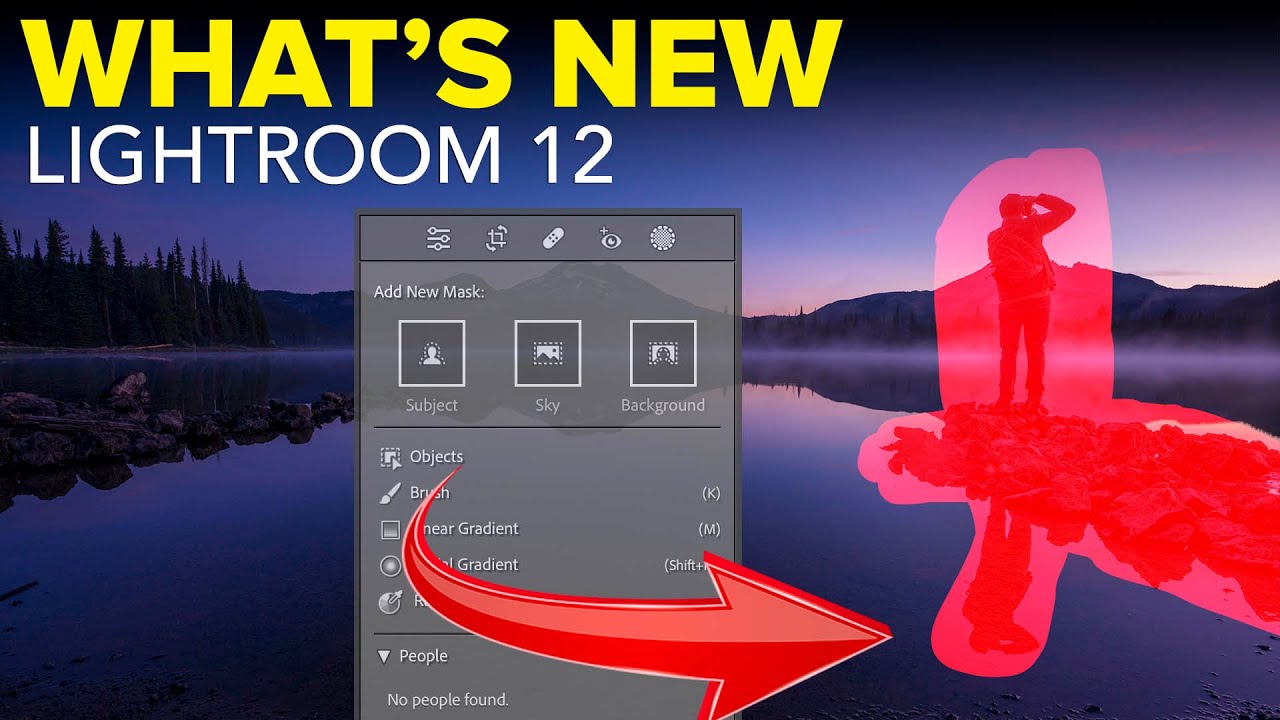
Lightroom's New Portrait Masking Tools Are the Biggest Skin-Editing Leap in Years

Lightroom's New Portrait Masking Tools Are the Biggest Skin-Editing Leap in Years

Portrait editing used to be the part of my workflow I’d put on in the background while I went to make coffee. Click a few sliders, dodge some shadows under the eyes, call it done. But client expectations have shifted, and lately I’ve been getting asked to deliver retouching that would have taken me into Photoshop two years ago. So when Adobe dropped the October 2022 update to Lightroom Classic, I needed to know exactly what was new and whether any of it would actually save me time on a real session.

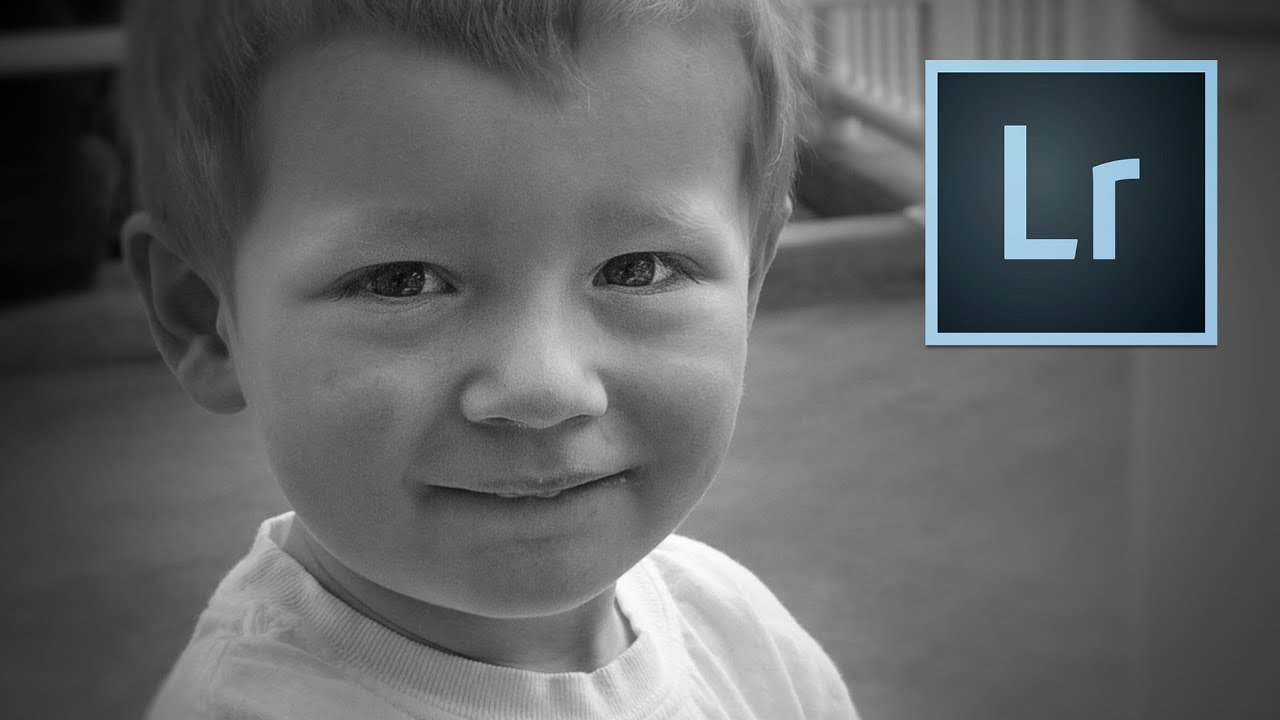
Three Radial Filters and a Black-and-White Conversion: The Depth Portrait Trick I Use Every Week

Three Radial Filters and a Black-and-White Conversion: The Depth Portrait Trick I Use Every Week

Portrait work has a specific problem that nobody warns you about when you’re starting out. You shoot in decent light, you nail the focus, and then you open the file in Lightroom and the subject just sits there, flat against the background like they were cut out of a magazine and glued onto a different photo. No separation, no depth, no sense that the camera actually cared more about them than anything else in the frame.