Stop Sharpening Everything: The Selective Sharpening Technique That Actually Works in Lightroom

Stop Sharpening Everything: The Selective Sharpening Technique That Actually Works in Lightroom

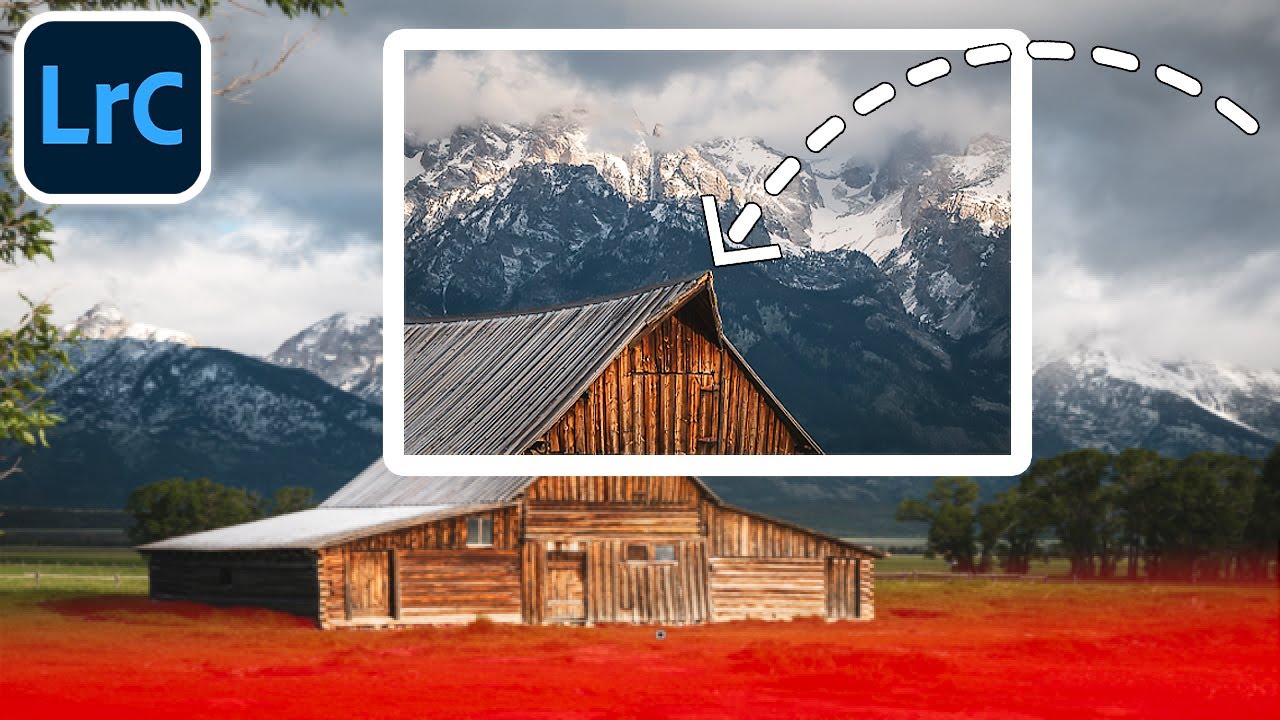
Every few months I’ll open a photo I was excited about in the field and feel that quiet disappointment when it just looks… soft. Not out-of-focus soft, but lacking that punch I saw with my own eyes when I pressed the shutter. For years I did what most photographers do: cranked the Sharpening slider in the Detail panel, dragged the Masking slider while holding Option, called it a day. The photo got sharper, technically.

Three Photos, No Rules: What Matt Kloskowski's Editing Process Actually Teaches You

Three Photos, No Rules: What Matt Kloskowski's Editing Process Actually Teaches You

Every few months I’ll watch another working photographer edit in real time, not because I need the basics refreshed, but because the decisions are where the education lives. Anyone can list sliders. Watching someone decide which slider matters, and why, is a different thing entirely. That’s what pulled me into Matt Kloskowski’s new Photo Makeover series. Watch the full tutorial on YouTube and you’ll see what I mean within the first two minutes.

Lightroom Mobile Finally Gets a Brush (And Sharpening Too) - Here's How to Use Both

Lightroom Mobile Finally Gets a Brush (And Sharpening Too) - Here's How to Use Both

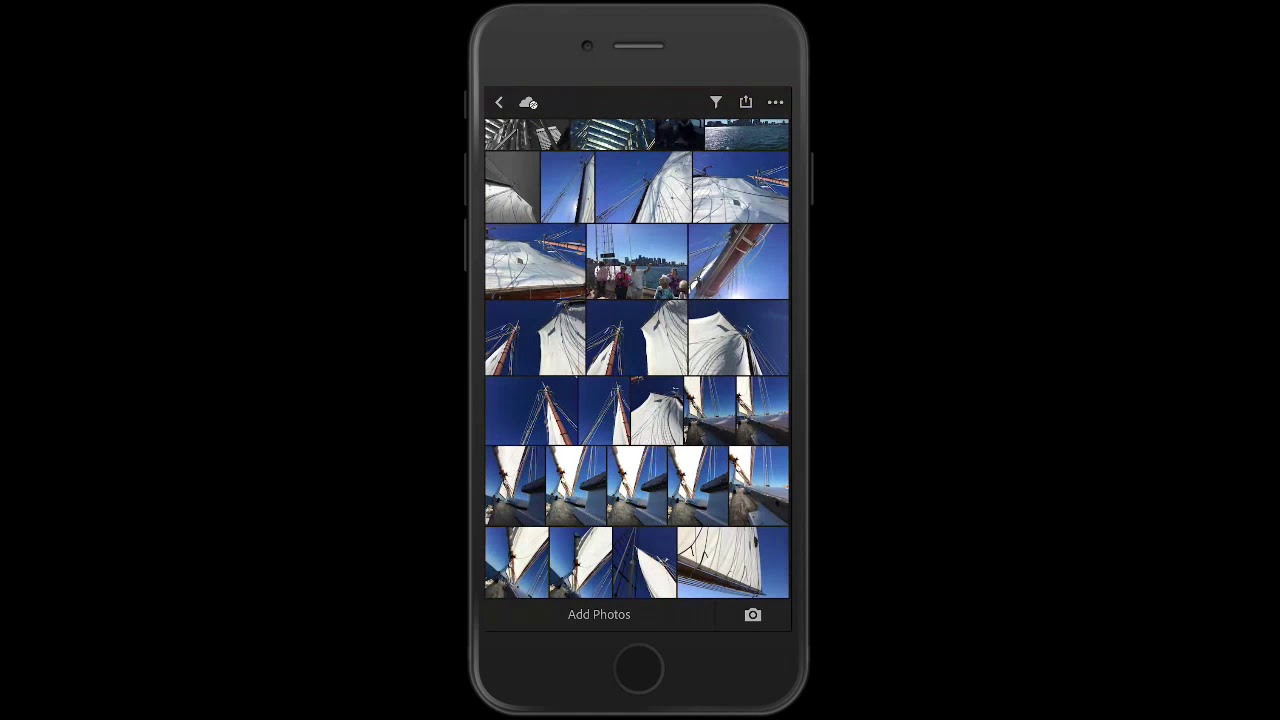
If you edit photos on your phone with any regularity, you already know the specific frustration of reaching for a tool that should be there and finding nothing. For me, that tool was the brush. Every time I handed off a mobile edit workflow to a client or walked someone through Lightroom Mobile at a workshop, the question was the same: “Where’s the brush?” And every time, I had to explain that it just wasn’t there yet.