
The Sky Masking Trick That Changed How I Edit Landscape Photos in Lightroom

The Sky Masking Trick That Changed How I Edit Landscape Photos in Lightroom

There’s a specific kind of frustration that landscape photographers know well. You’re standing somewhere incredible, the sky is doing something wild, the light is golden and dramatic, and you think “this is the shot.” Then you get home, open Lightroom, and the image looks like a weather forecast graphic. Flat. Lifeless. The drama you felt in person just didn’t make it through the lens, and no amount of crushing the highlights slider seems to fix it without wrecking everything else in the frame.
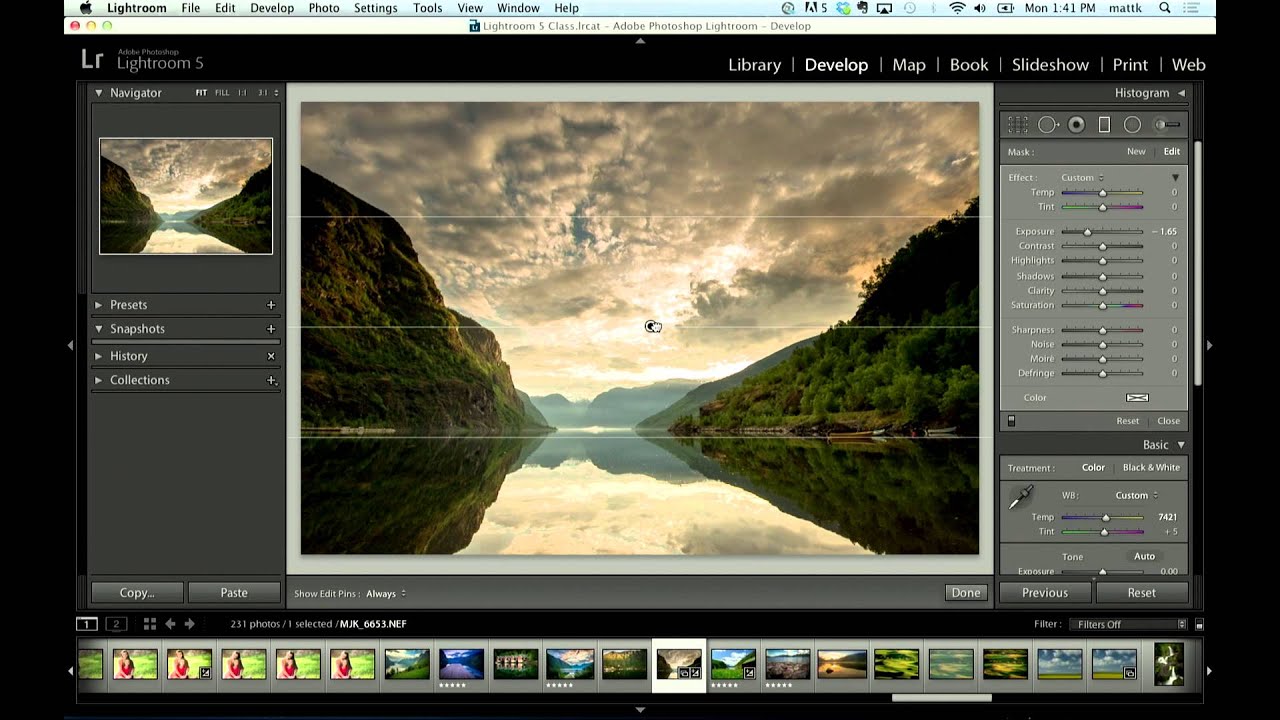
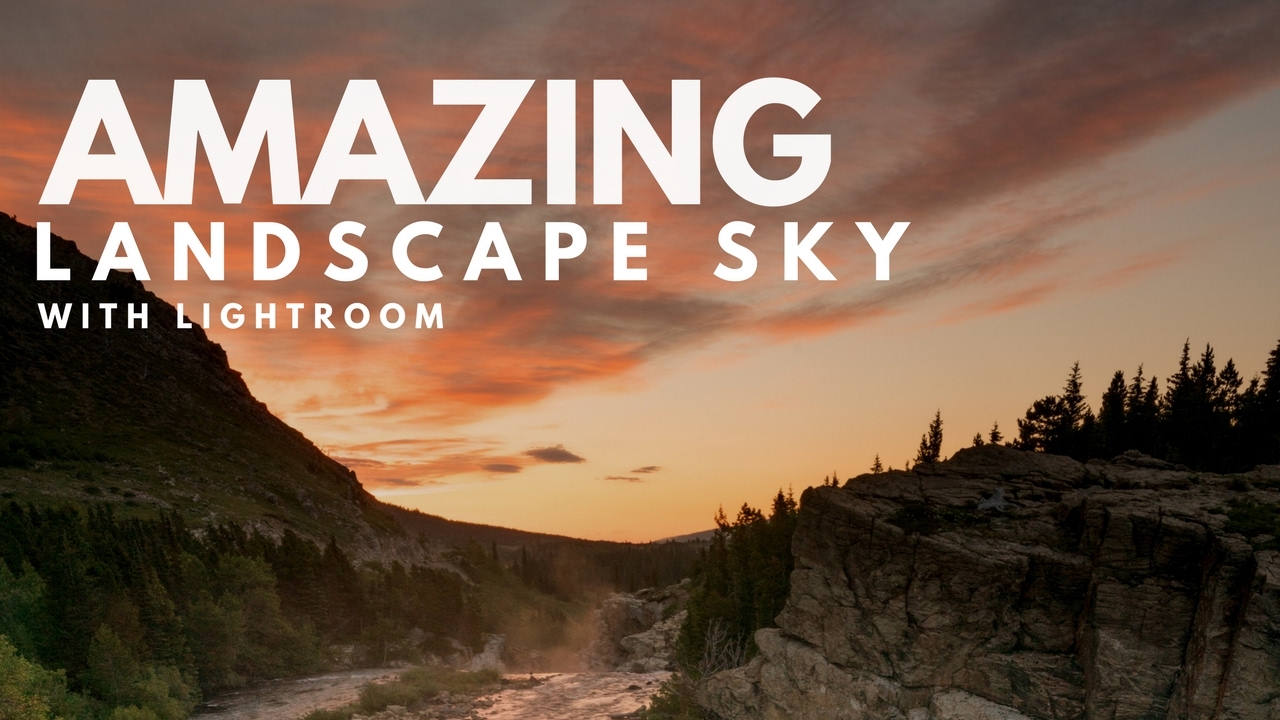
How to Darken a Sky Without Wrecking Your Treeline in Lightroom

How to Darken a Sky Without Wrecking Your Treeline in Lightroom

Sky editing is one of those things that sounds simple until you’re staring at a photo where the clouds are blown out and the foreground looks like it was shot at midnight. I’ve been in that exact situation more times than I want to count, and for a long time my fix was clunky at best. I’d pull down the overall exposure, hate what it did to the shadows, undo it, and then just… accept a mediocre sky.

Fix Blown-Out Landscape Skies in Lightroom Without Touching a Single Physical Filter

Fix Blown-Out Landscape Skies in Lightroom Without Touching a Single Physical Filter

There’s a photo sitting in my Lightroom catalog right now - shot at Percy Warner Park last fall, golden hour, the kind of light that makes you feel like you earned something. The foreground is perfect. The sky is a white, featureless void. I exposed for the trees, and the sky paid the price. If you shoot landscapes, you’ve been here. Your eyes handle that contrast between a bright sky and a shadowed foreground without thinking about it.