Virtual Copies in Lightroom: How to Deliver More Without Working More

Virtual Copies in Lightroom: How to Deliver More Without Working More

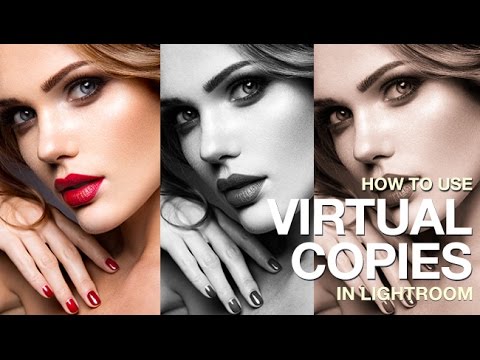
There’s a particular kind of client email I used to dread. The one that comes in two days after delivery asking if you can send “a few black and white versions too, and maybe one with a warmer feel?” Back when I was editing press shots for my band on a budget and no one else was going to do it, I learned fast that re-editing six photos three different ways could eat an entire afternoon.

Virtual Copies in Lightroom: One Photo, Three Versions, Zero Extra Storage

Virtual Copies in Lightroom: One Photo, Three Versions, Zero Extra Storage

There’s a specific kind of dread that hits when a client asks for “a few different looks” on 200 wedding photos. Your first instinct is to duplicate everything, which means double the storage, double the catalog clutter, and double the time spent organizing files you didn’t need in triplicate. For years, I handled this the hard way before I understood what virtual copies could actually do for a portrait and event workflow.