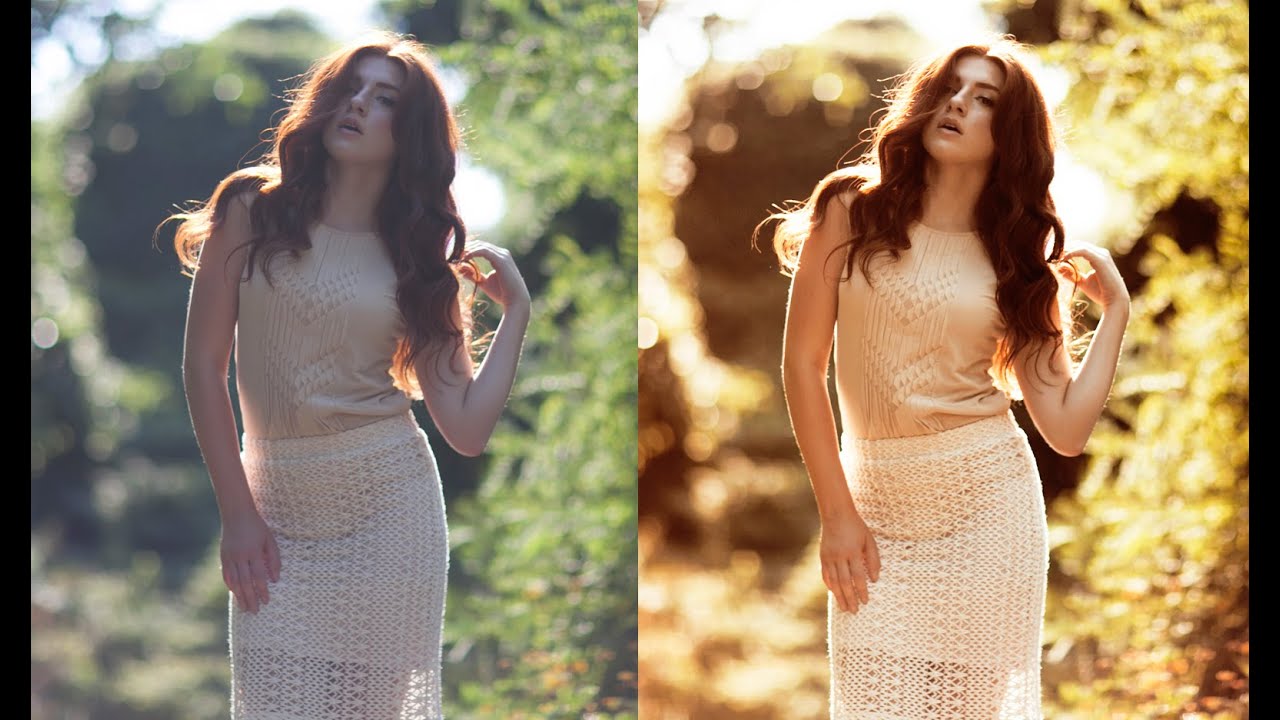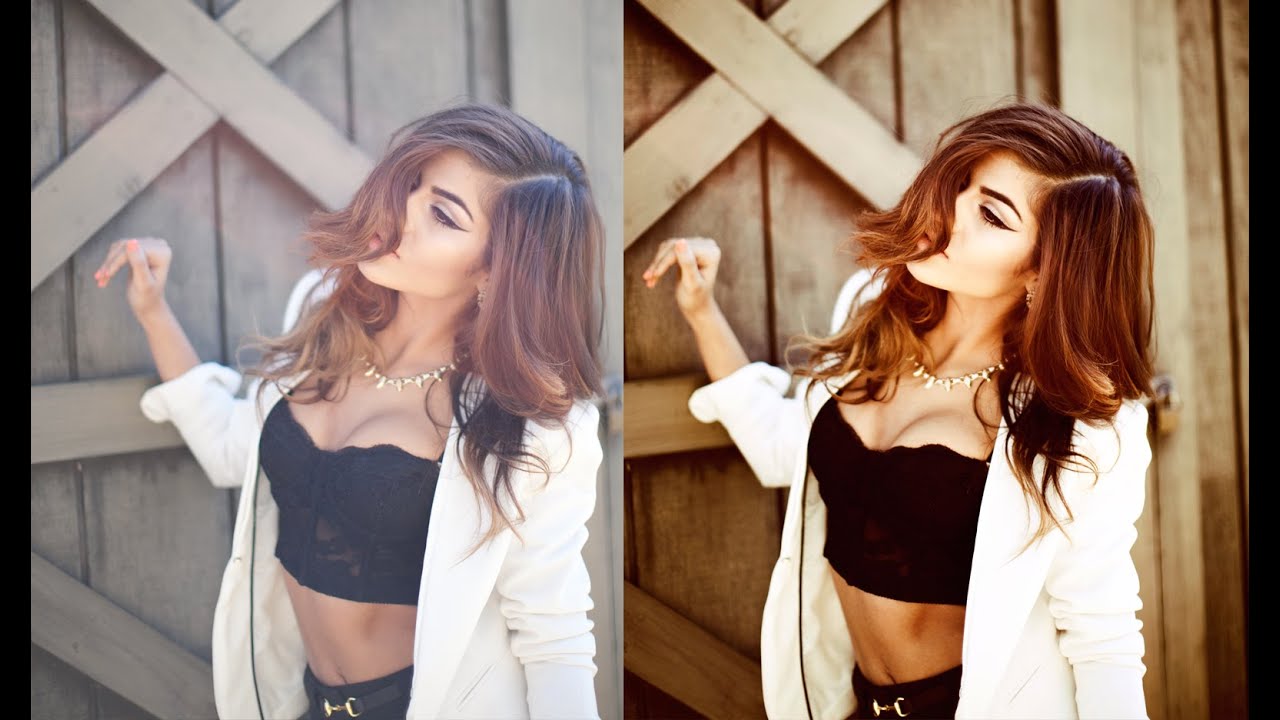
How to Get a Warm, Film-Toned Look in Photoshop Using Four Adjustment Layers

How to Get a Warm, Film-Toned Look in Photoshop Using Four Adjustment Layers

Most of my workflow lives inside Lightroom. That’s no secret. But every once in a while, a Photoshop technique comes along that makes me stop what I’m doing, close my preset panel, and actually pay attention. This is one of those techniques. Watch the full tutorial on YouTube In this Jessica Kobeissi tutorial, she walks through a warm-toned color grading effect using just four adjustment layers in Photoshop. No plugins, no complicated masking, no frequency separation rabbit holes.
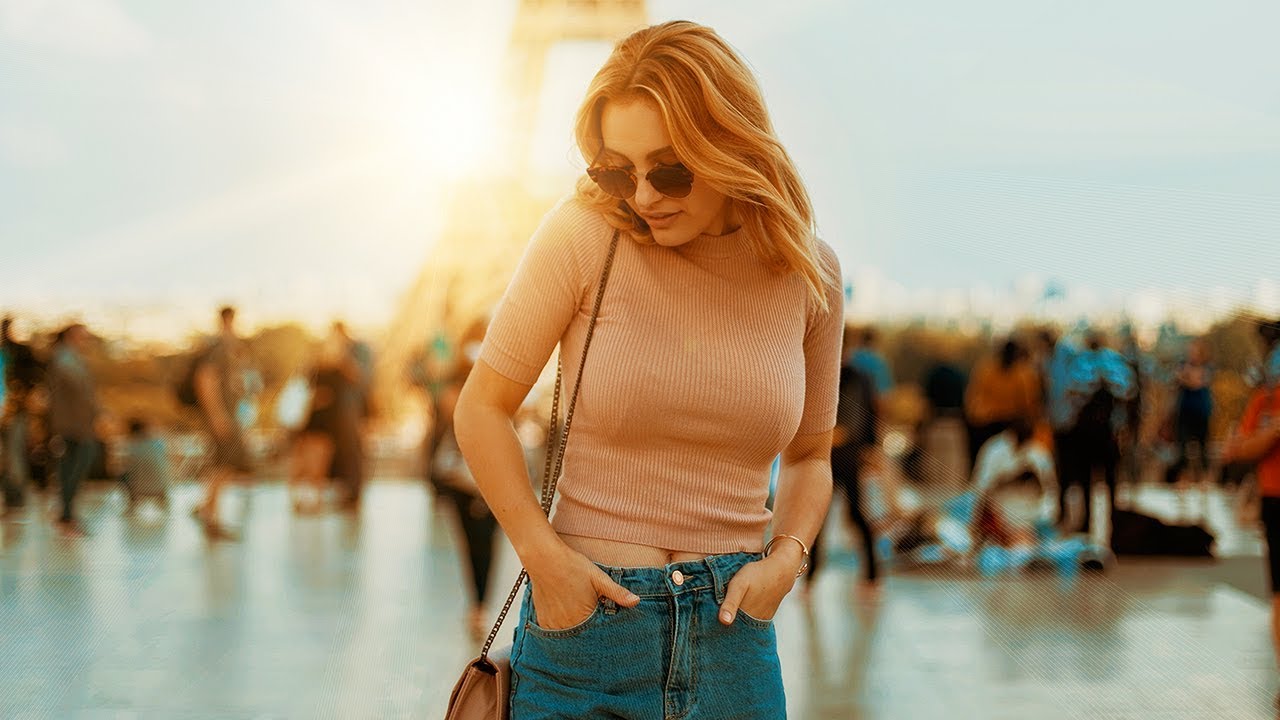
The Photoshop Color Grading Stack That Actually Makes Flat Photos Look Cinematic

The Photoshop Color Grading Stack That Actually Makes Flat Photos Look Cinematic

There’s a specific kind of photo that ends up in my reject pile not because it’s technically bad, but because it’s just… flat. Good light, decent composition, nothing wrong with it, and yet nothing is happening. For years I threw processing power at that problem. More contrast, more vibrance, heavier presets. The results were always a little blunt. What I actually needed was a stacked adjustment layer approach that builds color gradually, the way a good mix engineer layers frequencies instead of just cranking the volume.

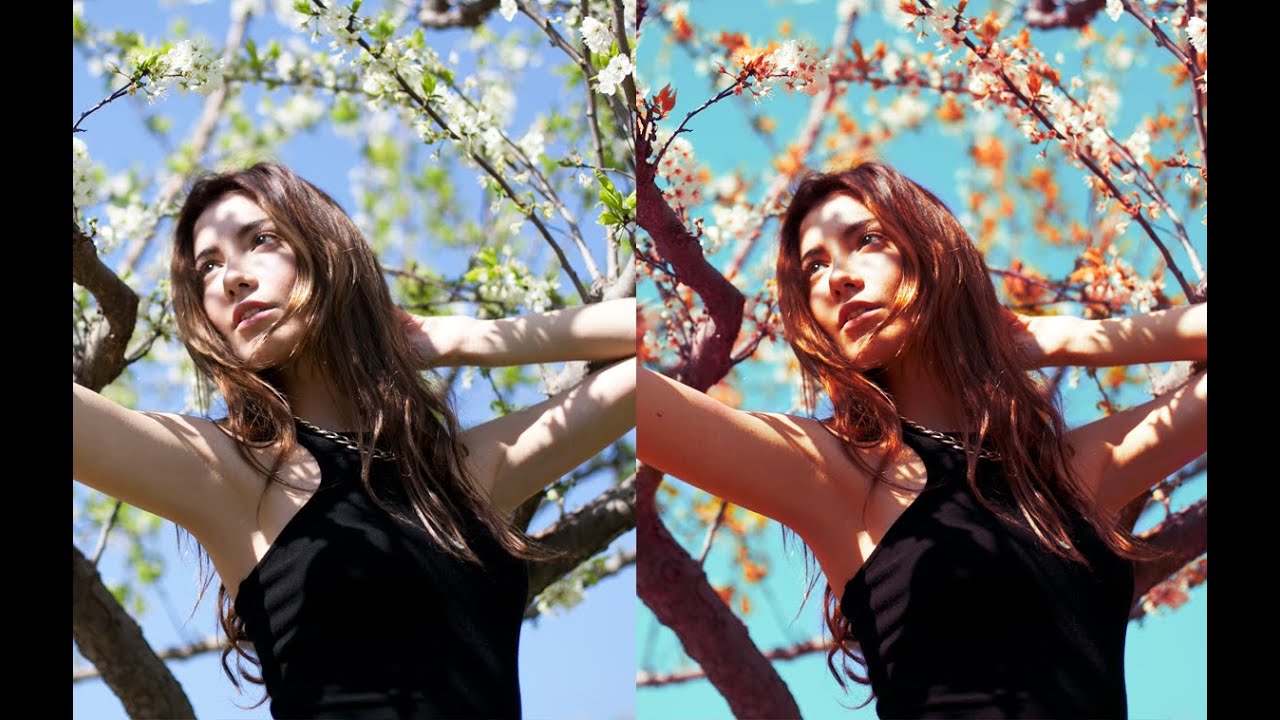
How to Shift an Entire Photo's Tone in Photoshop Using Five Adjustment Layers

How to Shift an Entire Photo's Tone in Photoshop Using Five Adjustment Layers

There’s a specific frustration every portrait photographer knows: you nail the shot, the subject looks great, but the background is working against you. The sky is flat, the leaves are the wrong shade, and the overall color story feels like it belongs to a different image. You can push sliders in Lightroom all afternoon and still not get the nuanced control you actually want. That’s the gap this technique fills.

How to Add a Warm Backlit Glow to Photos Using Photoshop Adjustment Layers

How to Add a Warm Backlit Glow to Photos Using Photoshop Adjustment Layers

Backlit portraits are one of those shots that look gorgeous straight out of camera but almost always need a push in post to reach their potential. The light is already doing something interesting, and your job as an editor is to lean into that warmth rather than fight it. I’ve spent a lot of time chasing that golden-hour feel inside Lightroom, but sometimes a Photoshop-based approach gives you more control over where the warmth actually lands in the frame.